EasyManua.ls Logo

Steca Tarom 4545 - User Manual

Steca Tarom 4545
82 pages
Print Icon
To Next Page IconTo Next Page
Loading...
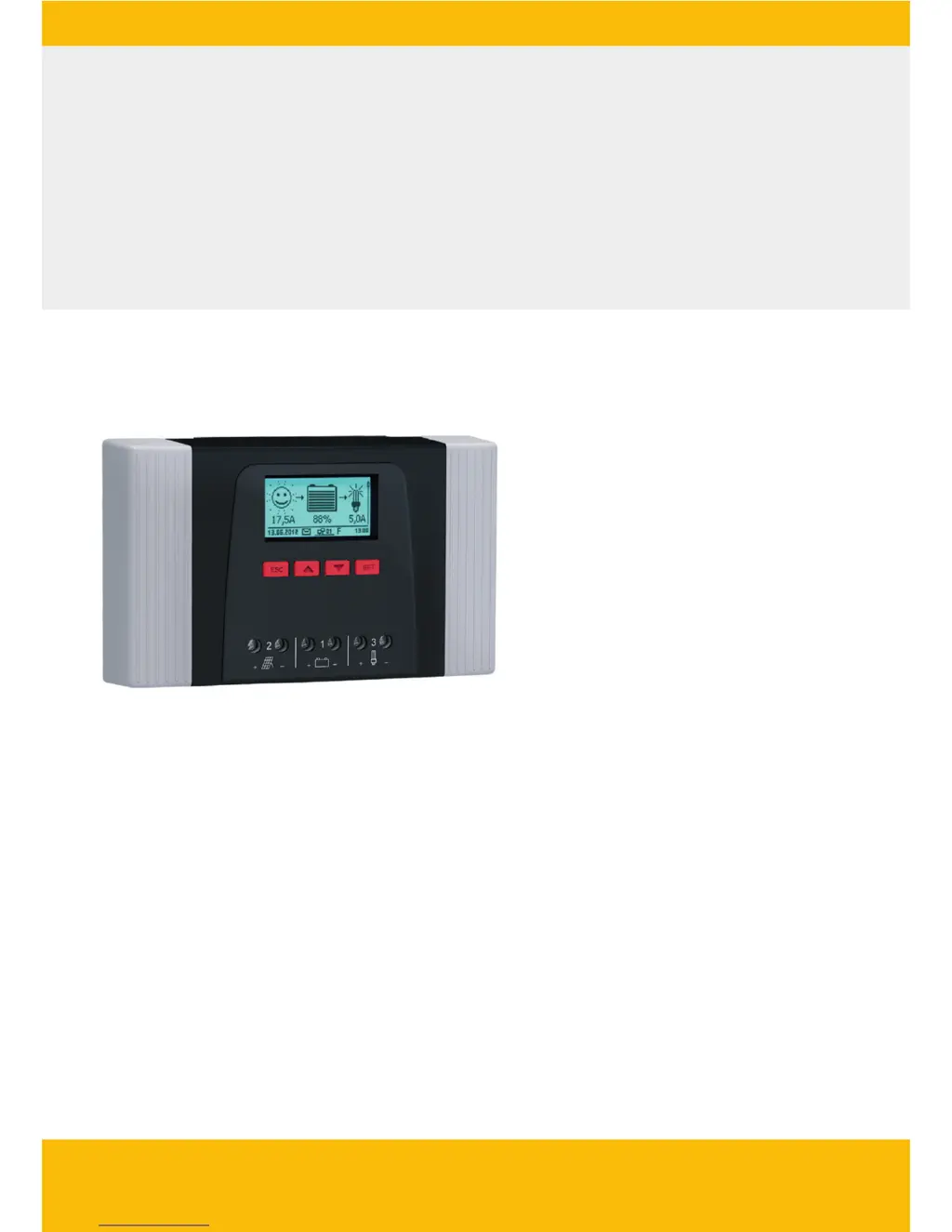
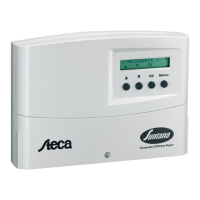
Solar Charge Controller
Adjustable, for hybrid and telecommunication systems
Tarom 4545 (12 V/24 V accumulator)
Tarom 4545-48 (12 V/24 V/48 V accumulator)
Installation and operating instructions
GB
Z03 | 17.05

Table of Contents

Other manuals for Steca Tarom 4545

Questions and Answers

  • S
    Suzanne HallSep 3, 2025
    What to do if my Steca Controller indicates 'Wrong battery polarity'?
    • S
      Stephanie WilliamsSep 3, 2025
      If your Steca Controller indicates 'Wrong battery polarity', it means the battery is connected with the wrong polarity. To fix this, connect the battery with the correct polarity.
  • M
    Matthew AcostaSep 2, 2025
    What should I do if my Steca Tarom 4545 displays 'Battery not connected'?
    • R
      Ryan SmithSep 2, 2025
      If your Steca Controller shows 'Battery not connected', even when the solar module is supplying voltage, try these steps: First, connect the battery. Then, check the external battery fuse and replace it if necessary. Next, check the battery cable connections and inspect the battery cable for any breaks.
  • M
    Mr. Matthew Robertson Jr.Sep 1, 2025
    What to do if my Steca Tarom 4545 shows 'Battery voltage too high'?
    • A
      Anthony LeeSep 1, 2025
      If your Steca Controller displays a 'Battery voltage too high' error, take these steps: Remove any other charging sources connected to the battery to see if that corrects the problem. Also, measure the battery voltage with a voltmeter and compare it to the controller display. If the values deviate greatly, the controller might be damaged.
  • T
    Thomas MurphyAug 31, 2025
    What should I do if my Steca Tarom 4545 Controller displays 'Battery voltage too low'?
    • W
      wmillerAug 31, 2025
      If your Steca Controller indicates a low battery voltage, it means the battery's cell voltage has dropped below the minimum. If a directly connected load has deeply discharged the battery, charge it with an external device. If the message appears frequently, check the battery's capacity and replace it if needed. Also, measure the battery voltage with a voltmeter and compare it to the controller's display; a large deviation suggests the controller is damaged.
  • M
    Martha GuerraAug 31, 2025
    What to do if my Steca Tarom 4545 shows an overload?
    • W
      William WilliamsAug 31, 2025
      If your Steca Controller displays an overload message, it means the maximum permissible load current has been exceeded, and the controller has switched off the load output. First, switch off some loads to reduce the total load current. Then, switch the loads back on individually. If the message reappears after all loads are on, contact your dealer, specifying whether the message appears immediately or after a certain time.
  • W
    williamblackAug 30, 2025
    What does pre-warning of deep discharge protection mean on my Steca Tarom 4545 Controller?
    • D
      Debbie JohnsonAug 30, 2025
      If you receive a pre-warning of deep discharge protection on your Steca Controller: * Charge the battery. * Set the switch-off threshold of the Load deep discharge protection under ‘Main menu’ ? ‘Output settings’ ? ‘Load’ ? ‘Low volt. discon. - LVD’ ? ‘Disconnection thresh.’
  • J
    Juan RamirezAug 29, 2025
    What does 'PV current too high' mean on my Steca Tarom 4545?
    • D
      Dennis PotterAug 29, 2025
      If the Steca Controller displays ‘PV current too high’, it means the maximum permissible module current has been exceeded because the solar module is over-dimensioned. Contact your dealer for assistance.
  • J
    Jamie JenningsAug 28, 2025
    What does it mean when my Steca Tarom 4545 displays a 'Battery voltage too high' error?
    • T
      Tami AndersonAug 28, 2025
      If the Steca Controller displays a ‘Battery voltage too high’ message, the cell voltage of the battery has risen above the maximum value. To address this: * Remove other charging sources connected to the battery. Is the problem corrected? * Measure the battery voltage with a voltmeter and compare it to the controller display. If the values deviate greatly, the controller is damaged.
  • T
    twashingtonAug 27, 2025
    How to fix a 'Sensor defect: extern. temperature' error on my Steca Tarom 4545?
    • T
      thompsondeniseAug 27, 2025
      If the Steca Controller displays a ‘Sensor defect: extern. temperature’ message, it indicates a short circuit or open circuit in an external temperature sensor. Check the following: * Is the external temperature sensor cable correctly connected to the controller? * Is the cable broken or short-circuited? * Is the external temperature sensor damaged?
  • A
    allisonsharonAug 26, 2025
    What does it mean when my Steca Controller displays a 'Battery voltage too low' error?
    • P
      Philip BellAug 26, 2025
      If your Steca Controller displays a ‘Battery voltage too low’ message, it means the cell voltage of the battery has dropped below the minimum value. If this happens: * Charge the battery with an external device if a directly connected load has deeply discharged the battery. * If the message appears frequently, check the battery's capacity and replace it if needed. * Measure the battery voltage with a voltmeter and compare it with the controller display. If the values differ greatly, the controller might be damaged.

Summary

Safety and Product Information

General Safety Instructions

Essential safety guidelines for installation and operation.

Proper Usage

Defines the intended applications and limitations of the controller.

Installation and Setup

Controller Overview and Connections

Explains the physical layout and connection points of the device.

Installation Safety and Electrical Connections

Critical safety measures, cable connections, and electrical setup.

Initial Commissioning

Guide to setting up the controller after installation.

Operation and System Functions

System Functions and Control Modes

Explains protections, control modes, and charging functions.

Control Functions

Details on automatic switching functions like timers and light control.

Troubleshooting and Maintenance

Event Messages and Error Solutions

How to interpret and resolve error messages and other issues.

Self Test and Maintenance

Performing diagnostic tests and routine checks for the controller.

Technical Data and Support

Controller Technical Data

Key electrical parameters, operating ranges, and design features.

Contact and Guarantee

Information on warranty, support, and contact details.

Steca Tarom 4545 Specifications

General IconGeneral
BrandSteca
ModelTarom 4545
CategoryController
LanguageEnglish

Related product manuals