4-11
Operating Instructions Operator Manual 150832-639
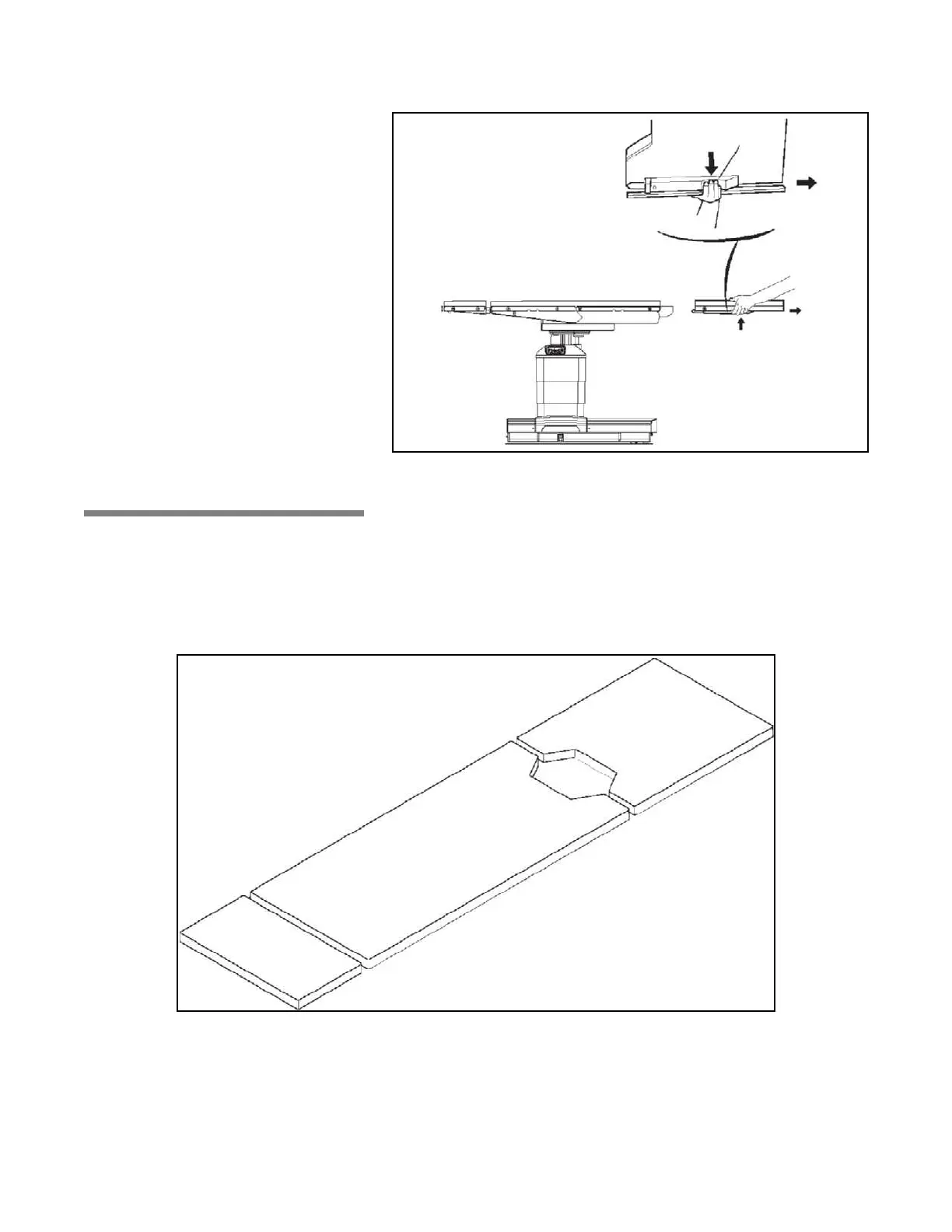
Figure 4-7. Leg Section Removal
4.7 Table Pads The conductive Tabletop Pads (see Figure 4-8) are backed with
fastening strips which fasten to mated strips on the tabletop. To
install, proceed as follows:
1. Place pads in position and firmly press fastening strips together.
2. To remove pads, gently “peel” pad away from tabletop.
Figure 4-8. Tabletop Pads














 To Next Page