91
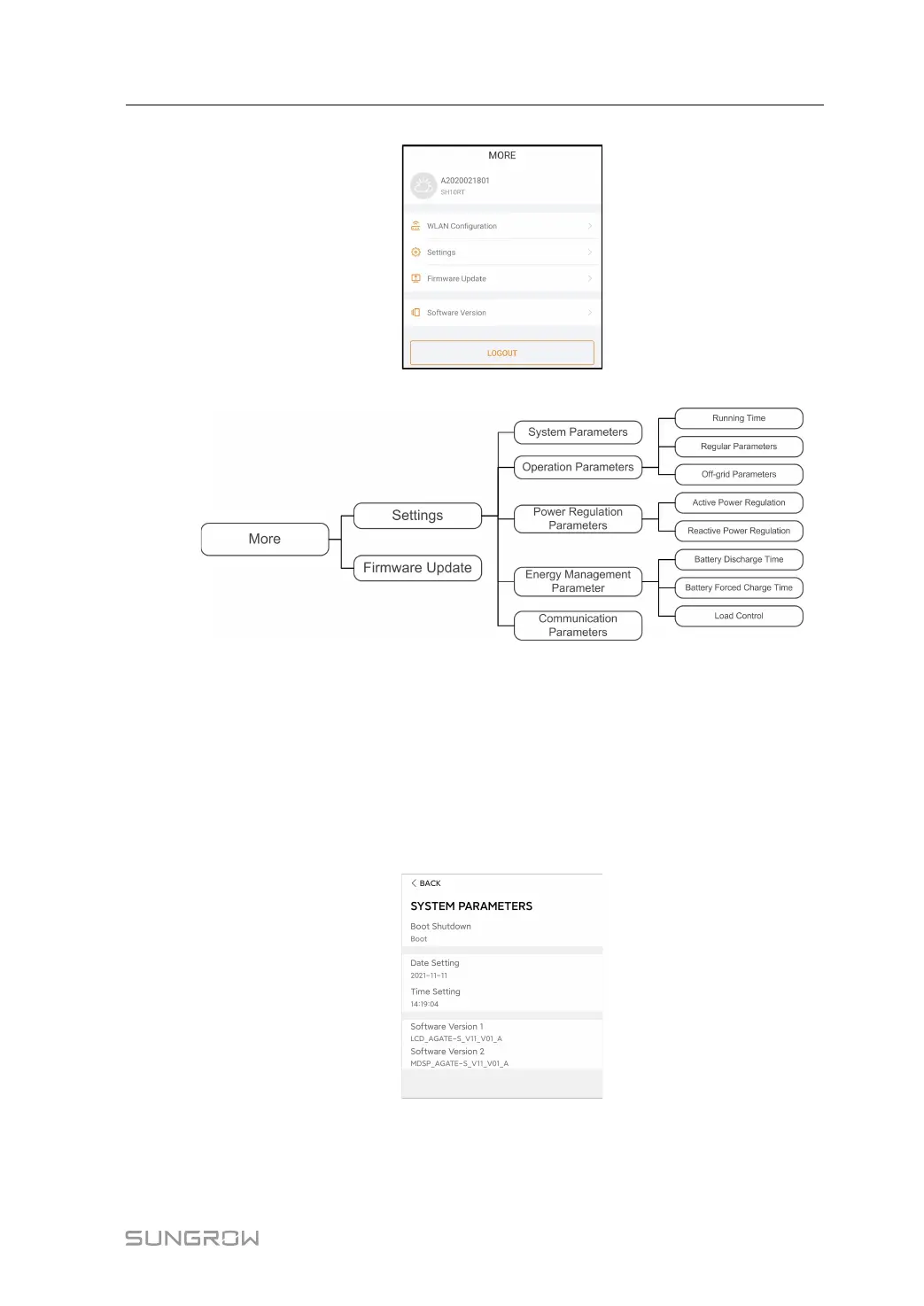
figure 8-13 More
The More screen supports the following operations:
• Set parameters including inverter system parameters and energy management
parameter.
• Upgrade inverter firmware (ARM/DSP/PVD/CPLD).
8.10.1 System Parameters
Tap Settings→System Parameters to enter the corresponding screen, as shown in the fol-
lowing figure.
figure 8-14 System Parameters
Boot/Shutdown
Tap Boot/Shutdown to send the boot/shutdown instruction to the inverter.
User Manual 8 iSolarCloud App



 To Next Page