53
step 7 Slightly shake it by hand to determine whether it is installed firmly.
- - End
6.7.2.2 WLAN Communication
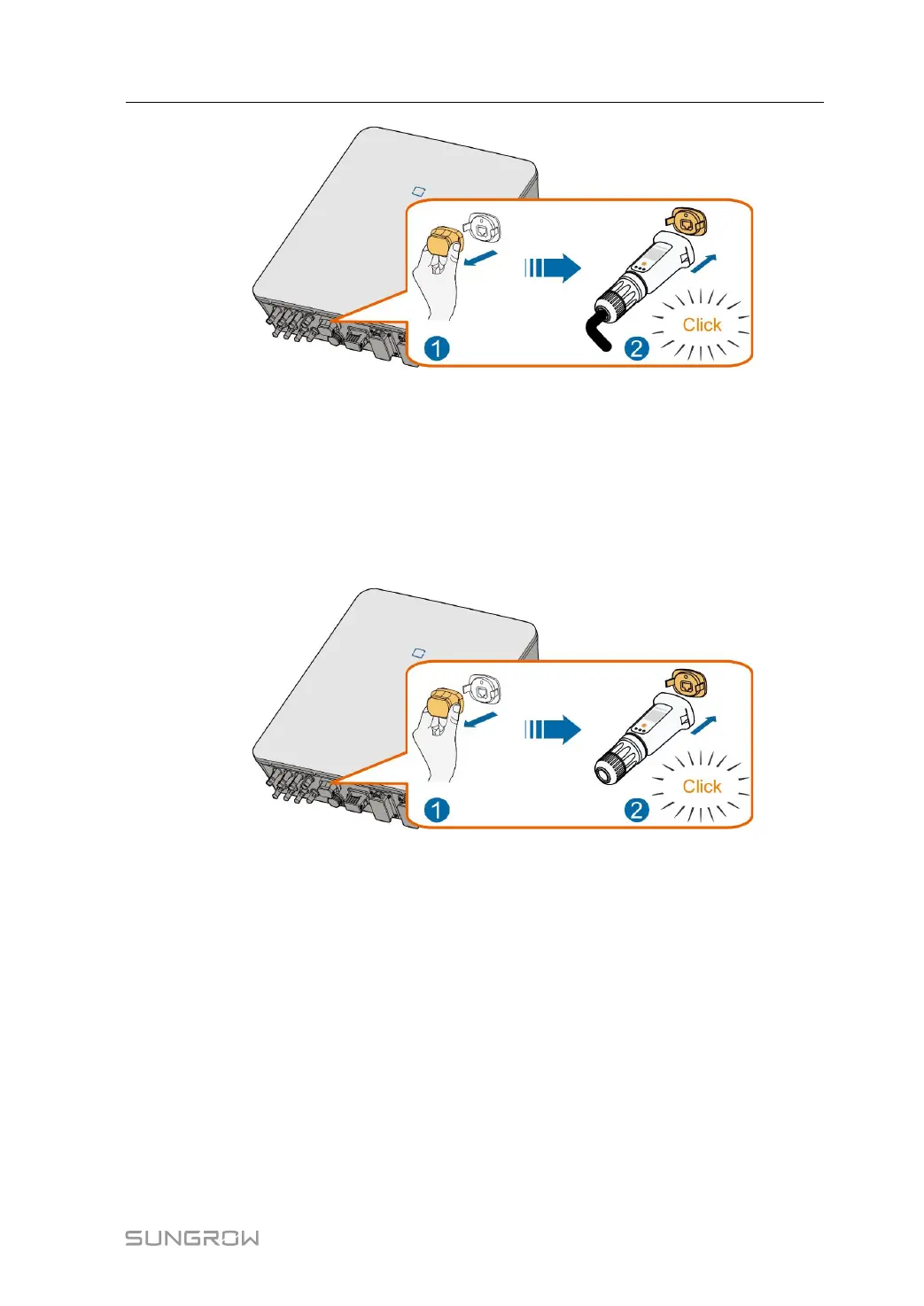
step 1 Remove the waterproof lid from the WLAN terminal.
step 2 Install the module. Slightly shake it by hand to determine whether it is installed firmly, as
shown below.
step 3 Refer to the guide delivered with the module for the set-up.
- - End
6.7.3 RS485 Connection
Where there is only one inverter, the RS485 can be connected to an external device for the
communication.
Where there are two or more inverters in parallel, the RS485 connection enables the com-
munication between master inverter and slave inverter, as shown in the following figure.
User Manual 6 Electrical Connection



 To Next Page