56
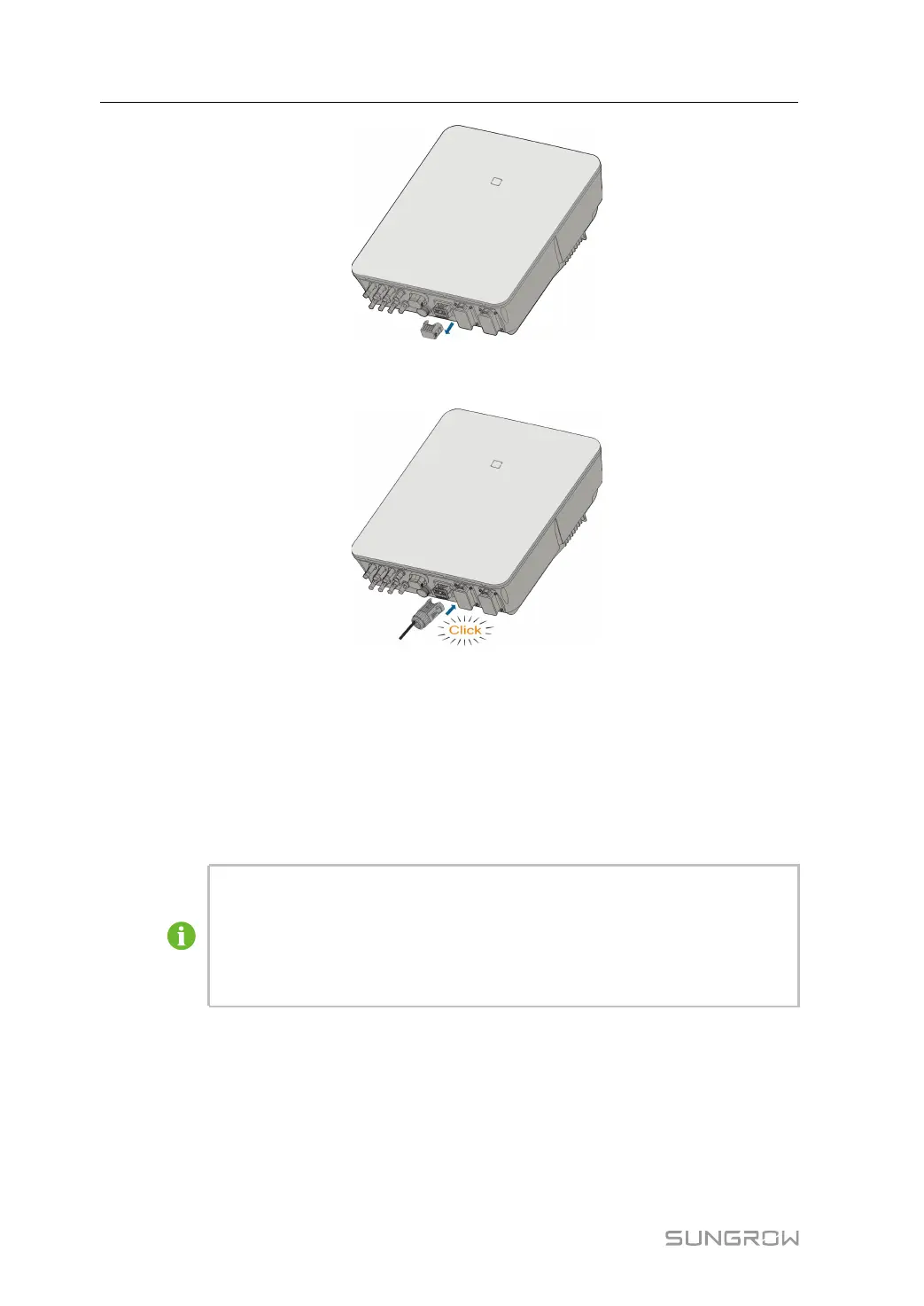
step 2 Insert the COM connector into COM terminal on the bottom of the inverter until there is an
audible click.
- - End
6.8 Smart Energy Meter Connection
The inverter is equipped with the feed-in power limit function, so as to meet the requirements
of some national standards or grid standards for the output power at the grid connection
point. For the setting of feed-in power limit, refer to the section "8.5.1 Feed-in Limitation".
Contact SUNGROW to ensure that the Smart Energy Meter model is available
locally.
This section mainly describes the cable connections on the inverter side. Refer to
the quick guide delivered with the Smart Energy Meter for the connections on the
meter side.
Procedure
For detailed connection description of the Smart Energy Meter cable, refer to the section
"6.7.3 RS485 Connection". Plug the wires into the Meter terminal according the labels on
the bottom of the inverter.
6 Electrical Connection User Manual



 To Next Page