71
7.5 Initializing the Device
The inverter is successfully connected to the router.
If there is no latest equipment upgrade package, skip steps 1 and 2.
The actual initializing procedure may differ due to different countries. Please follow the ac-
tual App guidance.
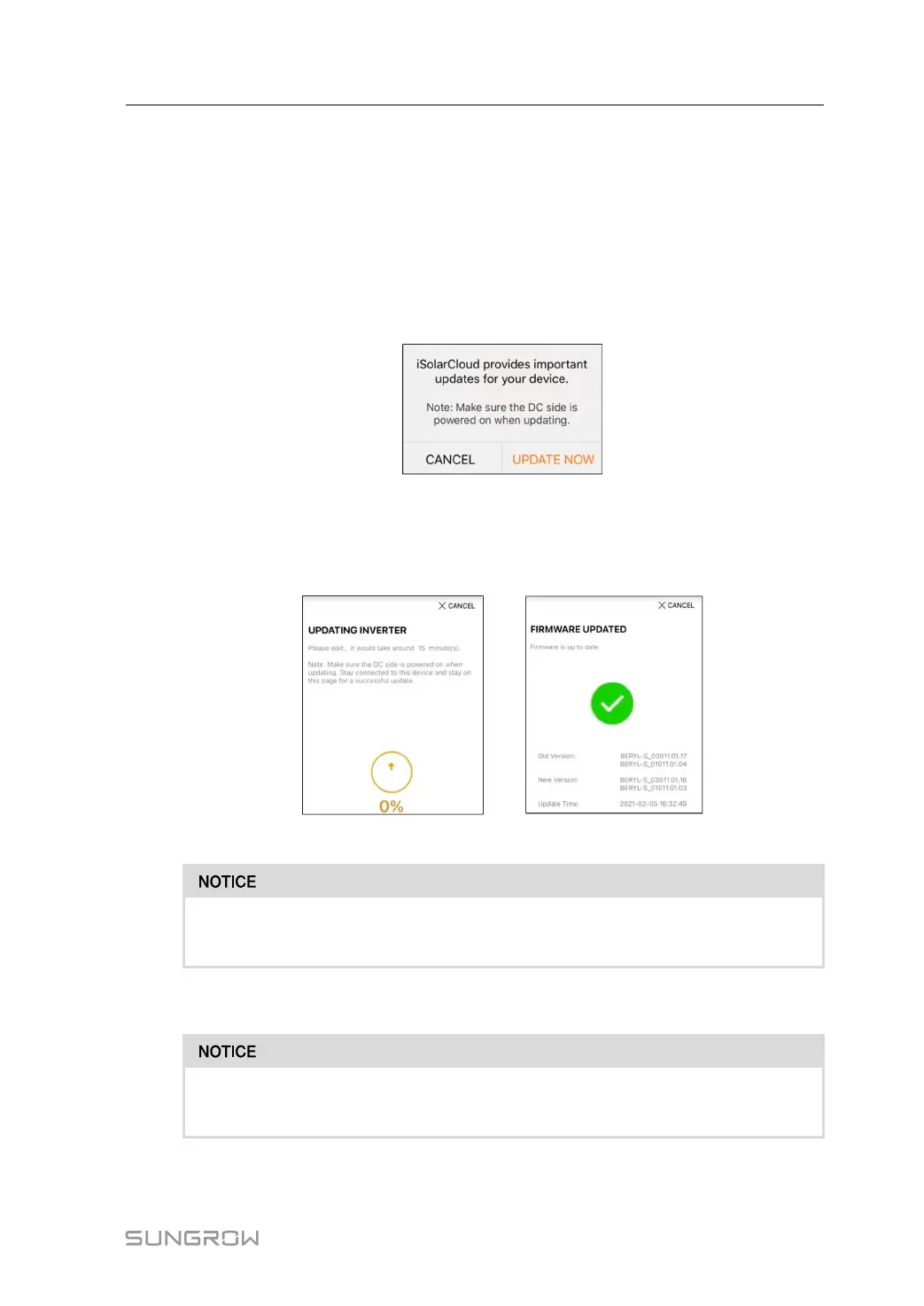
step 1 If a latest equipment upgrade package is available, the following prompt window pops up.
Tap UPDATE NOW to download the latest update package.
figure 7-8 Upgrade Reminder
step 2 After download, it would take around 15 minutes to update. After successful upgrade, the
screen will show the version numbers before and after the upgrade as well as the upgrade
time. Tap NEXT.
figure 7-9 Upgrading Inverter
If the communication equipment is upgraded, after successful upgrade, check and
confirm that the phone is connected to the inverter WLAN.
step 3 Tap Country/Region and select the country where the inverter is installed at.
The parameter Country/Region must be set to the country (region) where the inver-
ter is installed at. Otherwise, the inverter may report errors.
step 4 When the country is set to Australia, additionally set the applicable network service provider
and then the grid type.
User Manual 7 Commissioning



 To Next Page