70
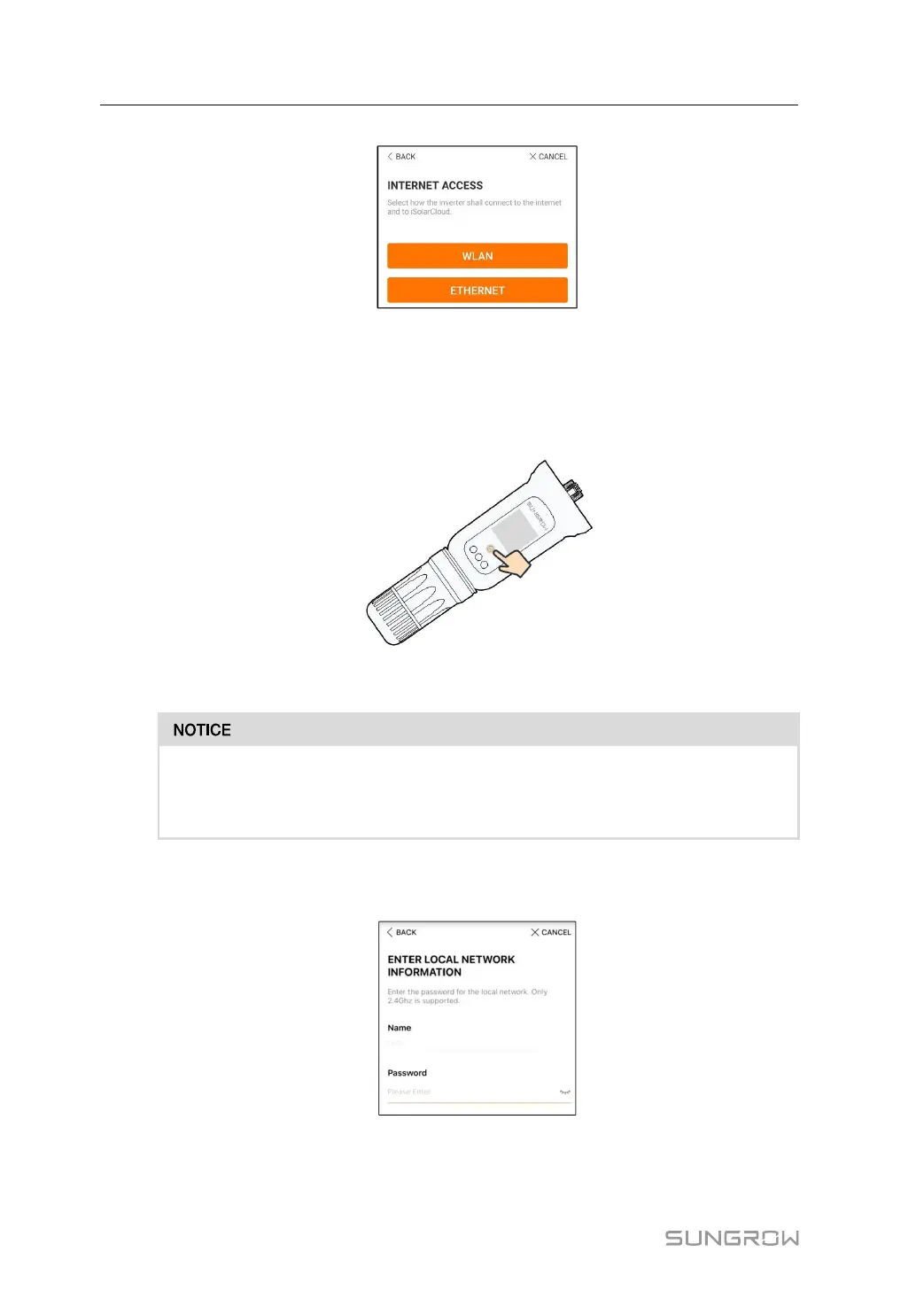
figure 7-5 Selecting Internet Access Mode
step 7 The EASYCONNECT INSTRUCTION screen will prompt. Press the multi-function button on
the WiNet-S module once to turn on EasyConnect mode. The WLAN indicator on WiNet-S
blinks quickly when this mode is turned on. Return to the App and the screen displays suc-
cessful connection to the inverter WLAN. Tap NEXT.
figure 7-6 Turn on EasyConnect Mode
The EasyConnect mode can be used only when the router is 2.4 GHz.
If the EasyConnect mode fails, refer to the WiNet-S quick guide for the instructions
of other modes.
step 8 Connect the inverter to router network. Enter network name and password. Tap NEXT and
the screen display prompt information of successful connection to the router network.
figure 7-7 Connecting Inverter to Router Network
- - End
7 Commissioning User Manual



 To Next Page