97
• Once the intelligent mode is enabled, the DO relay will remain connected for 20 minutes
after the DO connection.
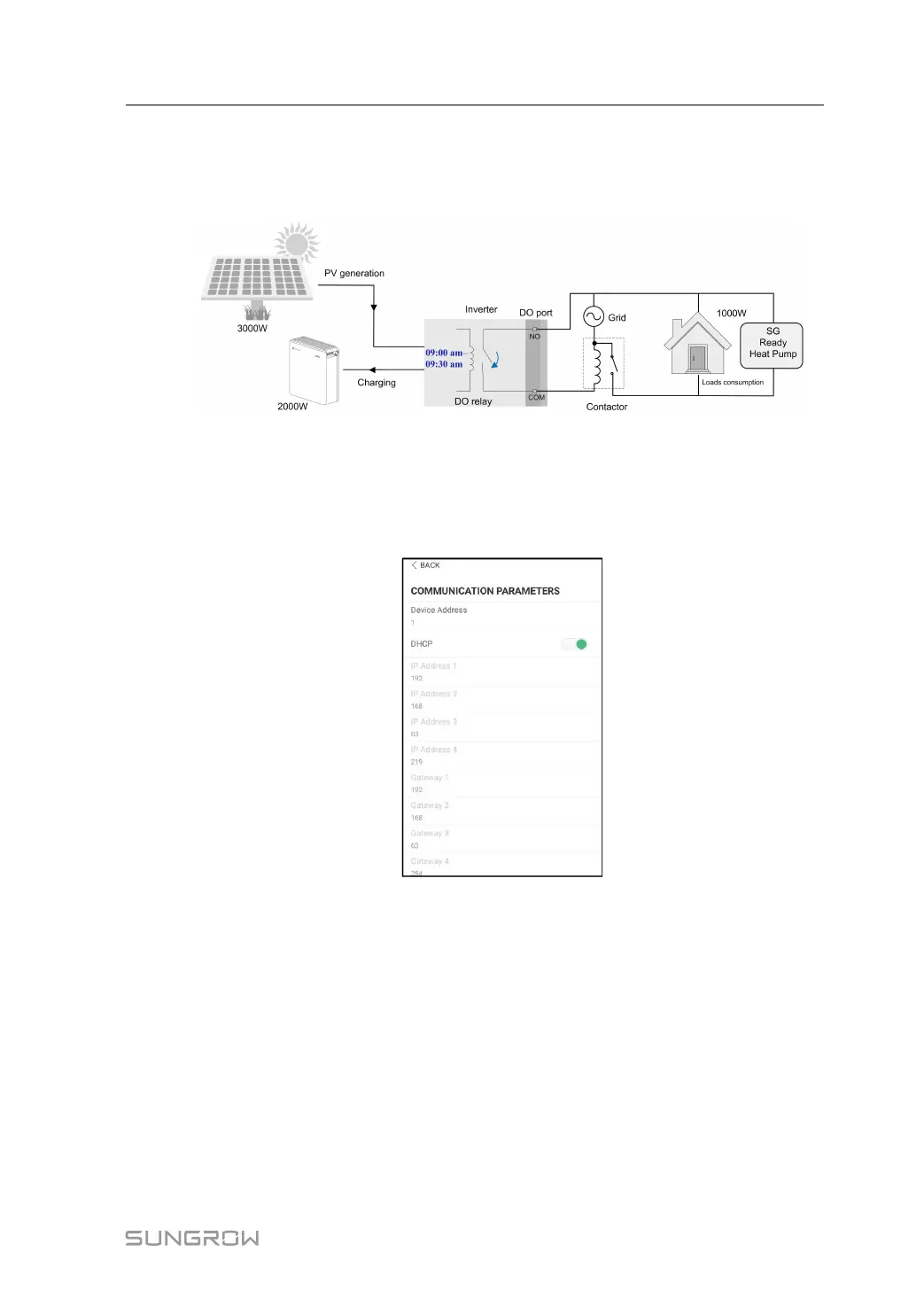
Take 09:00 am–09:30 am and the optimized power of 1000 W as an example.
figure 8-25 DO Operation in Intelligent Mode
8.10.10 Communication Parameters
Tap Settings→Communication Parameters to enter the screen, as shown in the following
figure.
figure 8-26 Communication Parameters
• The device address ranges from 1 to 246.
• The IP adress, gateway, subnet mask, preferred DNS server and alternate DNS server
can be modified only when the DHCP is set to Off.
• Acquire the IP adress, gateway, subnet mask, preferred DNS server and alternate DNS
server from the network professional.
8.10.11 Firmware Update
To avoid download failure due to poor on-site network signal, it is recommended to download
the firmware package to the mobile device in advance.
step 1 Enable the "Mobile data" of the mobile device.
User Manual 8 iSolarCloud App



 To Next Page