65
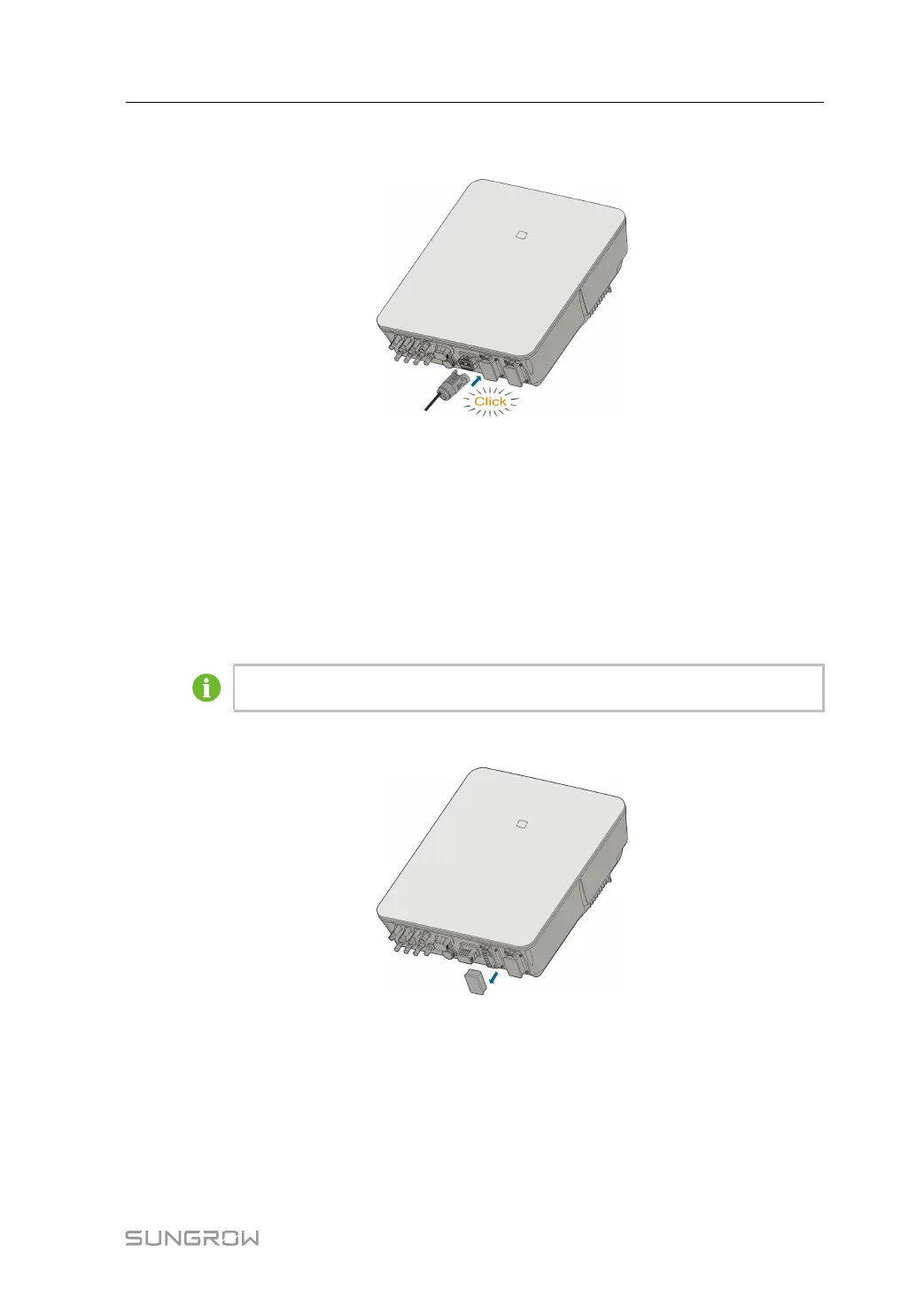
step 2 Insert the COM connector into COM terminal on the bottom of the inverter until there is an
audible click.
step 3 Pull cables outwards to confirm whether they are fastened firmly.
step 4 Connect the other end to the DRED / Ripple Control Receiver device.
- - End
6.12 Backup Connection
step 1 Assembling the BACK-UP Connector. Specifically, refer to "6.5.2 Assembling the AC
Connector".
The PE wire of Backup terminal is not required for Australia and New Zealand.
step 2 Remove the waterproof lid from the BACK-UP terminal.
step 3 Align the Backup connector and the BACK-UP terminal and mate them together by hand un-
til a “Click” is heard or felt.
User Manual 6 Electrical Connection



 To Next Page