95
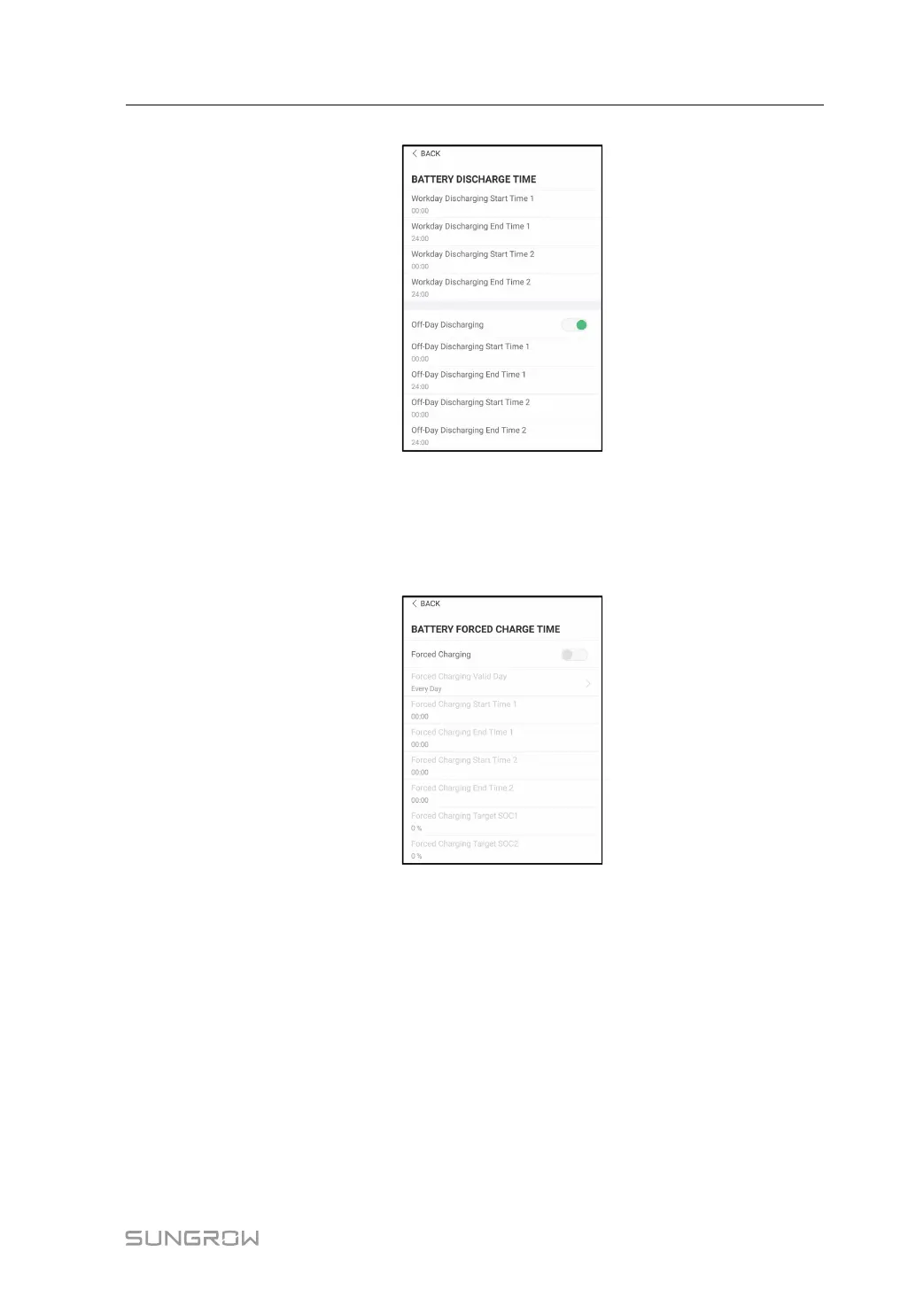
figure 8-20 Battery Discharge Time
8.10.8 Battery Forced Charge Time
Tap Settings→Energy Management Parameter→Battery Forced Charge Time to enter
the corresponding screen.
figure 8-21 Battery Forced Charge Time
When there is no PV power, the power imported from the grid charges the energy system
during the time period until the target SOC is reached.
It is recommended to set the time period in off-peak tariff time. The time period 1 is in priority
to the time period 2 if two periods overlap. The charging energy comes from the excess PV
energy in priority and then from the grid. The inverter will take charging power from the grid
in the case of PV energy shortage.
8.10.9 Load Control
Tap Settings→Energy Management Parameter→Load Control to enter the correspond-
ing screen, on which you can set Load Control Mode. Load Control Mode includes Timing
Mode, Switch Mode, and Intelligent Mode.
User Manual 8 iSolarCloud App



 To Next Page