OPERATION & MAINTENANCE MANUAL SWE155F
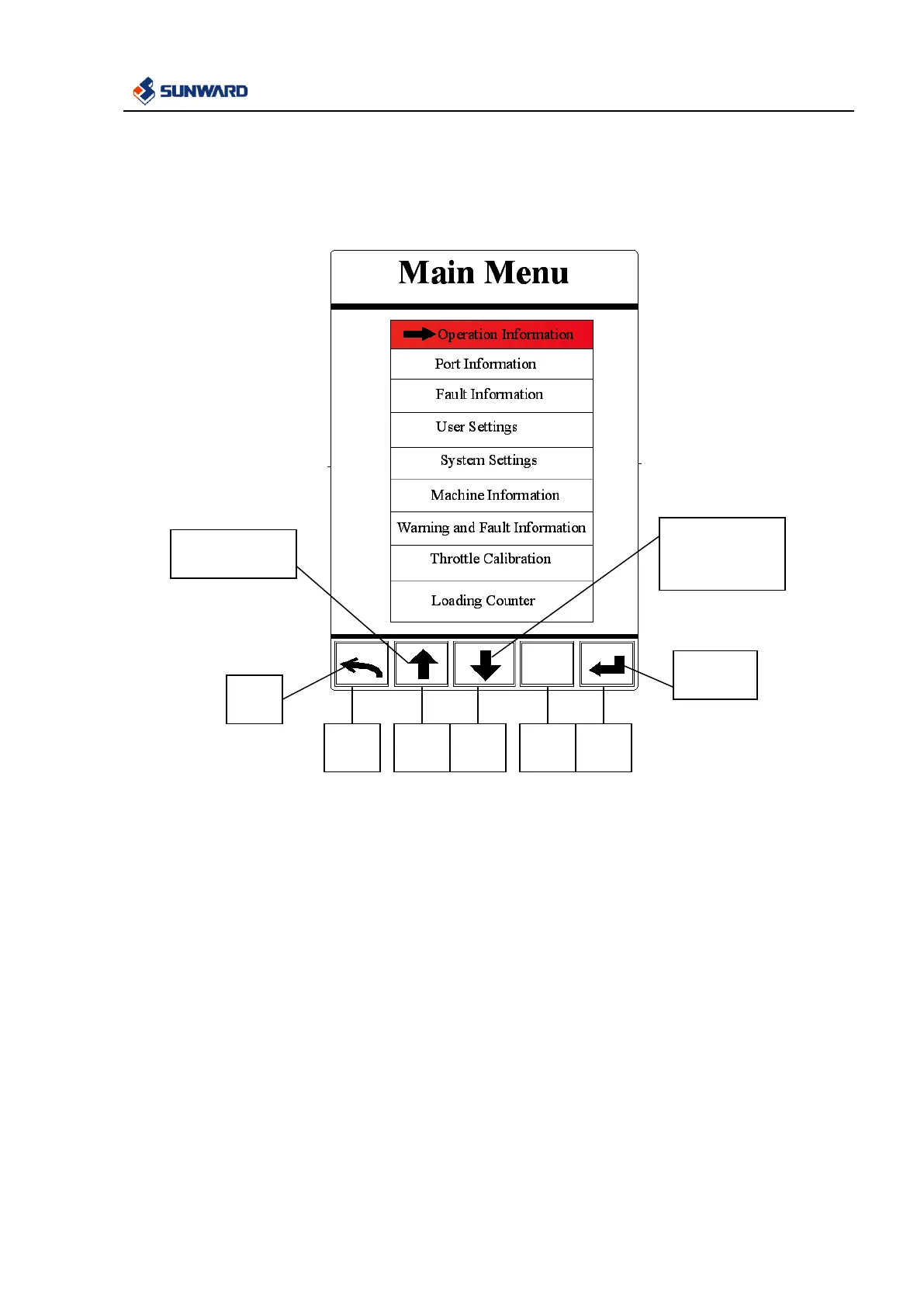
3.2.5.4 Main Menu Interface
Press F2 in main interface enter into menu interface
In this interface:
1. Following information you can find, including operate information, port information, warning and
failure information, user settings, system settings, machine information, history failure record,
throttle calibration, loading counter.
2. Red option is the current one.
3. Press F1 to exit.
4. Press F2 and F3 to switch among menu items.
5. Press F5 to enter into the selected option.



 To Next Page