OPERATION & MAINTENANCE MANUAL SWE155F
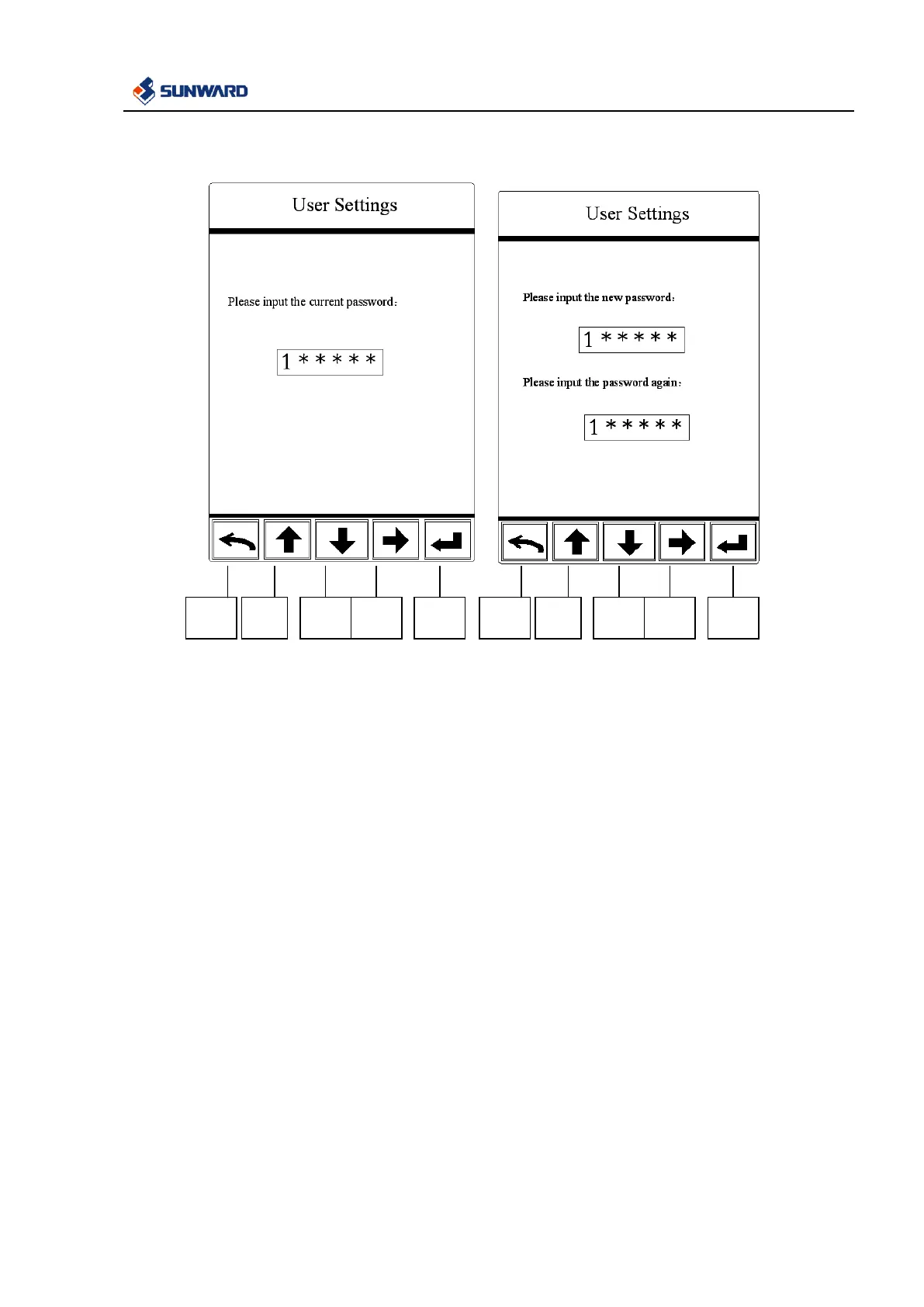
3.2.5.8.5 User Password Modification Interface
In this interface:
1. Press F2 and F3 to modify password, F4 is used to select password digit capacity, press F5 to
confirm, exit by F1. After inputting the correct password, then you can set a new password.



 To Next Page