OPERATION & MAINTENANCE MANUAL SWE155F
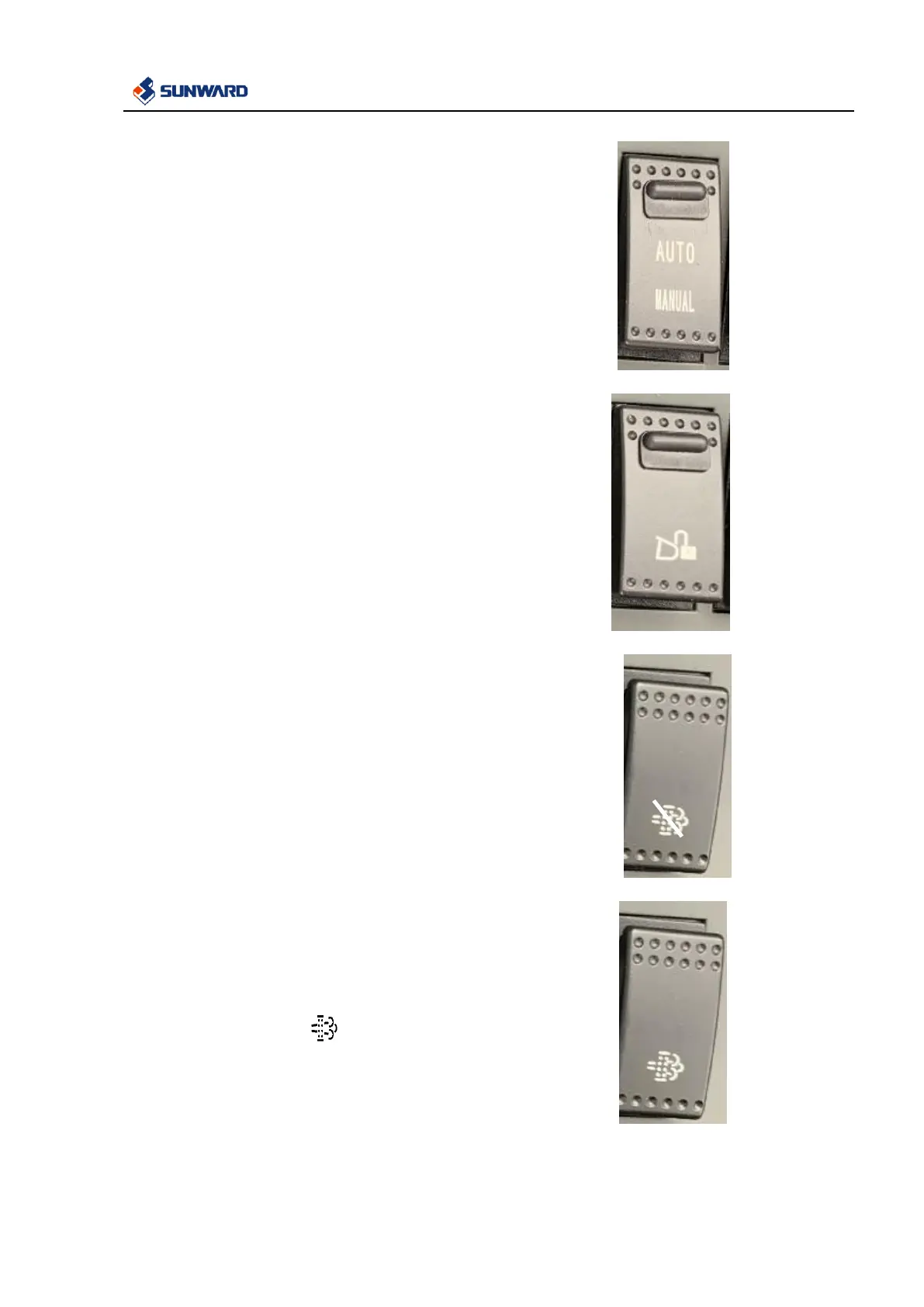
3.2.16 Auto /Manual Selection Switch
This switch is used to control pilot solenoid valve.
Place the switch on “Auto” position, and the pilot solenoid
valve is controlled by the excavator controller.
Set to the “Manual” position to control the pilot solenoid
valve by the corresponding switch.
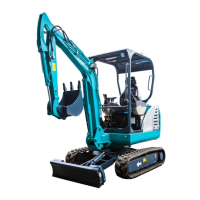
3.2.17 Quick-change Unlock Switch
This switch is used to change the attachment quickly.
Place the switch at “ON” position to open the
quick-change solenoid valve.
Place the switch at “OFF” position to close the
quick-change solenoid valve.
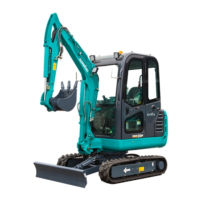
3.2.18 Engine Regeneration Switch
Start and prohibit engine regeneration function.
Prohibition Regeneration Switch:
When the switch is on the “ON” position, engine
regeneration function is disabled; When the switch is on the
“OFF” position, engine regeneration function is enabled.
Normally, it’s on the “OFF” position, except when there’s
high temperature objects which can’t be touched nearby the
post-processing system. (e.g. machine is in the forest).
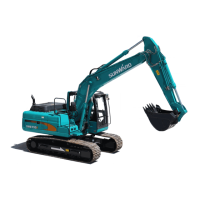
Manual Regeneration Switch:
When the yellow icon displays on the meter (at this
time, yellow light is flickering below the meter), it indicates
that manual regeneration is requested by the engine. At this
moment, press down the switch to enable engine
regeneration function, and then it will reset automatically.


 To Next Page