Chapter 5 Page 77
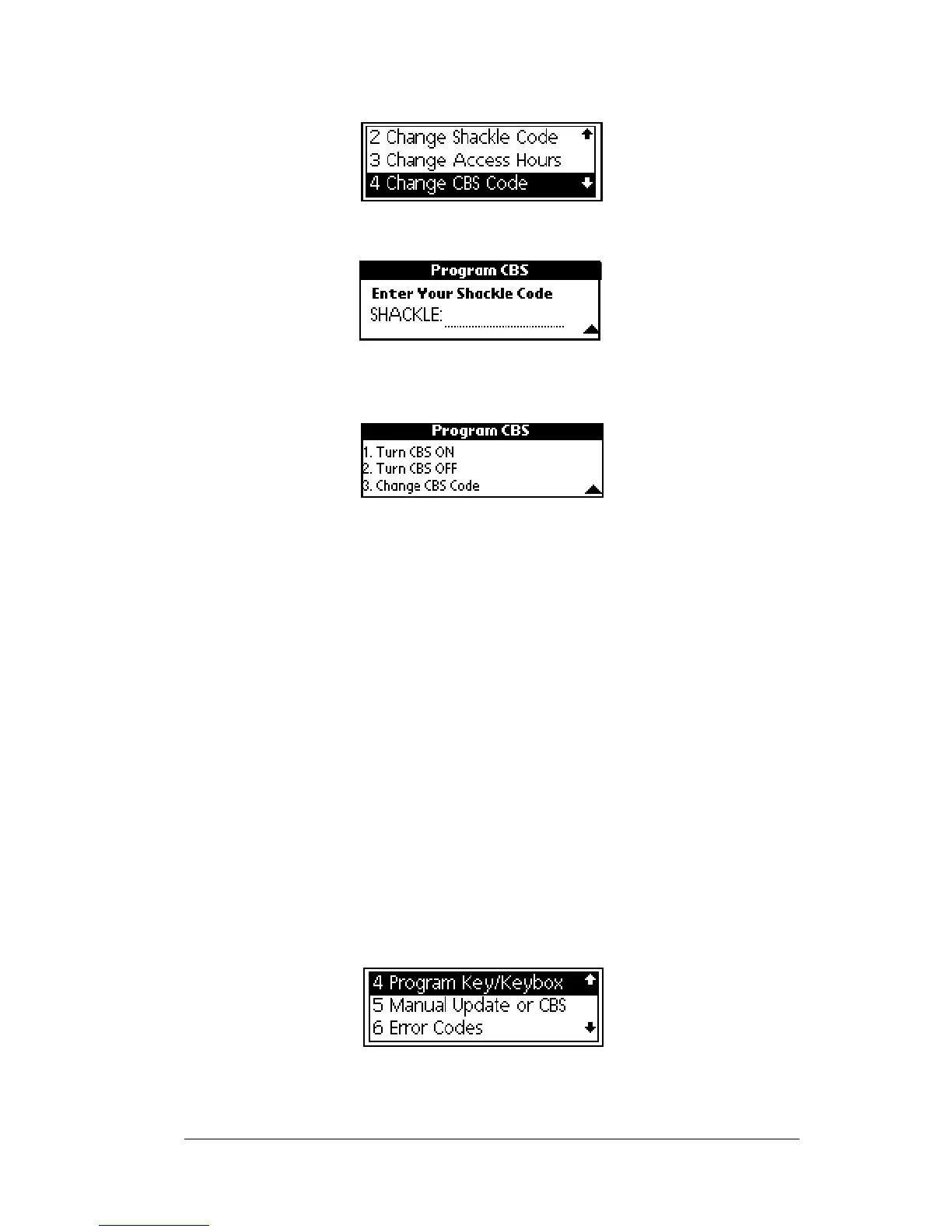
5. Highlight the
Change CBS Code
option from the Programming sub-
menu.
6. Press
enter
.
7. When prompted, enter your four-digit shackle code for the
KeyBox. The
Program CBS
menu is displayed.
8. Press 1 to select the
Turn CBS ON
option.
9. Insert the back of your eKEY into the KeyBox so that it fits snugly
inside the KeyBox receptacle. The gold contacts on the eKEY must
match the contacts on the KeyBox. An
Operation Successful
messageappearsiftheCBScodehasbeensuccessfullyactivated.It
confirms that the CBS code is turned on in the KeyBox.
Note:IfyoureceiveanerrormessageseeAppendix A: ErrorCodes for
help in determining how to correct the error.
Important! The CBS code option is activated immediately in the
KeyBox, however you must eSYNC before the change is
recorded in KIMnet.
Deactivating the CBS code in a KeyBox
1. Close your eKEY shell.
2. Press the
on
button.
3. Highlight the
Program Key/Keybox
option.
4. Press
enter
.



 To Next Page