Installing Application & Interface Modules SMC II Module Jumper Configuration
DOC-001-11001 (Rev. 006)
25 DNX Quick Install & Setup Guide
Installing Application & Interface
Modules
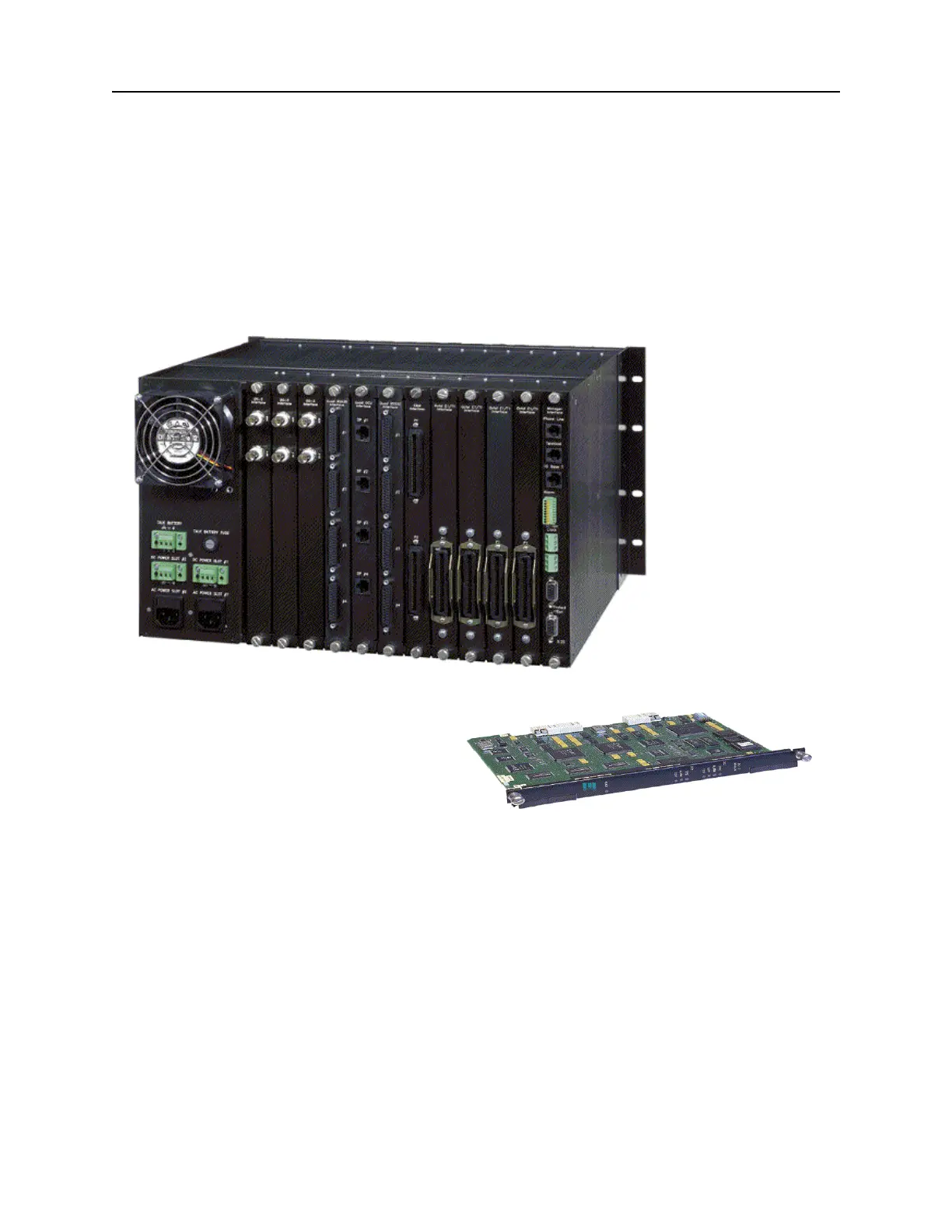
Figure 20: DNX-11 and an application module pictured below.
To install application and interface modules into a DNX-11 chassis:
1. Remove the application module and corresponding rear interface card from the anti-static
bags.
2. Hold the front application module upright and slide it into a slot in the DNX chassis following
the white card guide.
3. Next, hold the rear interface card upright and slide it into the rear of the DNX chassis
following the white card guide. Make sure it is aligned with the front application module.
4. When both cards are aligned and inserted, properly fasten the thumb screws securely in
both front and rear cards. If done properly, the module will reset.



 To Next Page