Editing
74
Setting pictures for
thumbnails
You can set a picture to each
title for a thumbnail. It helps you
to remember the contents of the
title you are playing. The begin-
ning picture has been selected as
the default.
Note:
If a selected picture for a thumb-
nail is deleted by deleting a part
of a title, a default picture will be
selected.
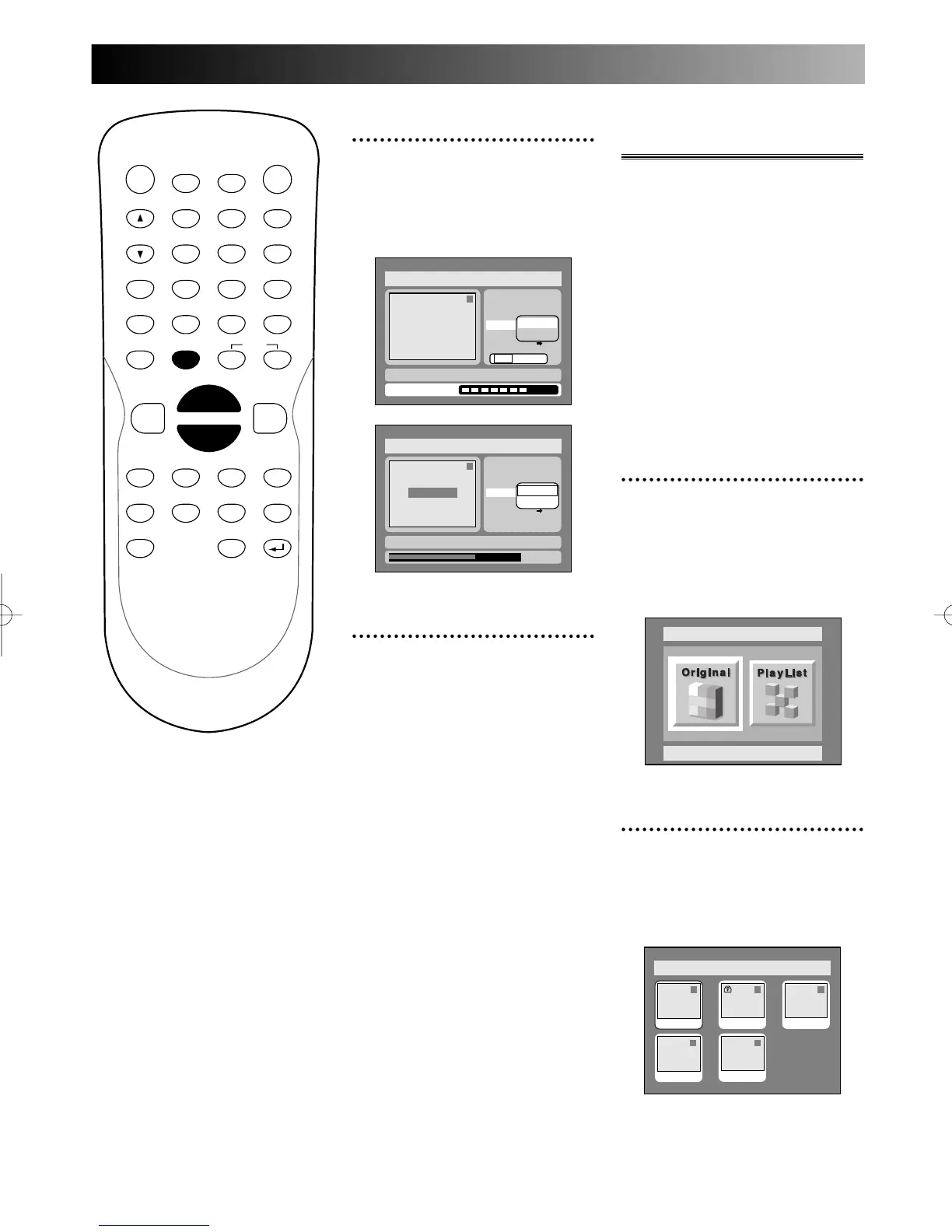
1
Select “Edit” from DISC
menu using K / L buttons,
then press ENTER button.
DISC menu will appear.
Screen:
2
Select “Original” using { / B
buttons, then press ENTER
button.
Original list will appear.
PROG.
6
Select “Yes” using { / B
buttons, then press ENTER
button.
A chapter marker will be added.
7
Press SETUP button to exit
DISC menu.



 To Next Page