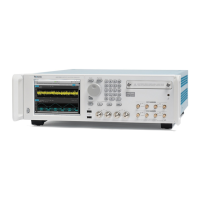
GPS7 GPS Synchronization and Timecode module
GPS7 module
VITC submenu
Usethismenuto
enable or disable the output of a VITC on the selected line. Use
the up (▲)ordown(▼) arrow button to change the menu items. The following
figure shows the VITC submenu.
Figure 3-61: GPS7 module VITC submenu
OUTPUT.
Use this menu item to e nable or disable insertion of a VITC on the
selected line. Use the left (◄)orright(►) a rrow button to select ENABLE or
DISABLE.PresstheENTER button to confirm the selection.
Line number. Use this menu item to s elect the video line on which the selected
VITC signal will be inserted. Use the left (◄)orright(►)arrowbuttontoselect
the vi
deo line number. For NTSC, you can select lines from line 10 to 20 (lines 14
and 16 are recommended). For PAL, you can select lines between 6 and 22 (lines
19 and 21 are recommended). Press the ENTER buttontoconfirm the selection.
TG8000 Multiformat Test Signal Generator User Manual 3–129

 To Next Page
 Loading...