2.6 Installing Wireless Devices
The Control Panel communicates with the wireless devices via a two-way radio
connection. In order for an AVA System to communicate with the wireless devices, they
must rst be enrolled in the system so that it can identify them. Every wireless device
has a unique house address (HA) with which it is memorized in the conguration of the
system. All wireless devices are enrolled according to a uniform algorithm.
2.6.1 Enrolling of New Devices
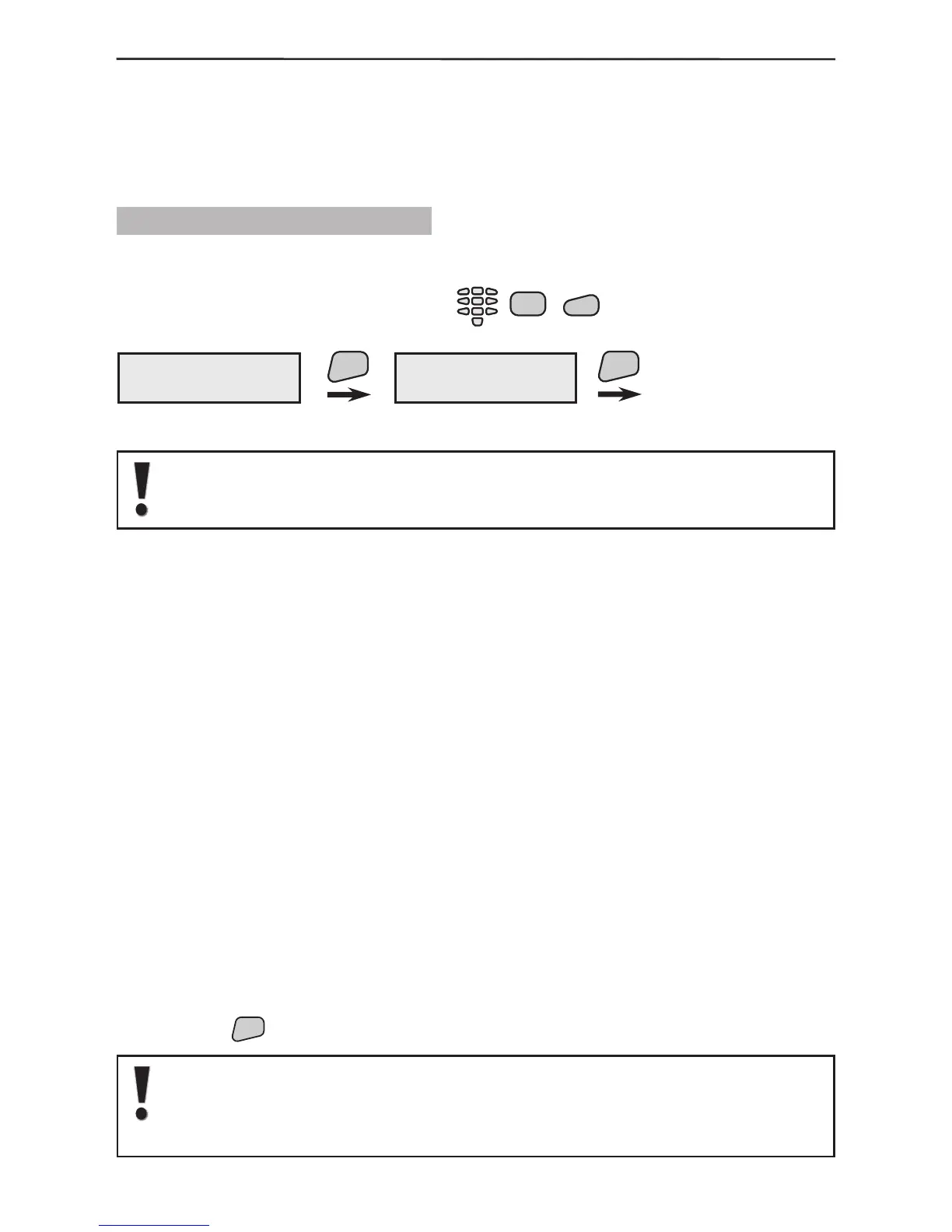
1. Start a procedure for adding new devices to the system.
Select in succession:
2. Open the cover of the device, as shown in its installation instructions.
Note: The enrolment of RC 102 TE remote control do not require opening of
its cover. Follow the given enrolling procedure in the individual operation
instruction of RC 102TE.
3. Place its battery, paying attention to the polarity. The green and the red LEDs will
light up for half a second.
4. Single-press the device tamper, in order to transmit radio ID signal to the panel.
If enrolment has been successful, the display of the control panel will show information
about the type of device and the specic house address.
If the device has not been registered in the control panel at the rst attempt, press its
tamper again.
After the device has been enrolled, it will automatically pass into radio communication
mode.
5. Go over to the device installation location and perform a radio test. This
will ascertain whether the selected location has good radio signal conditions and
communication with the control panel. Single-press the device tamper-switch. If the LED
blinks two or three times in green, then the radio signal and communication are good and
the device can be installed at the selected place. If the LED blinks green once or does
not blink at all, then the radio communication is poor and the installation place must be
changed (i.e. move the device to a different place in the same room). Note that the LED
blinks in red when the device is sending radio signal to the base.
6. Install the base of the device following the instructions provided in its individual
manual.
7. Close the device box, paying attention for its tamper-switch to be also well closed.
In about 5 sec. after closing its inclosure, the device will exit the radio test mode and
will begin normal operation.
8. Press the
button to exit the procedure for adding new devices.
If after closing the box of the device, the symbol R blinks on the display
of the control panel, that means the device is still in radio test mode. The
device will leave this mode only after its tamper-switch is closed and
remains closed for more than 5 sec.



 To Next Page