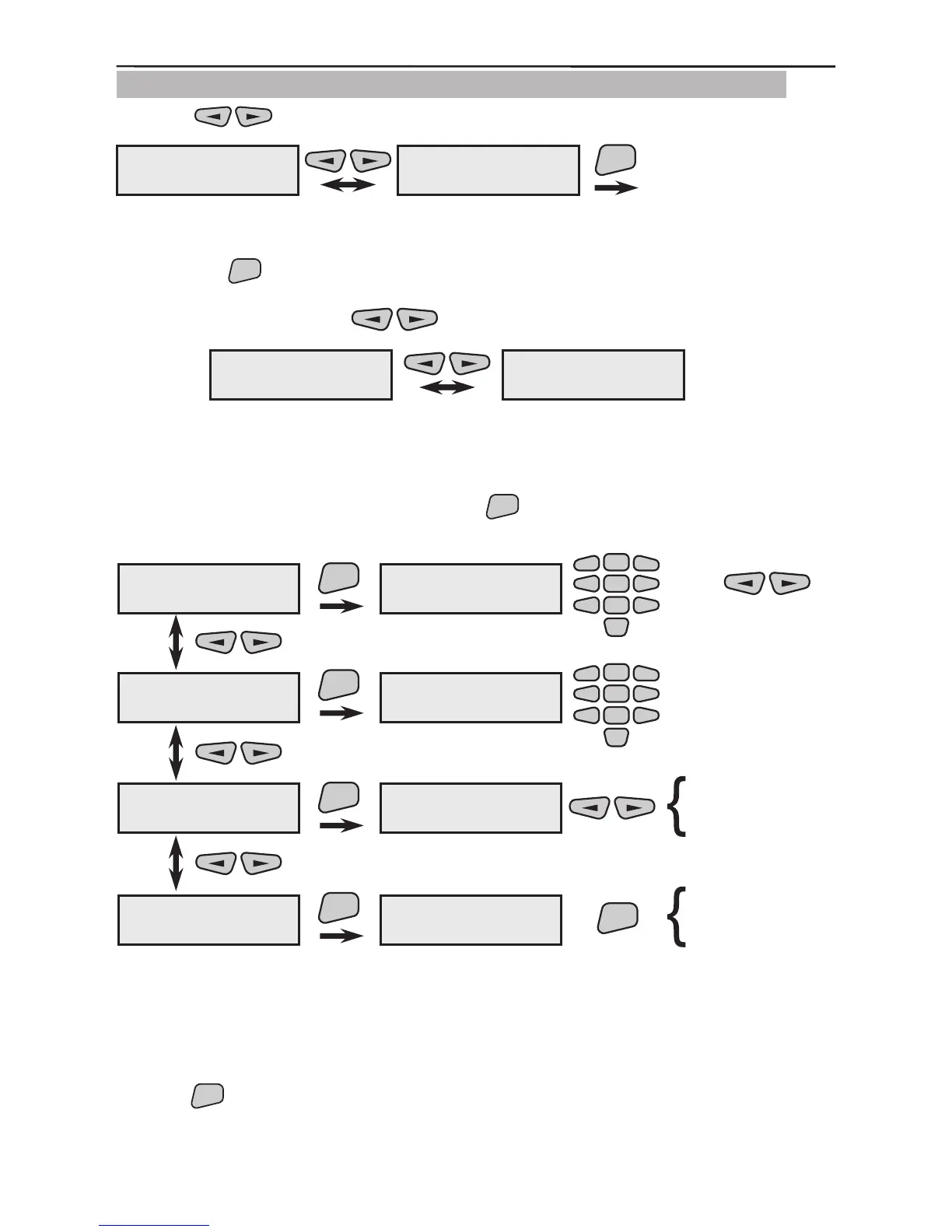
3.1.8 Programming of AVA Keyboard (VG) Wireless Keyboard
Use the buttons to select the next menu from the 2)Program Device:
This is the menu for scrolling through and programming the parameters of all available in
the system wireless keyboards. Two types of actions are possible from this screen after
pressing the
button.
1. The various enrolled and recorded in the system wireless keyboards can be scrolled
through with the help of the
buttons.
Example:
The rst wireless keyboard (Keyboard01) in this example has been recorded as the elev-
enth system device (11KBD) and the second (Keyboard02) as the twelfth (12KBD). The
names of the devices have been edited according to their location within the system.
2. From the screen of each device press the
button to enter its parameter program-
ming submenu. For clarity we shall use Keyboard01 as a device name.
The performance is as described in §3.1.3.
The performance is as described in §3.1.2.
The performance is as described in §3.1.2.
The performance is as described in §3.1.2.
Use the
button to conrm all entered data and changes.
2)Program Device
8)Remote KBD
ENT
2)Program Device
1)Common Prog.
11KBD ---#678901
Keyboard01
12KBD ---#109876
Keyboard02
Keyboard01
2)Device Group
ENT
2)Device Group
N:03
Keyboard01
3)Change name
ENT
3)Change name
Keyboard01
-
2
5
8
0
1
3
4
6
79
2
5
8
0
1
3
4
6
79
-
Keyboard01
4)Enable/Disable
ENT
Keyboard01
ENABLED
enable?
disable?
Keyboard01
5)Remove
ENT
Keyboard01
remove?
ENT
are you sure?
or
2)Device Group
3)Change name
4)Enable/Disable
5)Remove



 To Next Page