For telephones 1 to 6 is assigned a number for a Destination from
1 to 4 where 1 means top dialling priority and 4 is the lowest prior-
ity.
Any message (about an event) is transmitted individually to one of
the four Destinations; after it has been successfully transmitted the
telephone transmission attempts to the same Destination are ter-
minated. By default and after reset the communicator is assigned
to Destination 1.
A protocol for data exchange is programmed for every telephone
from 1 to 6 - “SIA” or “Contact ID” for data exchange with cen-
tral monitoring station; and a “User” protocol for personal calls to
the user. The default protocol after the communicator is restarted
is “SIA”.
A 4-digit identication number of a site is programmed for every
telephone from 1 to 6 for transmitting events to the monitoring sta-
tion. By quick-pressing the 0 button enter Figures 0 – 9 or the let-
ters A - F. After the communicator is reset the number is 9999.
Where a “User” protocol for sending messages has been programmed,
the identication number of the site does not need to be introduced. Its
default programmed value shall not interfere with the performance of the
communicator.
3.8.2 Event Messages Programming
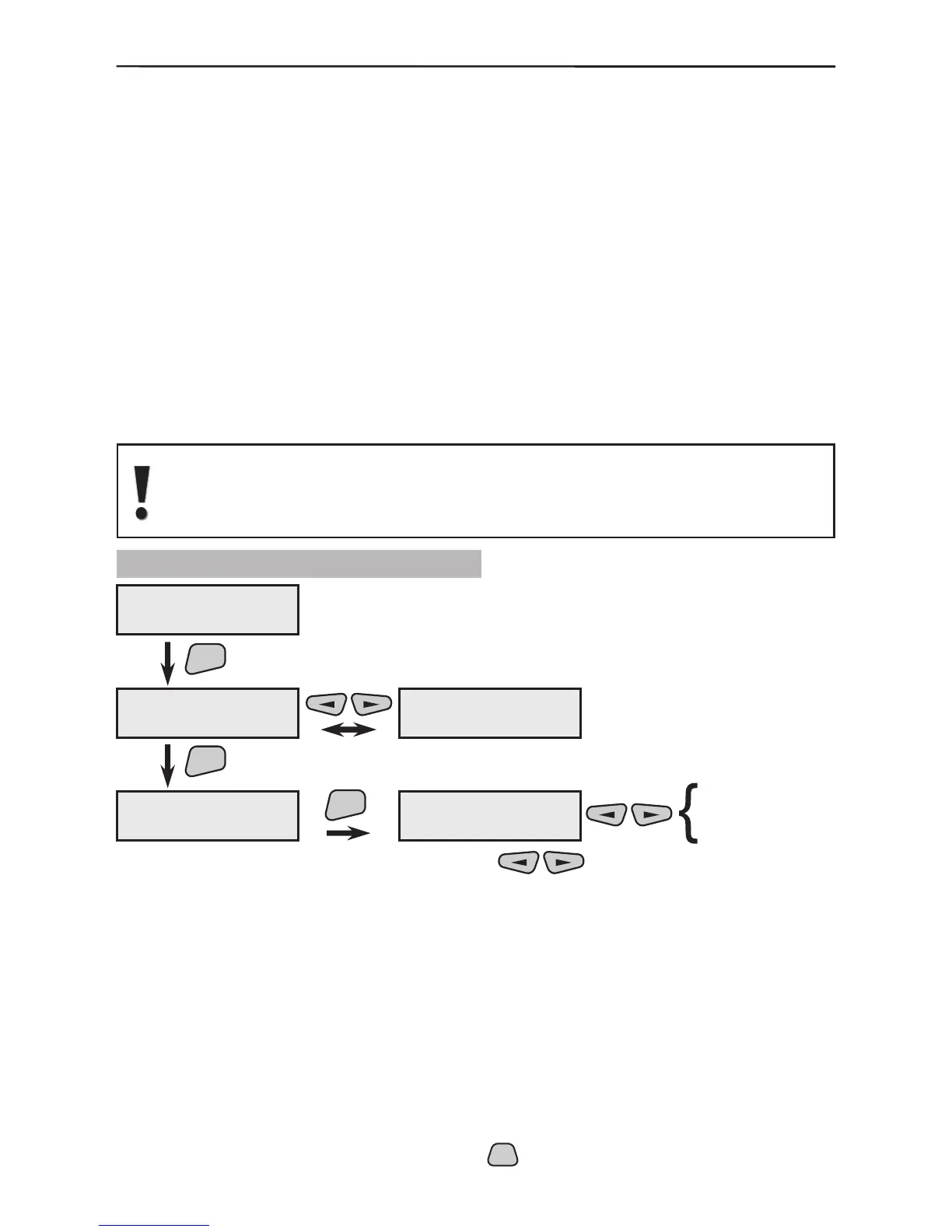
From the menu 2)Mess.Filters use the buttons to select a message
from 01 to 64. These messages are transmitted to the user in case of a system event,
also see §4 Events LOG.
Select the transmission Destination (1 to 4) for every message.
After resetting the communicator, Destinations 1 and 2 are set to
transmit all events (suitable to be transmitted to the central station)
and Destinations 3 and 4 are set for the events suitable to be trans-
mitted by user protocol (alarm events only). This means that the
telephones connecting to the Central Station are programmed as
Destinations 1 and/or 2 and the protocol “SIA” or “Contact ID”
shall be selected for them whereas the telephones for calling the
User are programmed for Destinations 3 and/or 4 via the “User”
protocol.
* All active parameters in the system are marked with the “*” symbol and the
inactive - with the “-” symbol. Press the



 To Next Page