Siren activating events are selected in this menu. By default
there are no programmed activating events. Programming is
done by pressing the
button, as described in §3 on page
20.
Two beeps will be emitted for full Arming when selecting the
sqwk. on fArm event and three beeps for full Disarming of
the system.
Two beeps will be emitted for part Arming when selecting the
sqwk. on pArm event and three beeps for part Disarming
of the system.
The siren signal duration is programmed in this menu. There
are no default preset values.
The performance is as described in §3.1.2.
The performance is as described in §3.1.2.
The performance is as described in §3.1.2.
Use the
button to conrm all entered data and changes.
3.1.7 Programming of FD 100 TE Fire Detector
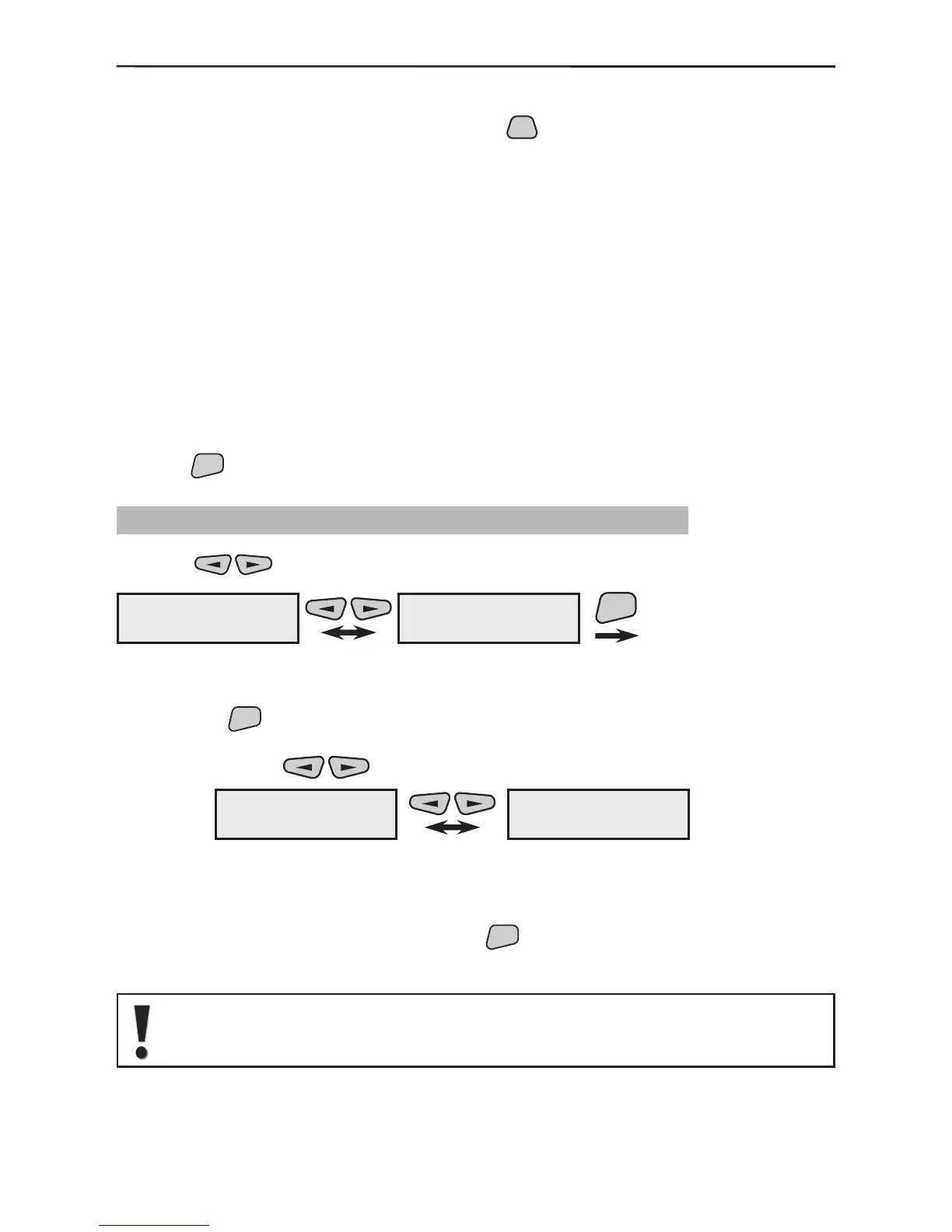
Use the buttons to select the next menu from the 2)Program Device:
This is the menu for scrolling through and programming the parameters of all available
in the system re detectors. Two types of actions are possible from this screen after
pressing the
button.
1. The various enrolled and recorded in the system re detectors can be scrolled through
with the help of the
buttons.
Example:
The rst re detector (FIRE01) in this example is recorded as the ninth system device
(09FIR) and the second (FIRE02) as the tenth (10FIR). The names of the devices have
been edited according to their location within the system.
2. From the screen of each device press the
button to enter its parameter program-
ming submenu. For clarity we shall use FIRE01 as a device name.
All enrolled in the system re detectors are by default attributed to group
6. However, they can be further redirect to another group.
2)Program Device
7)Fire Detector
ENT
2)Program Device
1)Common Prog.
09FIR ---#567890
FIRE01
10FIR ---#098765
FIRE02
1)Audible Events
3)Change name
4)Enable/Disable
5)Remove
2)Cut-Off time



 To Next Page