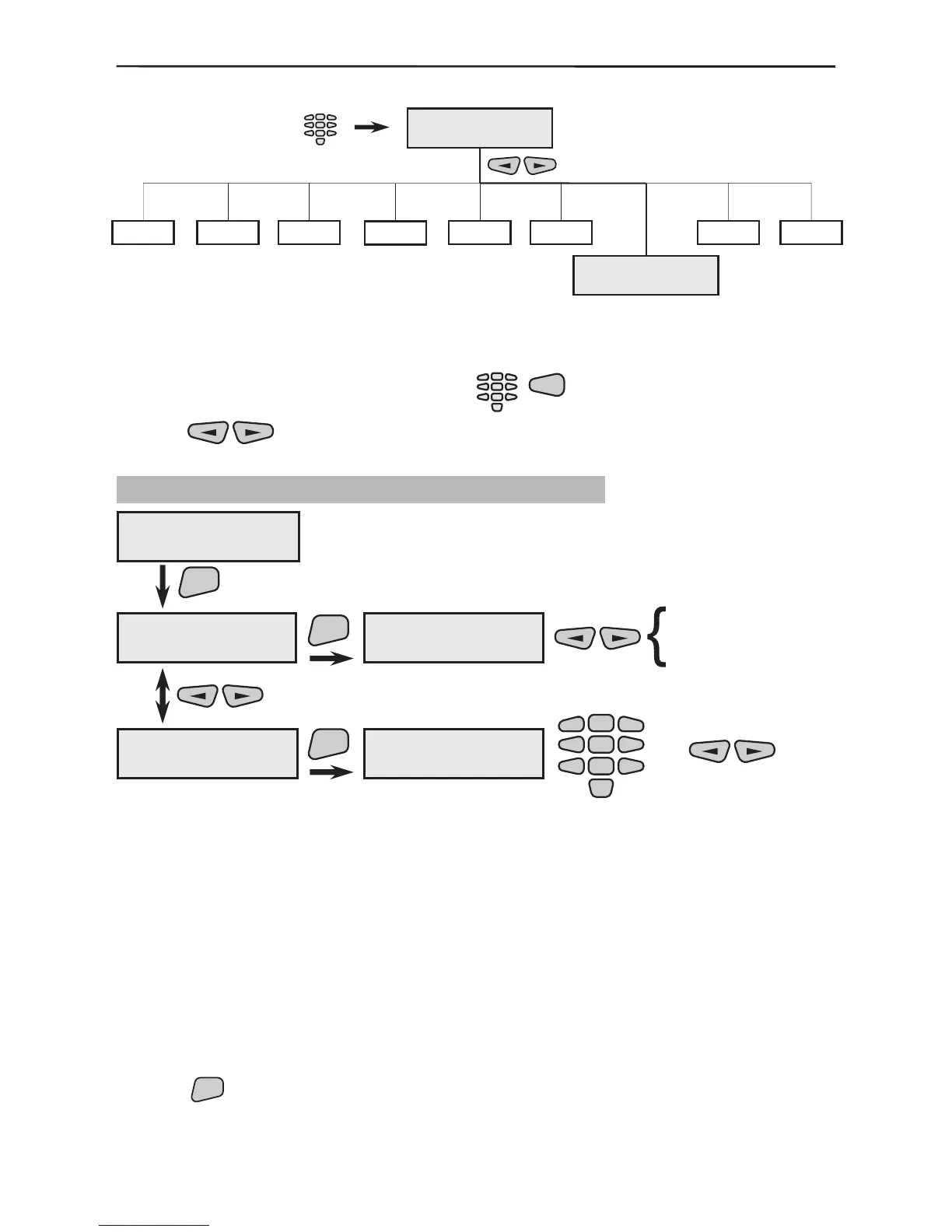
3.6 System Parameters programming
The menu allows programming of a variety of different system parameters which are
common to the system. To access the System Parameters menu select:
Use the
buttons to scroll through the different sub menus of the System Pa-
rameters.
3.6.1 Display Parameters Programming
Programme what is to be displayed on the main system screen, see
also §1.1.3. Programming is done as described in §3.
The “Chime on entry” is an option that activates several short
“beep” signals from the keyboard when an entry-exit zone device is
activated. The “display Groups” option shows all groups on the
main system screen and the system trouble in them (see Screen 1
on page 7).
Both options are preprogrammed in the system by default.
The menu allows to adjust the back light on the display. The values
are between 00 - 15, where the greater value means more bright-
ness. The recommended values of 03 has been set by default.
Use the



 To Next Page