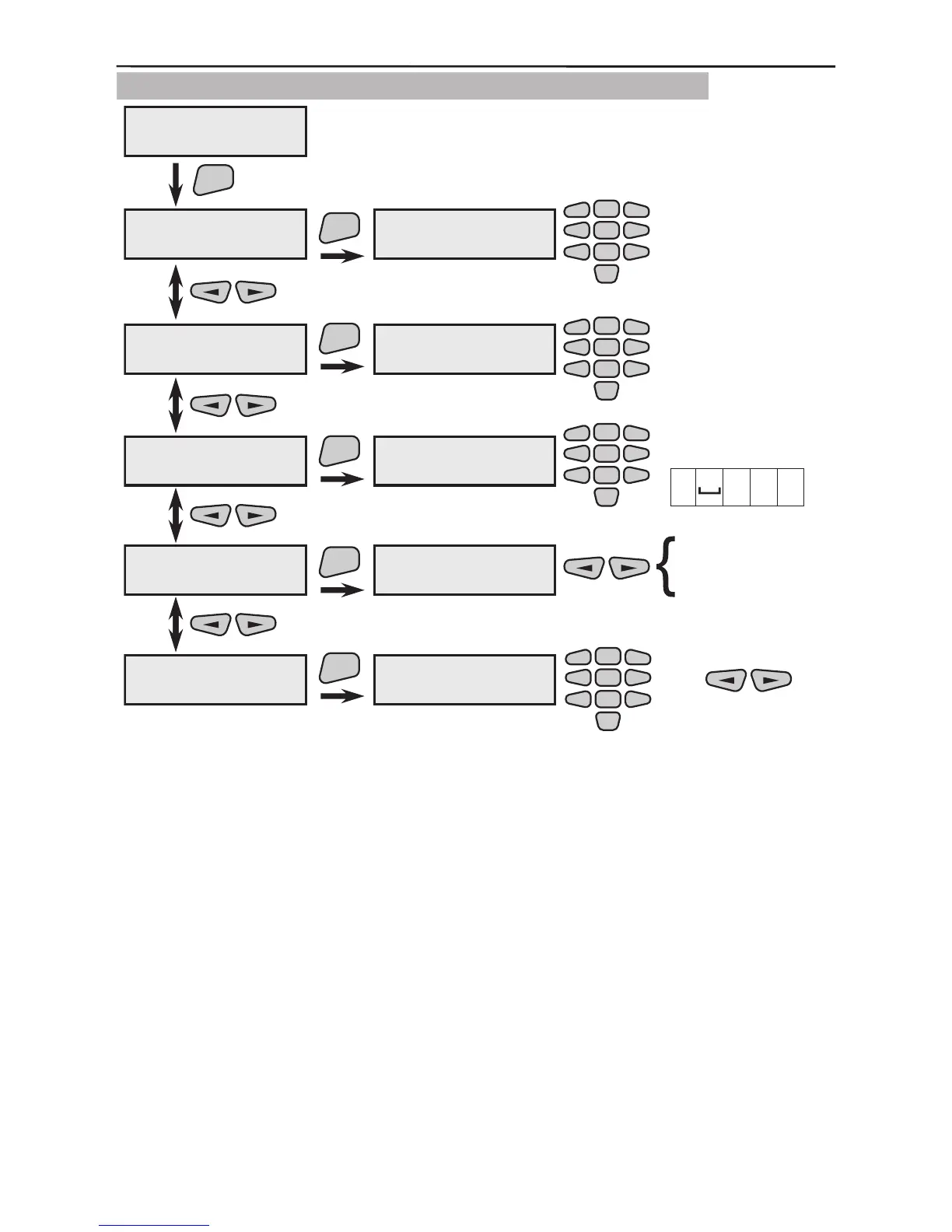
3.8.4 PC Connection Programming
Introduce the panel ID No. for data exchange (UDL). After reset,
the preset value is 1234.
Introduce the computer ID number for communicating with the
UDL. After reset, the preset value is 1234.
Introduce a UDL call-back telephone number. Introduce the
numbers 0÷9 and/or the letters “P”, “T”, “D” and “0” for an inter-
val, where the letters have the following meanings:
“D” is a 2-second pause;
“P” means passing over to pulse dialling mode;
“T” means passing over to tone dialling mode.
Each dialling begins in tone mode.
The interval (double pressing the button “0”) deletes the unnec-
essary gures from the telephone number. After the communica-
tor is reset, there will be no default introduced number.



 To Next Page