3. Programming
System parameters programming is not required. Every added device adopt’s a default
parameters which ensures the normal function of the system - see The Appendix: General
Structure of System Menus. The installer avails of the opportunity to programme them
further depending on the specic installation. In order to have clarity in the system, we
recommend to change (rename) the devices and user names.
Programming system parameters is done after entering a valid engineer code – see
§1.3. Scroll through the main system menus with the help of the
buttons.
Access to a specic programme menu and conrmation of the introduced data is done by
pressing the
button goes one step back or rejects the introduced
data.
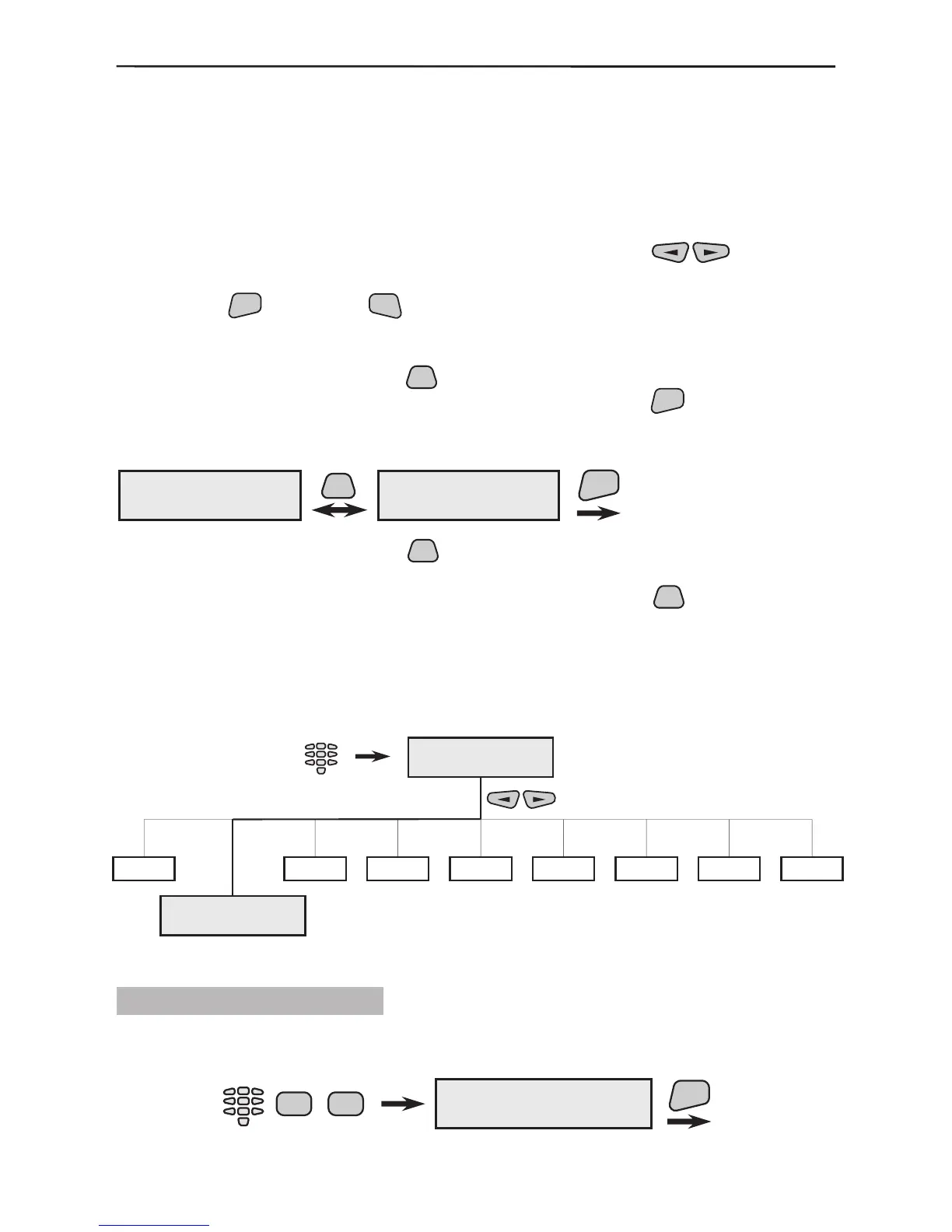
All active parameters in the system are marked with the “*” symbol and the inactive
– with the “-” symbol. Press the
button of the keypad to change the parameter
status of the respective submenu. Conrm the changes with the
button.
Example for changing the status of a system parameter (programming):
As the example indicates, after the
button is pressed, the active parameter, marked
with the “*” symbol, becomes inactive and is marked with the “-” symbol. Activating the
parameter a second time is analogically done by pressing the
button a second
time.
This type of programming applies to all menus in the system!
3.1 Device Programming
The device programming parameters are common or special.
3.1.1 Common Parameters
Parameters, which are common to all devices, are programmed from this menu. To enter
the common parameter programming menu select in succession:
Engineer
code-7777
Engineer Menu
Engineer Menu
2)Devices
1
3
4
5
6789
ENT
Confirmation of
the changed
parameter.
1)LED config
* open
PRG
1)LED config
- open
2)Program Device
1)Common Prog.
Engineer
code-7777
2 2
ENT



 To Next Page