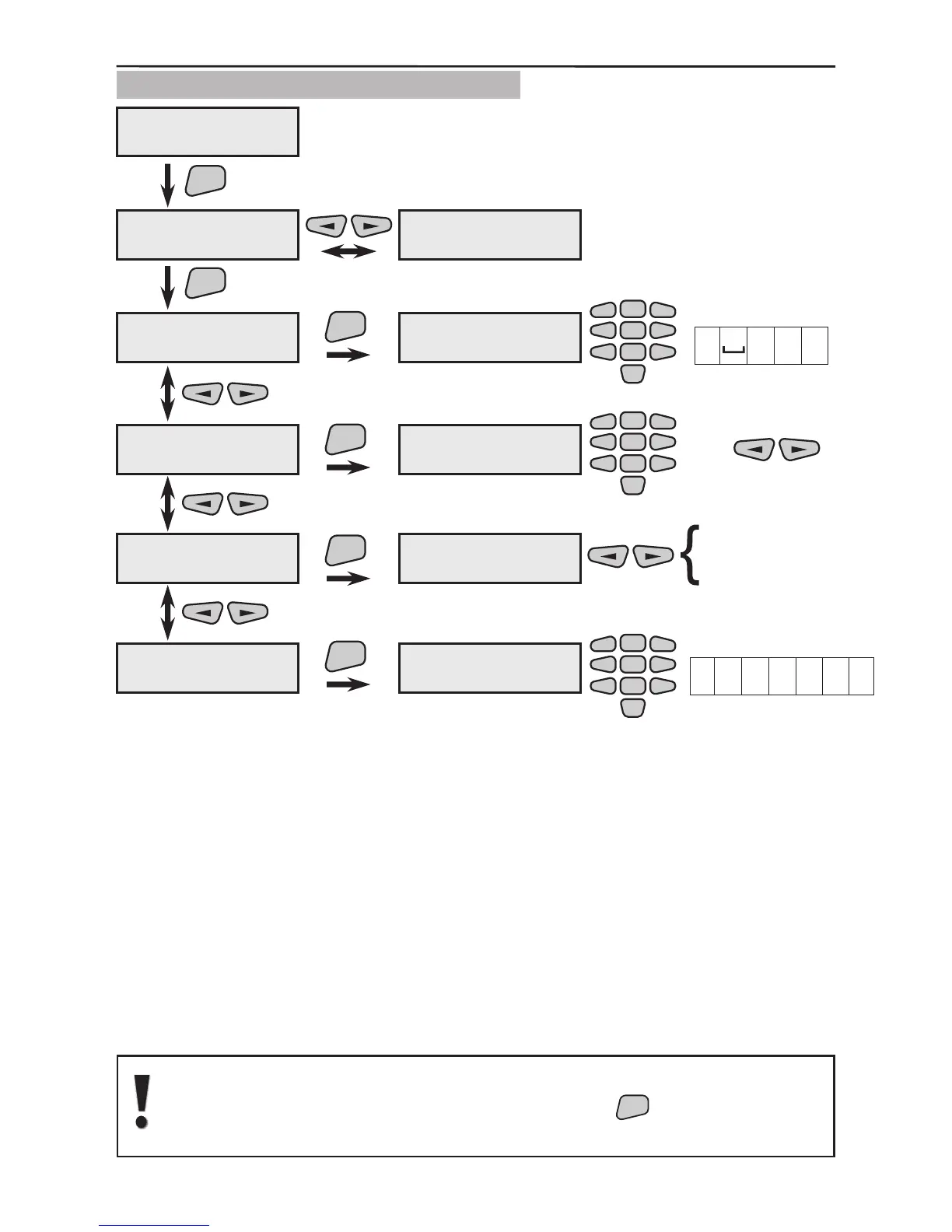
3.8.1 Telephone Numbers Programming
Use the 1)Phones menu to view the different sub menus for programming the pa-
rameters of the different telephone numbers. Each telephone number is programmed
individually. The respective menus are programmed:
For telephones 1 to 6 a telephone number is assigned to dial the
user or a monitoring station. Enter digits 0÷9 and/or the letters
“P”, “T”, “D” and “0” for an interval, where the letters have the
following meanings:
“D” is a 2 second pause;
“P” means passing over to pulse dialling mode;
“T” means passing over to tone dialling mode.
Each dialling starts in tone mode.
The interval (double pressing the button “0”) deletes the unnec-
essary digits from the telephone number. After the communica-
tor is reset there is no entered telephone number by default.
It is recommended that the telephone numbers be introduced to the sys-
tem last because after they are conrmed with the



 To Next Page