The attributes have the following meanings:
Manager - holds permission to programme all remaining codes
Bypass - holds permission to bypass zones
Log view - holds permission to view event log-le
Time/Date Set - holds permission to set date and time
Remote Access - has enabled access to telephone line
Use the
button to conrm all entered data.
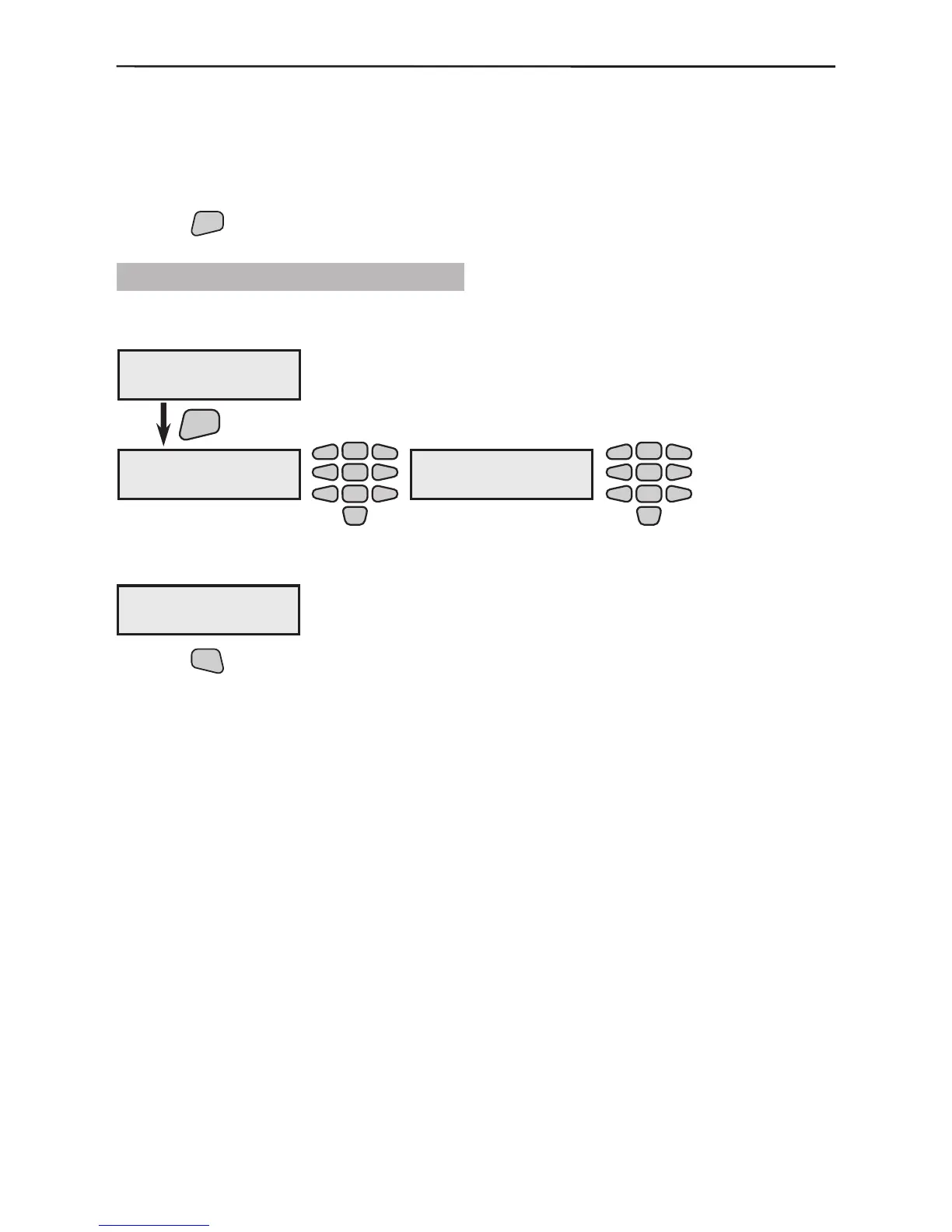
3.3.2 Changing the Engineer Code
The engineer code can be changed from the user menu. This code has no name.
If the change has been done correctly the screen will display:
Use the
button to return to the main screen of the User menu.
The screen will display already exists if any code which already exists is intro-
duced and confirming ERROR if there are discrepancies between the initial code
introduced and the conrmation code.
In both cases the introduction should be resumed from the beginning.
4)Codes Menu
2)ChangeEngineer
ENT
4)Codes Menu
new code:[ ]
2
5
8
0
1
3
4
6
79
4)Codes Menu
confirm:[ ]
2
5
8
0
1
3
4
6
79
4)Codes Menu
code is changed



 To Next Page