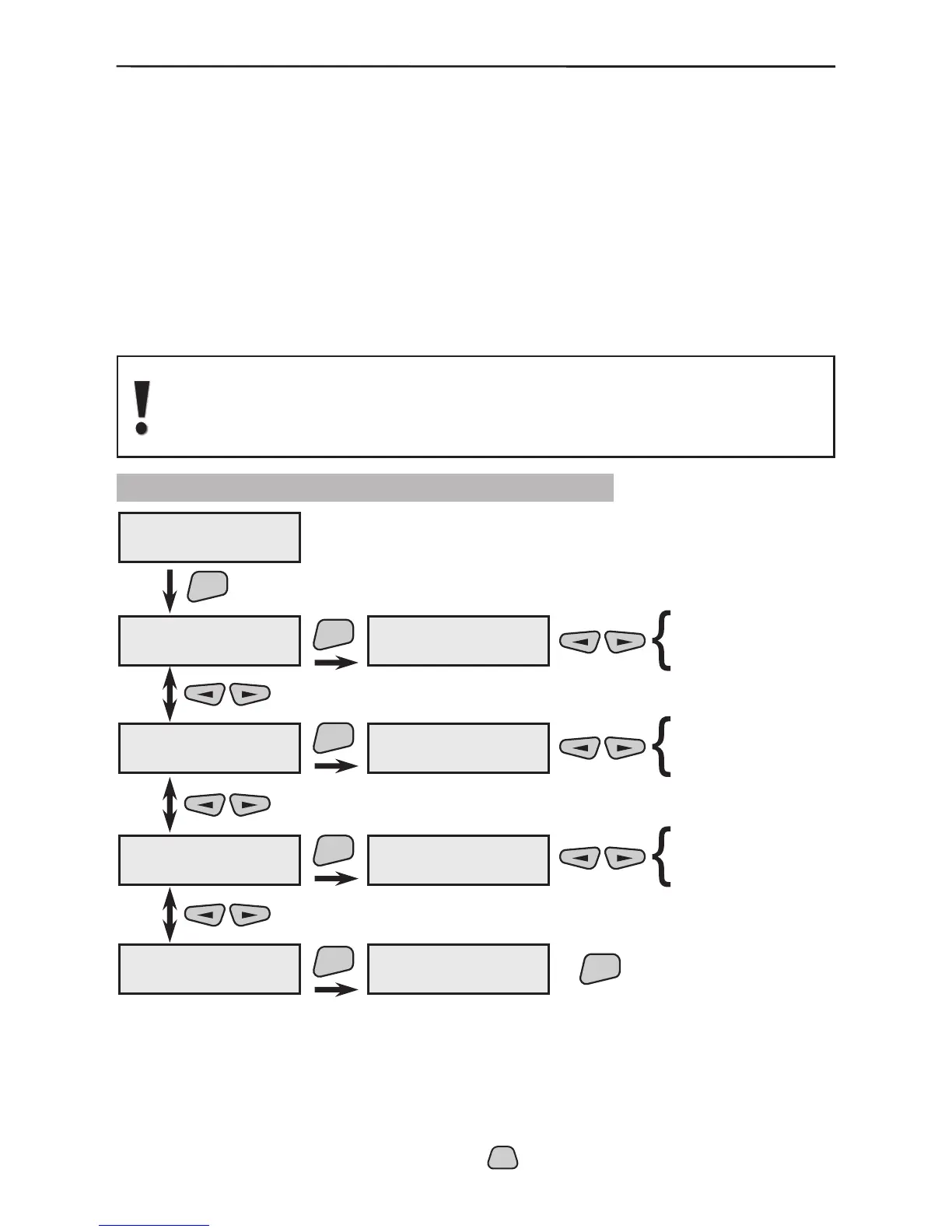
When answering the telephone select the type of signal from the
menu. The possible options are:
“Modem” - after the telephone is answered the system will ex-
pect to be connected to a UDL computer.
“DTMF cntrl” - the system will expect human control over
DTMF-tones with listening, talking and control options over the
communicator. After the system is reset there shall be no re-
sponse options.
Introduce the number of telephone rings before an answer by
the system. The telephone will not be answered at the preset
value of 0. After reset the introduced value is 7.
In order to control the system via DTMF - tones, the answer function must
have been enabled, the value of the “Rings” number must be other than
“0” and the preset “DTMF cntrl” parameter must have been set in the
“Answer mode” menu.
3.8.5 Programming of Control Parameters
This menu provides an option for stopping any communication
over the telephone line and deleting the memorized events sent
to their respective destinations. By default all destinations are off
and only those shall be enabled which are expected to receive
an event message.
* All active parameters in the system are marked with the “*” symbol and the
inactive - with the “-” symbol. Press the



 To Next Page