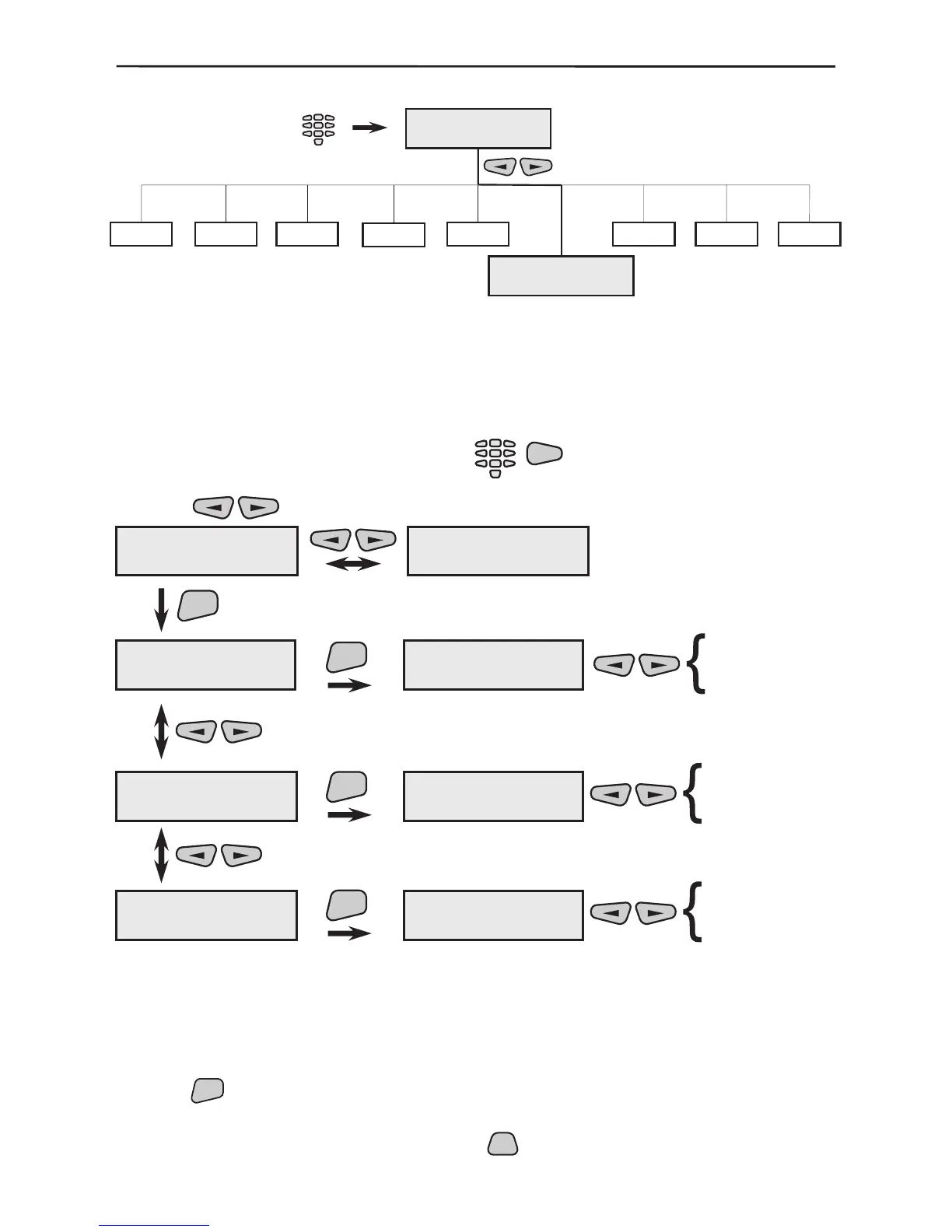
3.5 Outputs Programming
In order to indicate (usually to external devices) certain system events (see Table of
events) or trouble, all programmable outputs (PGM1-PGM4) can be programmed sepa-
rately from the functions. Several events can be programmed simultaneously as a “logi-
cal OR” from the programmed events will be formed.
To access the output programming menu press in succession:
Use the
buttons to select the output that has to be programmed.
Programme the events for which the output is to be activated.
Programme the trouble, for which the output is to be activated.
Programme the normal status of the output when inactive (if ac-
tivated it alternates it’s status NC/NO). By default all outputs are
programmed as NC.
Use the
button to conrm all entered data and changes.
* All active parameters in the system are marked with the “*” symbol and the
inactive - with the “-” symbol. Press the



 To Next Page