Programming Arm/Disarm Functions
With the help of the Arm/Disarm functions the system provides full or partial Arming/Dis-
arming.
Arming function 1 – Arms Groups 1, 2 and 3 (full arm)
Arming function 2 – Arms Group 2 (partial arm)
Arming function 3 – Arms Groups 2 and 3 (partial arm)
Disarming function 1 – Disarms Groups 1, 2 and 3
Disarming function 2 – Disarms Group 2
Disarming function 3 – Disarms Groups 2 and 3
The programming of Arming/Disarming functions is described in §3.2.
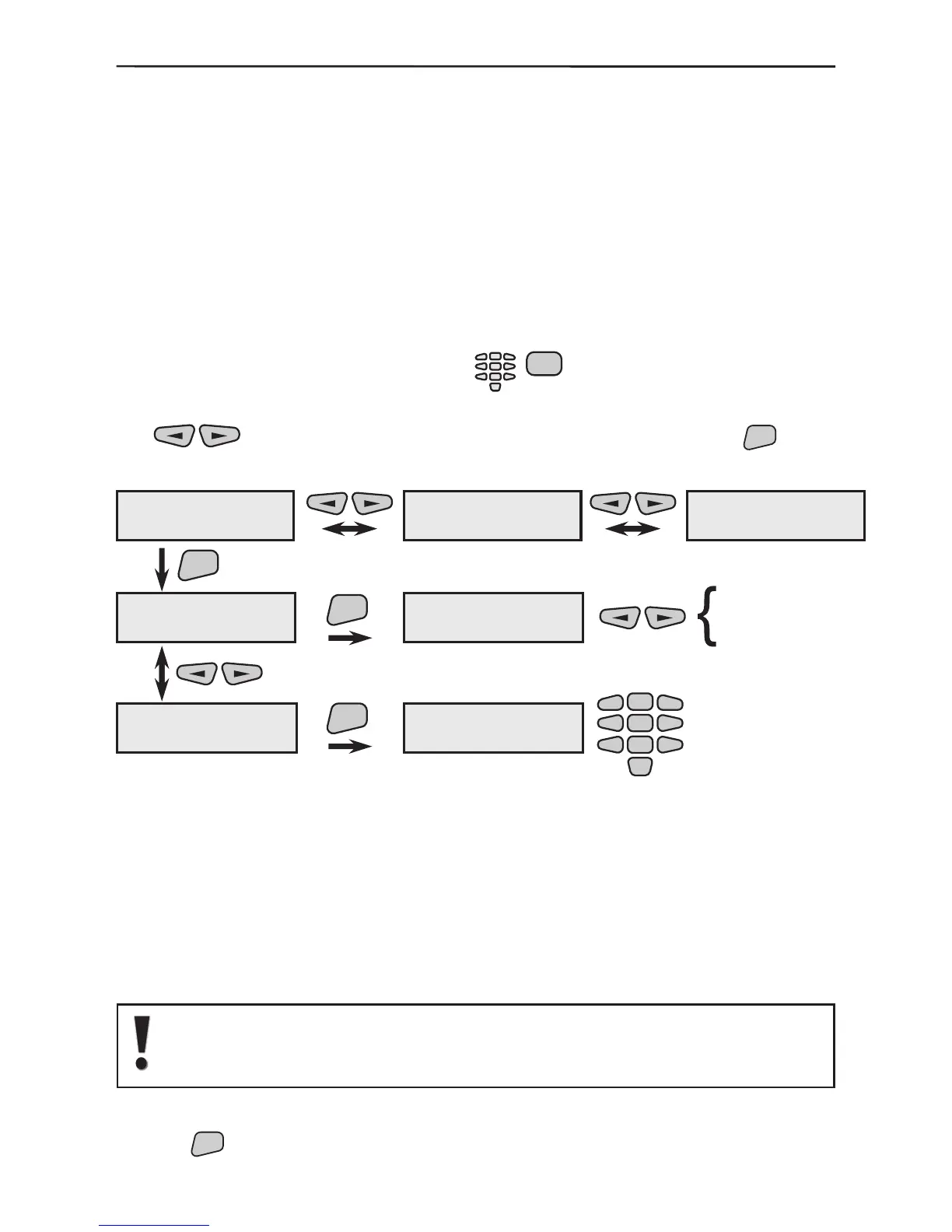
To access the group programming menu press in succession:
The detectors can be grouped in 6 different areas and their status can be checked with
the
buttons. To programme the parameters of a group use the
button
to access the submenus and specify the type and name change.
The menu allows selection of the type of sensor groups.
The type serves to specify the kind of alarm activation:
Instant - instant activation;
Entry/Exit - activates entry-exit time;
Follow - the group is activated following an event (alarm) in
Entry/Exit group;
not used - selecting this option renders the group inactive*.
* Note: If the not used type is chosen there will be no
group status indication on the display!
By default Group 1 is programmed as Entry/Exit type, Group 2 - as Fol-
low, and Groups 3 to 6 - as Instant. The type of all groups could be repro-
grammed according to accommodate personal use of the system.
The performance is as described in §3.1.2.
Use the
button to conrm all entered data and changes.
G:01 --- Ent/Ext
Group 01 name
ENT
ENT
ENT
2
5
8
0
1
3
4
6
79
not used
Instant
Entry/Exit
Follow
G:02 --- Follow
Group 02 name
Group 01 name
1)Group Type
1)Group Type
Entry/Exit
Group 01 name
2)Change name
2)Change name
Group 01 name
-
G:06 --- Instant
Group 06 name
1)Group type
2)Change name



 To Next Page