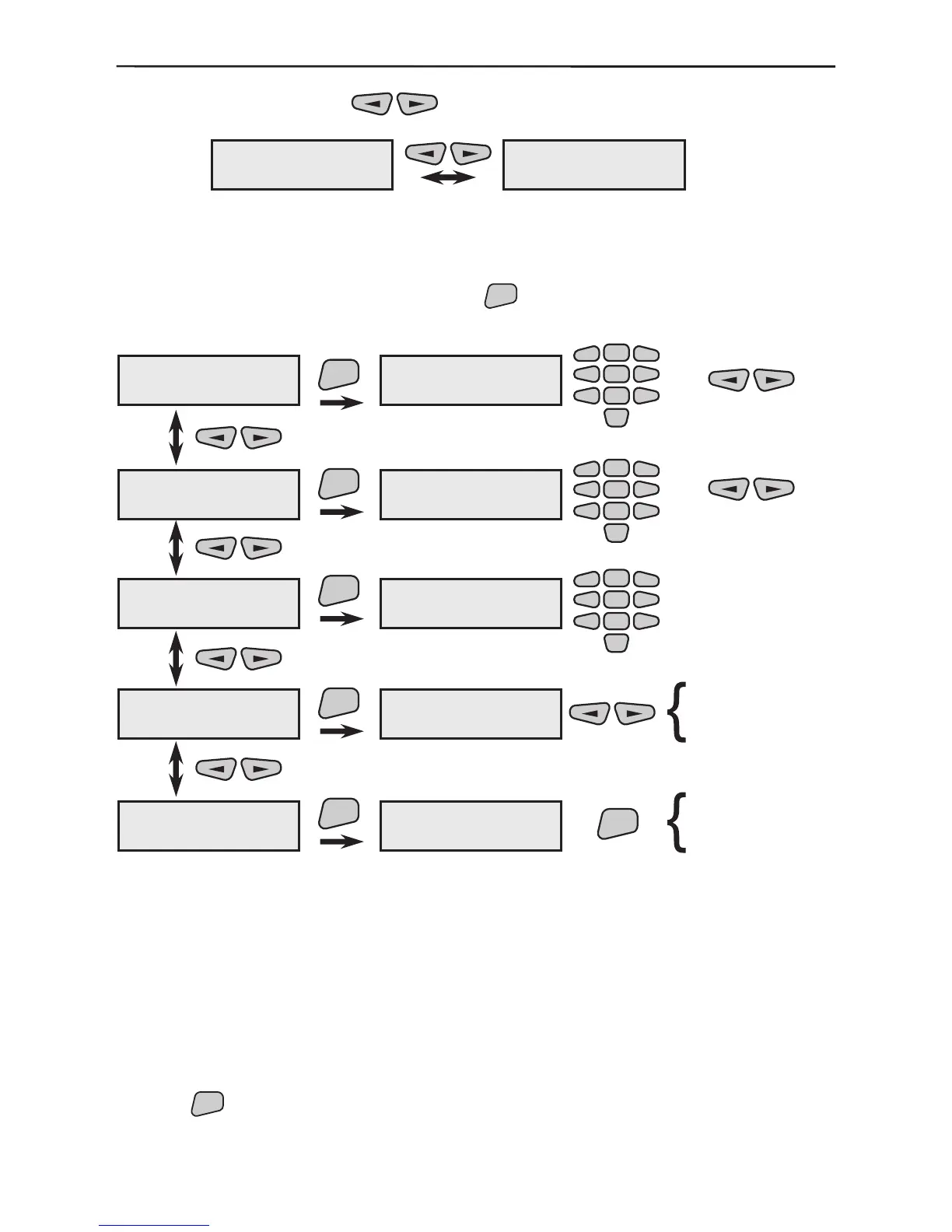
1. The various enrolled and recorded in the system repeater-modules can be scrolled
through with the help of the
buttons.
Example:
The rst repeater-module (Repeater01) in this example is recorded as the fourteenth
system device (14REP) and the second (Repeater02) as the fteenth (15REP). The
names of the devices have been edited according to their location within the system.
2. From the screen of each device press the
button to enter its parameter program-
ming submenu. For clarity we shall use Repeater01 as a device name.
Program the number of pulses, which has to be perceived by
the input of the rolling shutter detector or in 20 sec., in order to
generate an ALARM. These are between 5 and 250. The recom-
mended value for a rolling shutter is between 5 and 25.
The performance is as described in §3.1.3.
The performance is as described in §3.1.2.
The performance is as described in §3.1.2.
The performance is as described in §3.1.2.
Use the



 To Next Page