The screen lists in 1 - 2 sec. all currently available system trou-
ble. The possible trouble can be:
AC lost - the panel does not register any power supply;
main BATT - trouble with main battery;
fuse - faulty fuse in auxiliary power supply;
module BATT - low battery level in some of the modules;
low temp. - temperature reported lower than that set;
comm. ERR - communication trouble over the phone line;
line fault - telephone line trouble;
“RFinterference” - detected radio jamming..
The screen lists the current events.
The screen displays the status of the groups in succession
every 1 sec. Use the
buttons to stop the auto-
matic listing and to review the groups manually. This menu is
intended only for viewing the status and therefore no adjust-
ments or changes can be made here.
The screen displays the status of the devices successively
every 1 sec. Use the
buttons to stop the automatic
listing and to view the devices manually. This menu is intended
only for viewing the status and therefore no adjustments or
changes can be made here.
Use the
button to access the menu where the events can
be indicated or deleted.
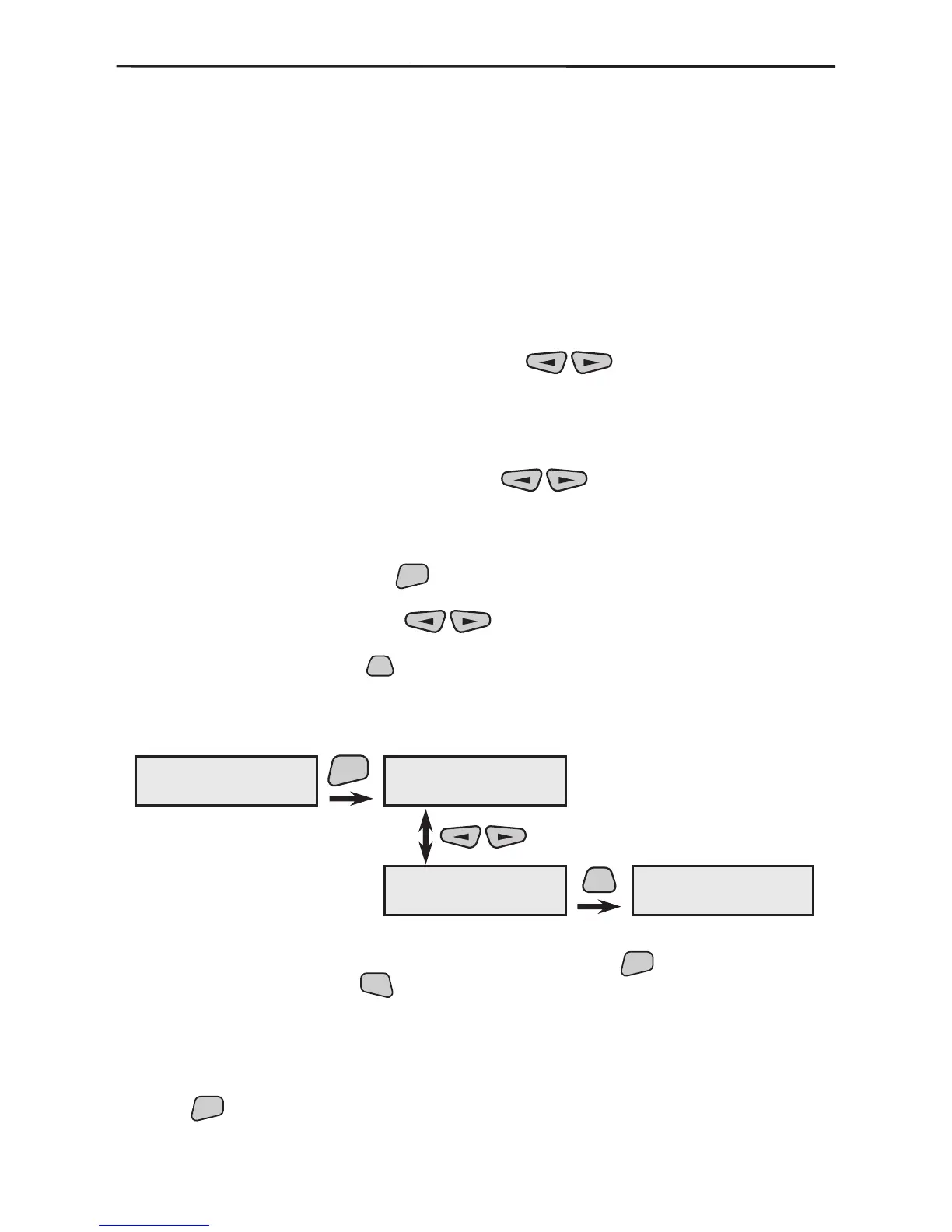
Use the buttons in the submenu to list the latest
256 events by ordinal number, hour, minute and date. Pressing
the
button on the screen will display further information
on a second screen indicating the group number and the de-
vice name where the event has occurred.
Example for LOG displaying:
The submenu provides for the event Log-le to be deleted
which is conrmed by pressing the
button.
The screen visualizes information about the battery status. The
main panel battery is measured once per minute and informa-
tion is provided on the current status.
Use the



 To Next Page