40 Addressable Fire Panel IRIS - Installation and Programming Manual
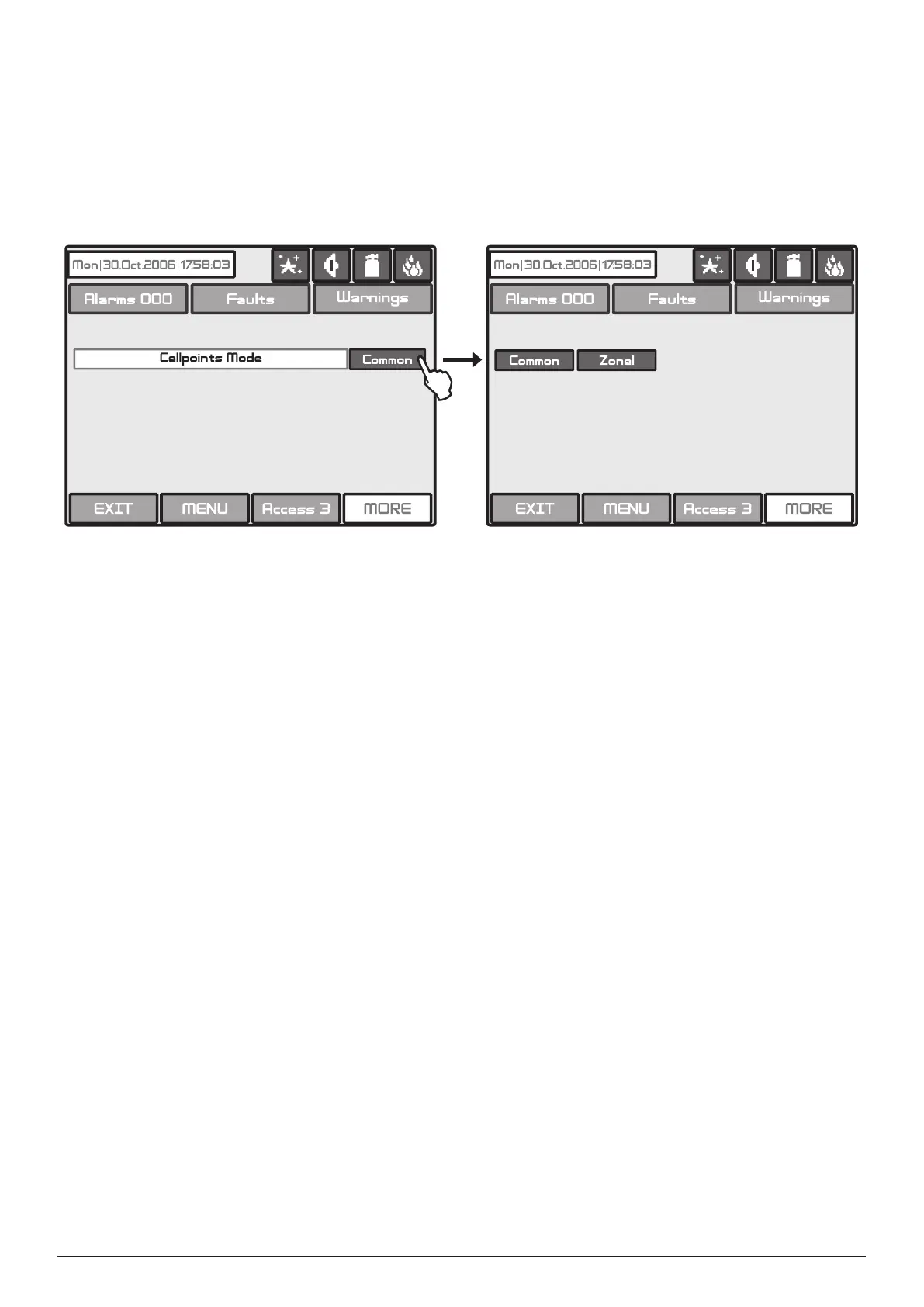
Choose button Call points Mode from Panel menu to enter in this submenu - see Fig. Screen 19. The In-
staller has a possibility to choose the alarm mode if a call point is been activated - Common or Zonal. For this
purpose on a separate screen are displayed buttons, as:
• Common - A general alarm will be activated with no sense of to which zone the call point is been con-
nected.
• Zonal - Only an alarm in the zone where the call point is been connected.
Fig. Screen 25 - Choosing a Call points Mode.
All changed parameters are conrmed and saved by pressing the APPLY button in the upper left cor-
ner of the screen.
Here the Installer can choose between the available languages in the system.
Here the Installer can set a common time delay for activation for all outputs (from 0 to 60 seconds). By default
a 30 seconds time delay is set in the system.
See also APPENDIX E - “Two steps of alarming” working algorithm.



 To Next Page