Addressable Fire Panel IRIS - Installation and Programming Manual 49
The Installer/User can also adjust the brightness of the LCD touch screen display. To see the brightness of
the display choose the Colours submenu from the Calibration Menu - see Fig. Screen 41.
To adjust the LCD brightness use a small plain screw-driver and turn the potentiometer on the left or on the
right.
Fig. Screen 41.
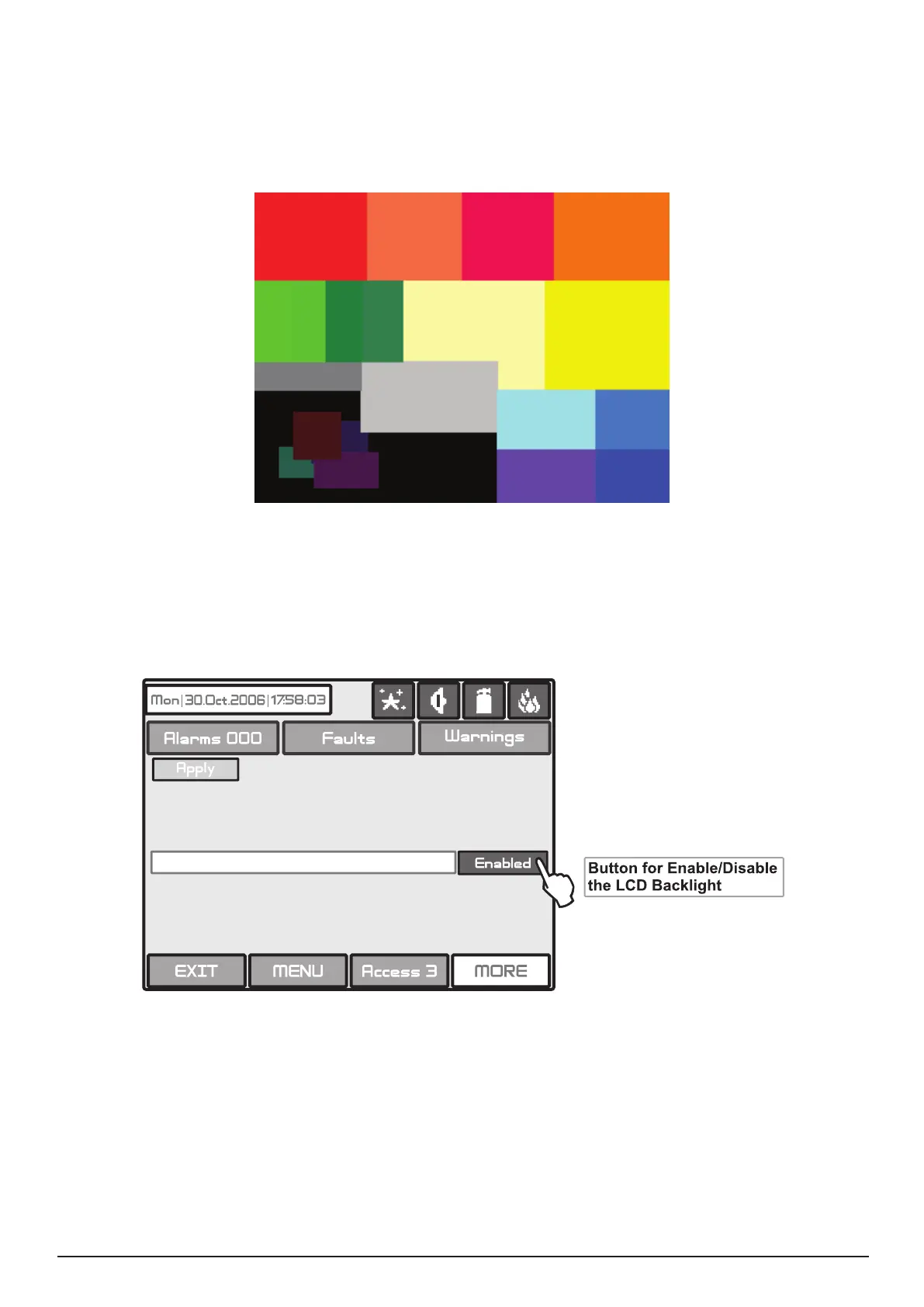
The Installer/User can switch on a backlight save mode as choose the Power Save Backlight button from
the Calibration Menu.
Fig. Screen 42.
Use the APPLY button to conrm you choice. If the Backlight Save Mode is Enabled the LCD Backlight will
switch off after 60 sec when the LCD Touch screen display is not used. You you can switch on the backlight
by simple pressing the touch screen.



 To Next Page