86
GPON ONT
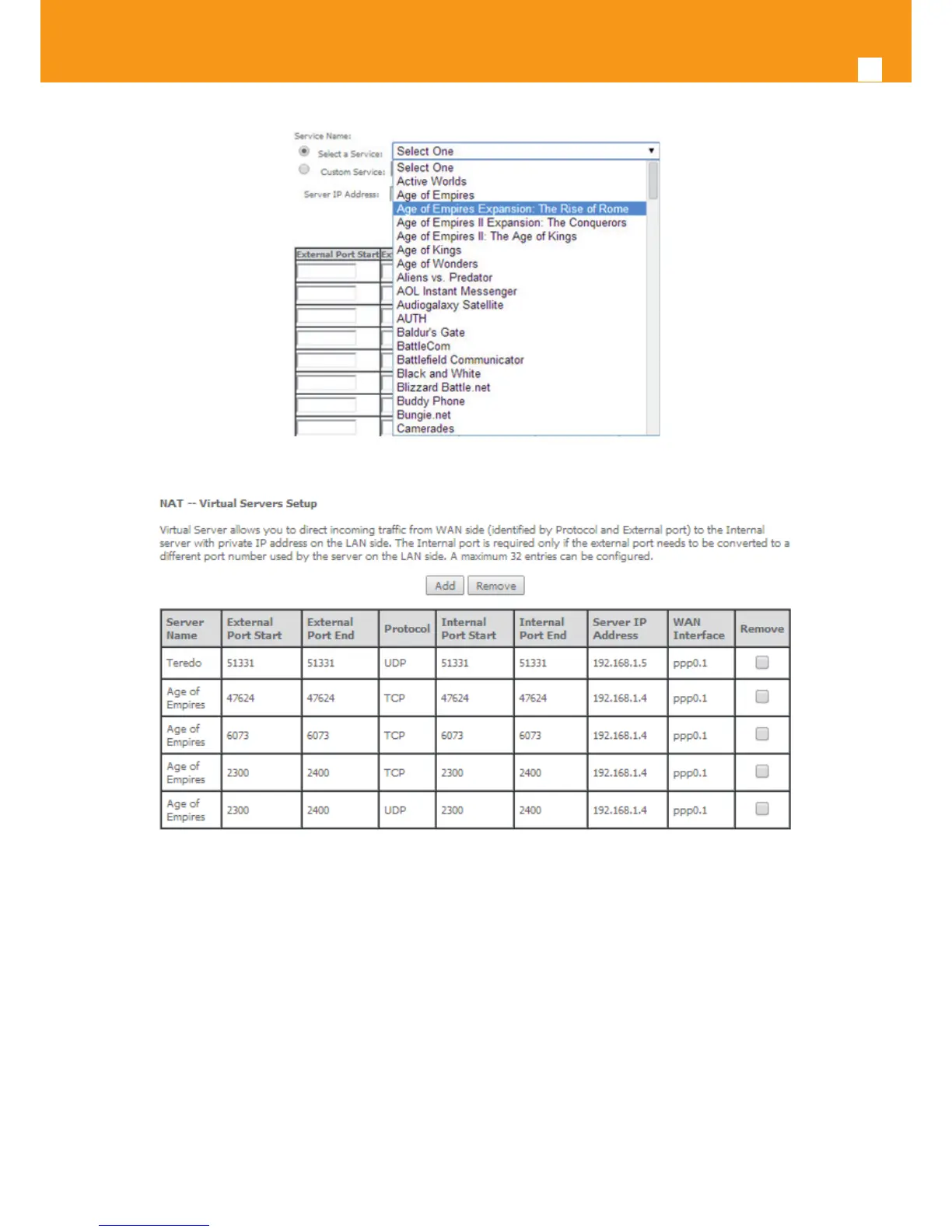
Figure 5-82: Advanced Setup/NAT-Virtual Servers Setup window - Service Selection Combo box
Figure 5-83: Advanced Setup/NAT-Virtual Servers Setup window - Current NAT Virtual Server Conguration
5.6.4.2 Port Triggering
Selection of Advanced Setup submenu NAT, item Port Triggering, a NAT-Port Triggering Setup window is displayed in the main window Figure
5-84, showing the current NAT- Port Triggering conguration. A short on line help text is provided in the setup window.
This window allows inserting and conguring port triggering, for dened applications. This redirects a network port from one network mode to
another network mode. This conguration allows opening ports of a PC in the LAN for a user on the WAN side only when the session on the Lan
side is active- this is always initiated by the PC in the network LAN side, being safer then port forwarding.
To insert and congure a new NAT-Port Triggering entry use the Add Button, Figure 5-84; a new window is displayed, Figure 5-85. A short on line
help text is provided in the conguration window.
This window allows the conguration of Port Triggering by choosing the Wan interface and the Application Name, Figure 5-85. The WAN interface
to use must have NAT enabled.



 To Next Page