TLV-300E/TAV-900A Professional Digital TV Receiver User’s Manual
2. GETTING STARTED
2.1 INITIAL HOOK-UP
Follow these instructions to connect the TLV-300E/TAV-900A receiver to your video display and
audio amplifier.
Connect the supplied power cable from the AC power inlet on the rear panel to a standard AC outlet. Either
50Hz or 60Hz, 100V-240V is acceptable.
Turn on the switch in the rear panel. The cooling fan will start and the alphanumeric display in the front panel
will show a message with the model name of the receiver while configuration taking place. Allow the
receiver to warm up. (It takes up to 10 seconds.)
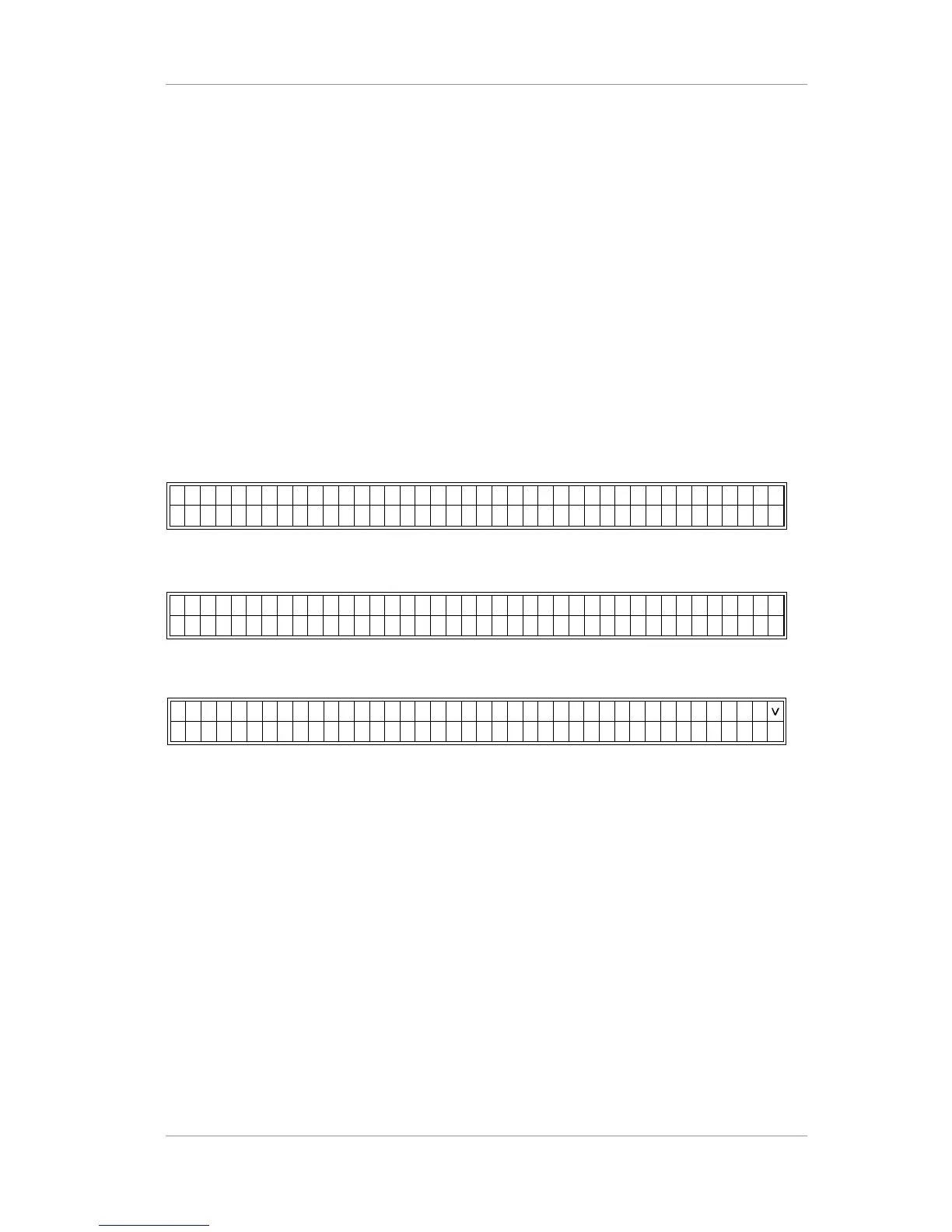
Example) display during power on during initial state
In this upper line of the display, R1:- and R2:- shows that RF input -1, 2 are in UNLOCK state.
B1:-, B2:-, B3:-, B4:- and B5:- means BNC-1,2,3,4,5 are UNLOCK state.
In the bottom line of the display, RF-1:UNLOCK means RF input-1 is UNLOCK state.
User can change the RF-IN1 status into RF-IN2,BNC-1,2,3,4,5 status by using <> arrow button.
User can change the INPUT PORT STATUS into MAIN STATUS or SUB STATUS by using ^ arrow button.
The status menu rotates in order by the use of ^ arrow button.
Version 2.0 18


 To Next Page