TLV-300E/TAV-900A Professional Digital TV Receiver User’s Manual
3. MENU DICTIONARY
3.1 OVERVIEW
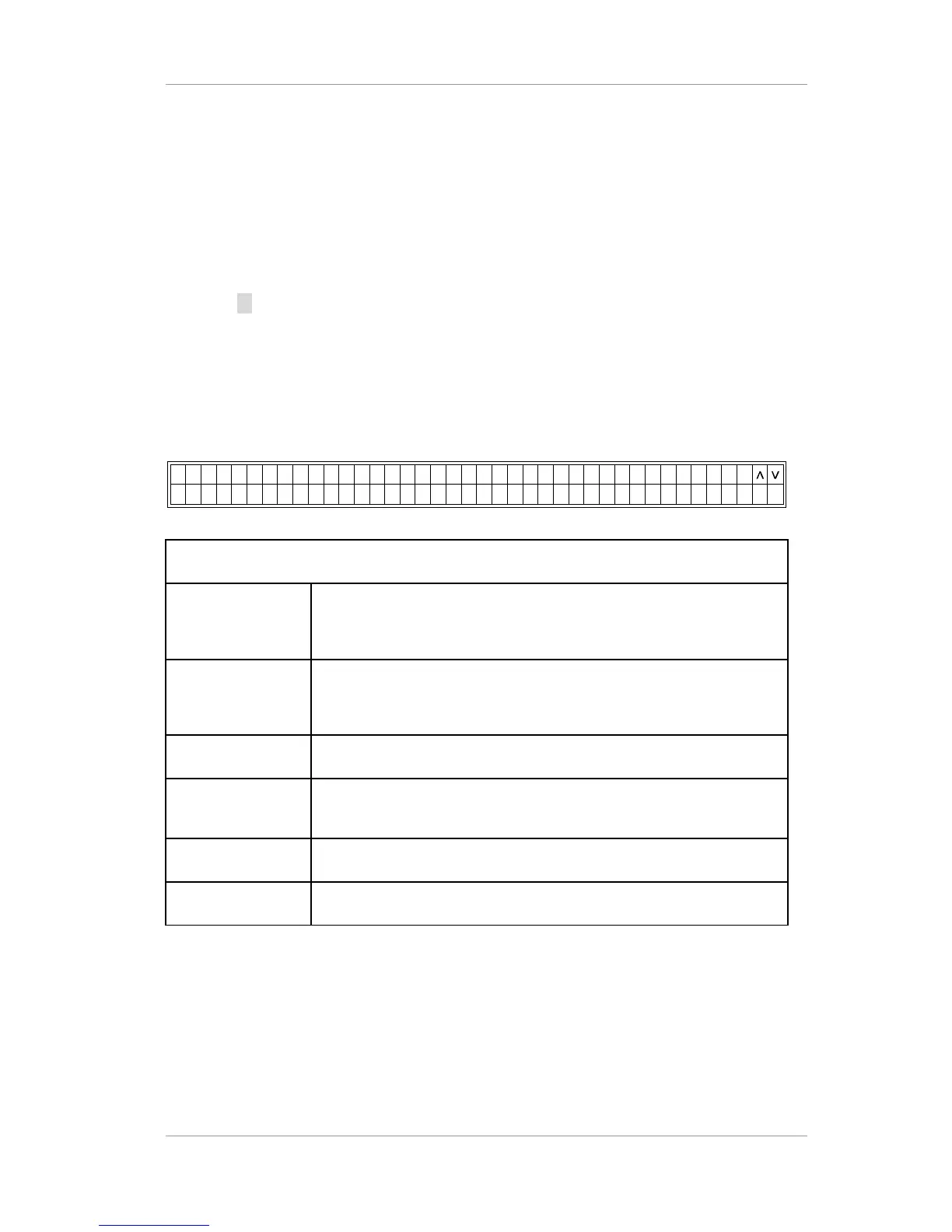
There are six menu entries in top menu, CONFIG, STATUS, SAVE PROFILE, RECALL PROFILE,
DEFAULT and DIAGNOSIS menu, in the TLV-300E/TAV-900A receiver. This menu appears when
user press
(down arrow) button at no menu state. User can navigate through these menus and
control using the function buttons and numeric buttons. All of the TLV-300E/TAV-900A’s functions
can be controlled with these menus.
The menu style can be different from this section depending on the firmware version.
Example)
Menu entries in top menu
1. CONFIG The CONFIG menu is a configuration for the video and audio output
options. It has MAIN, SUB, RF, BNC OUT, SYSTEM, FAULT,
PRIORITY and AUTO SELECTION DELAY menu.
2. STATUS The STATUS menu gives status and information about the receiver. It
has MAIN, SUB, RF, INPUT, VERSION, SERIAL NUMBER, MAX
ADDRESS and LICENSE LEVEL menu
3. SAVE PROFILE Saving current configuration profiles into 30 different set.
4. RECALL
PROFILE
Recalling saved configuration profiles from stored 30 different set.
5. DEFAULT Reset configuration into default mode
6. DIAGNOSIS Provides tool to diagnosis the receiver. (Color bar)
To return to the previous menu, press the EXIT button. Change the menus using the arrow buttons.
To change the character or number of parameter on sub-menu, point the cursor to the desired position using
Left/Right buttons and change the character using up/down buttons, and modify the number using either
up/down buttons or numeric buttons.
To save or cancel any setting change, point the cursor to EXEC using Left/Right buttons and press
ENTER/SLCT button to save the change or point the cursor to EXIT and press ENTER to cancel the change.
To start execution, point the cursor to EXEC and press ENTER button, and point to STOP to stop the
Version 2.0 28


 To Next Page