TLV-300E/TAV-900A Professional Digital TV Receiver User’s Manual
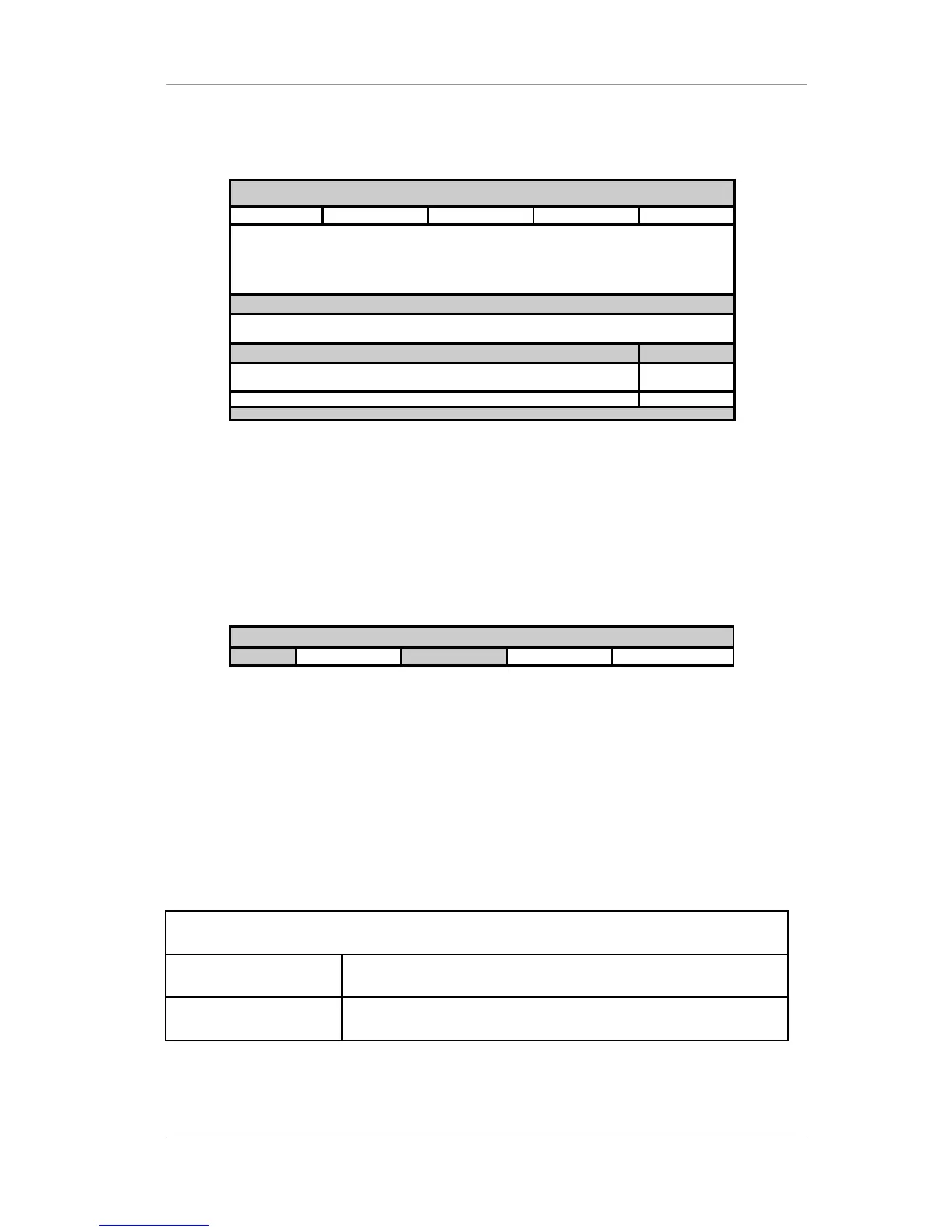
Example) Table display:
EIT INFORMATION 2004-11-09
Evt Id. Etm Loc. Length Start time Title
NO EIT INFORMATION
Extended Text
Available EIT [Event Id]
Total
0
UP/DN : Display other Info, < >: Choose EIT, SLCT: Toggle Hex ÷ Dec.
Figure 13 EIT information display
STT: For displaying information about the STT (System Time Table) in the stream. The STT provide a
reference time for the receiver for the program guide. There is only one STT in an ATSC compliant
transport stream.
Example) Table display:
SIT INFORMATION 2004-11-09
Version
Proto. Ver.
Sys Time
Offset Daylight Save
Figure 14 SIT information display
3.3.2 STATUS/SUB sub-menu
The SUB sub-menu allows you to see information about SUB channel audio/video decoder. Types
of information are VIDEO, AUDIO and PSIP sub-menus.
Table 27 STATUS menu architecture
STATUS menu structure
SUB For the information about the sub video.
SUB /VIDEO RESOLUTION, FRAME RATE, ASPECT RATIO and BIT RATE
Version 2.0 46


 To Next Page