TLV-300E/TAV-900A Professional Digital TV Receiver User’s Manual
2.4 VERIFYING COMPOSITE VIDEO OUTPUT (ONLY IF APPLICABLE DISPLAY IS CONNECTED)
If you have attached composite display supporting NTSC or PAL mode, follow this step.
Connect NTSC (National Television Standards Committee) TV or PAL type TV into CVBS OUT BNC
connector in the rear panel.
Turn on the unit and use DIAGNOSIS/DEFAULT menu to reset configuration. Then use
CONFIG/SUB/VIDEO/FRAME RATE menu to select NTSC mode (29.97 Hz) or PAL (25 Hz) mode
depending the display connected.
Then, turn on the SUB OSD using CONFIG/SUB/OSD menu.
Use DIAGNOSIS/COLORBAR menu ON and OFF to display color bar signal out.
If COLOR BAR is not shown on the display, it means that your video connection has a problem.
2.5 VERIFYING 8VSB DIGITAL TV SIGNAL DECODING THRU RF INPUT (ONLY IF YOU HAVE 8VSB
RF INPUT AVAILABLE)
Connect your TV antenna cable to the unit’s RF Input-1 connector.
Use CONFIG/RF-IN1/FREQUENCY PLAN and choose your RF type. Default is TERRESTRIAL.
If you were watching video other than composite video, enter the channel number with numeric button
following ENTER button in no menu state. The receiver will choose RF-IN1 source for MAIN decoder and
tune to the desired channel. You may also use CONFIG/MAIN/SOURCE to select RF-IN1 and use
CONFIG/MAIN/TUNE CH (tune by channel) as an alternative way. TAV900A does not have numeric
buttons and can not use direct channel selection but need to use menu.
If you were watching video with composite video, use CONFIG/SUB/SOURCE and select RF-IN1 and use
CONFIG/SUB/TUNE CH (tune by channel). The receiver will choose RF-IN1 source for SUB decoder and
tune to the desired channel.
After you tune to the RF signal and exit to the top menu the receiver does not get proper incoming video
signal or setting, then “UNLOCK” message will be shown on the alphanumeric display. If the display shows
some irregular static, video noise, or black screen, make sure your incoming signal quality.
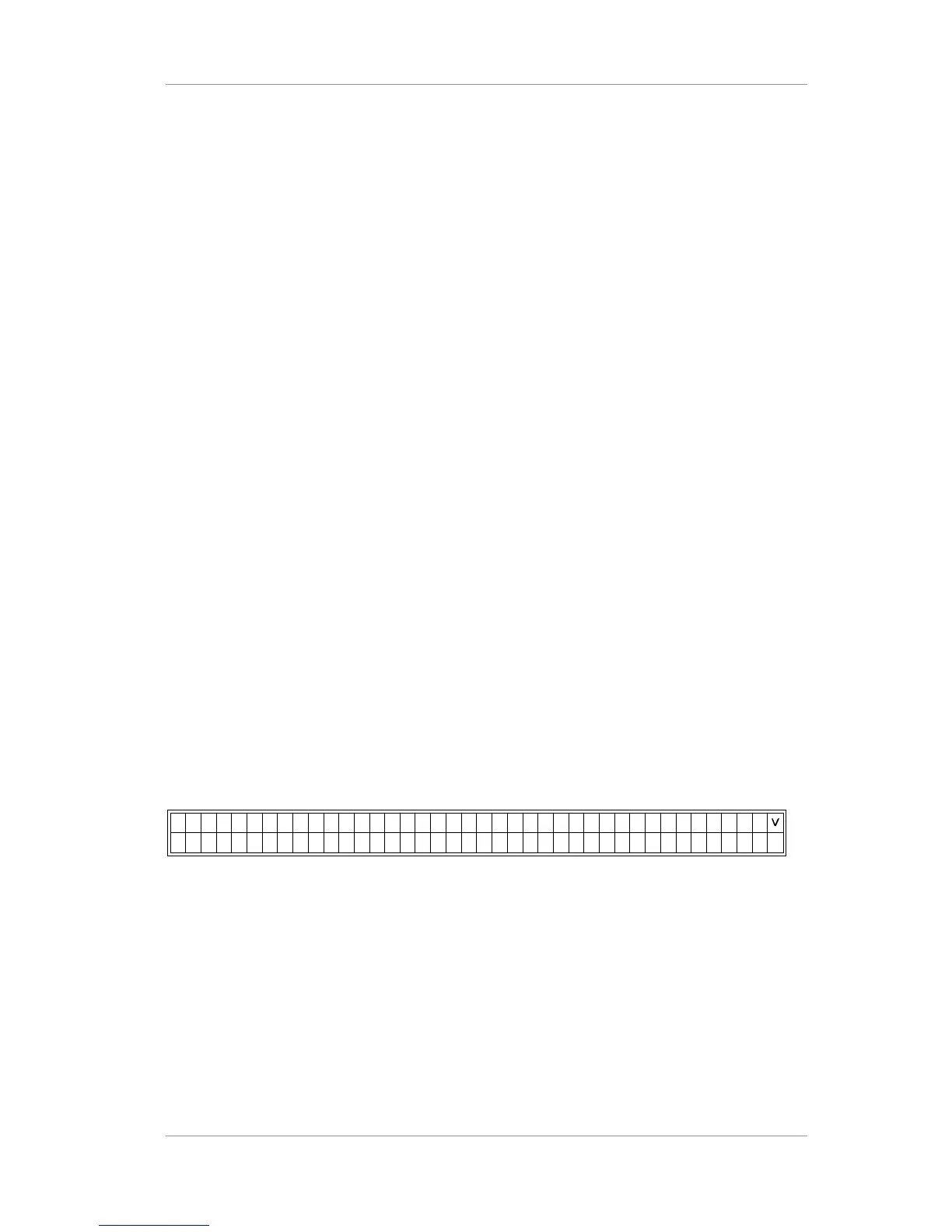
Example) No menu state1 (INPUT PORT STATUS), R1:L indicates LOCK state.
In this upper line of the display, R1:L shows that RF input-1 is in LOCK state, and R2:- means RF input-2 is
in UNLOCK state. And B1:-, B2:-, B3:-, B4:- and B5:- means BNC-1,2,3,4,5 is in UNLOCK state.
In the bottom line of the display, RF-IN1:LOCK means RF input-1 is in LOCK state.
8VSB means the modulation type of RF input-1 is 8VSB.
32.9dB means SNR of RF input-1 and 0.00x10⁻⁸ means BER of RF input-1.
Example) No menu state2 (MAIN STATUS)
Version 2.0 22


 To Next Page