TLV-300E/TAV-900A Professional Digital TV Receiver User’s Manual
3.3.5 STATUS/VERSION sub-menu
The VERSION sub-menu can show a version number of the receiver’s firmware.
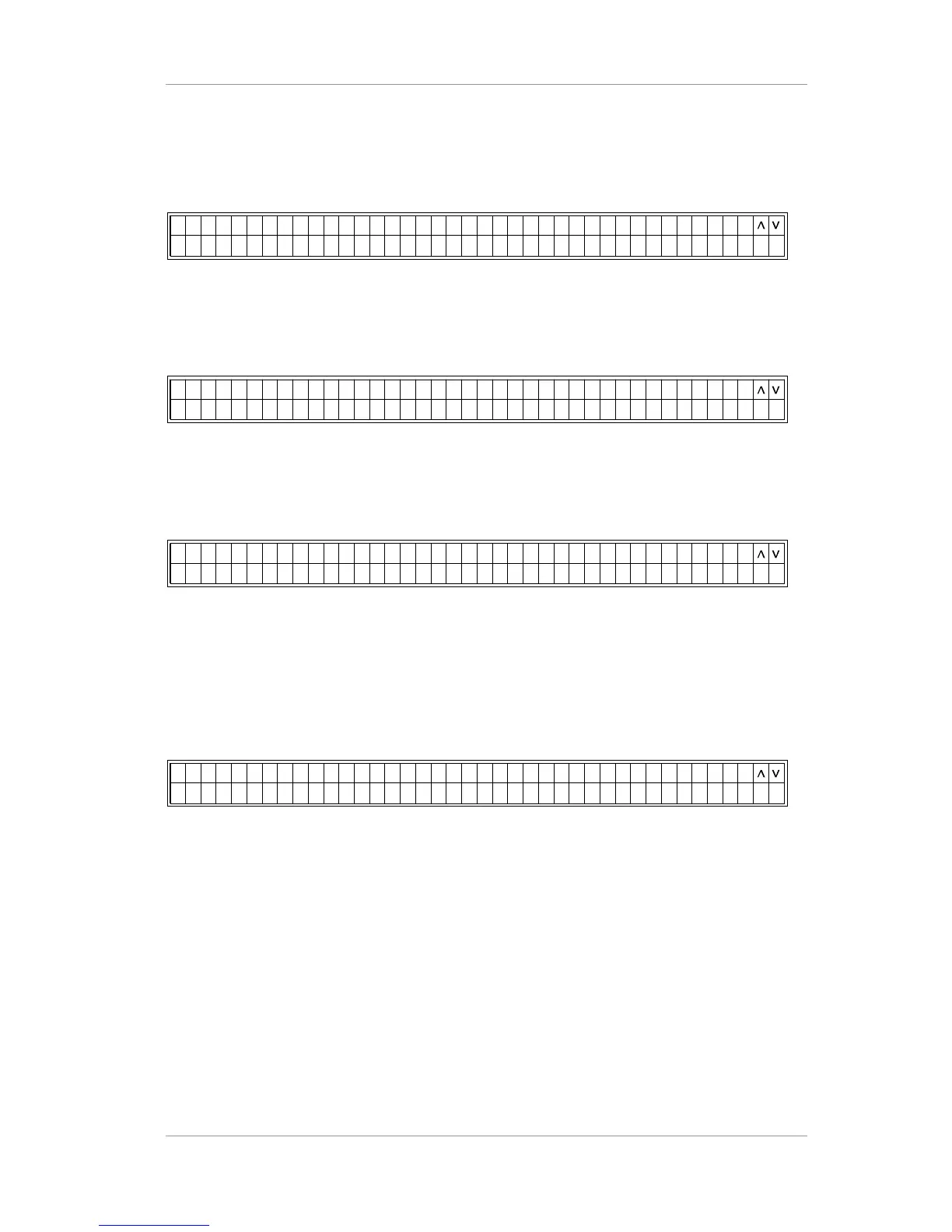
<00 R SS / NS A T VE I OEU/ >T VU L 3M E N : T
VW 1 11 . 3.F F V .AP 1 2G XE< I T >1
3.3.6 STATUS/SERIAL NUMBER sub-menu
The SERIAL NUMBER sub-menu can show a serial number (16 bytes).
<00 R IS / BN ES A T SE A U RMLEU/ >T VU L 3M E N : T
42 53 97 8 32161 4 75 6 XE< I T >
3.3.7 STATUS/MAC-ADDRESS sub-menu
The MAC ADDRESS sub-menu allows you to see the MAC address of your receiver.
<00 M AS / A ED SS A T RE C D SREU/ >T VU L 3M E N : T
42 53 97 8 32161 4 75 6 XE< I T >
3.3.8 STATUS/LICENSE LEVEL sub-menu
There is a limitation of function according to license level (level 1~127). For now, if the level is 3 or
higher, then you can use fault and fault monitoring functions. You will not be able to use fault and
fault monitoring if the level is 2 or lower.
<00 C ES / E EL LS A T LE N E VSIU/ >T VU L 3M E N : T
EI NC LE EVESL L 3: 3 XE< I T >
1. According to license level # (First no.)# (Second no.), the first number represents output option
and the second number represents function.
If the first number is equal or greater than three, there is SDI output. Otherwise, the number is less
than three, no SDI output.
If the second number is equal or greater than three, there is TS Monitoring function. Otherwise, no
TS Monitoring function.
No TS Monitoring function means:
Ignore Error count value for each TS port(always pretend the value is’0”)
Version 2.0 48


 To Next Page