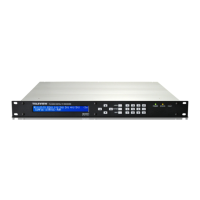
TLV-300E/TAV-900A Professional Digital TV Receiver User’s Manual
COLOR_BAR: The COLOR BAR sub-menu allows you to turn on/off the test color bar pattern on all video
output. Select EXEC to run it. This is typically used to verify the signal path from the receiver. Select STOP
button to stop it.
This option is very useful when you finished the setting and cannot see any image on the display. If the
option COLOR BAR is on, at least you should be able to see it, which means the problem is not in your
connection.
Version 2.0 53


 To Next Page