13 testo DataControl PC software
110
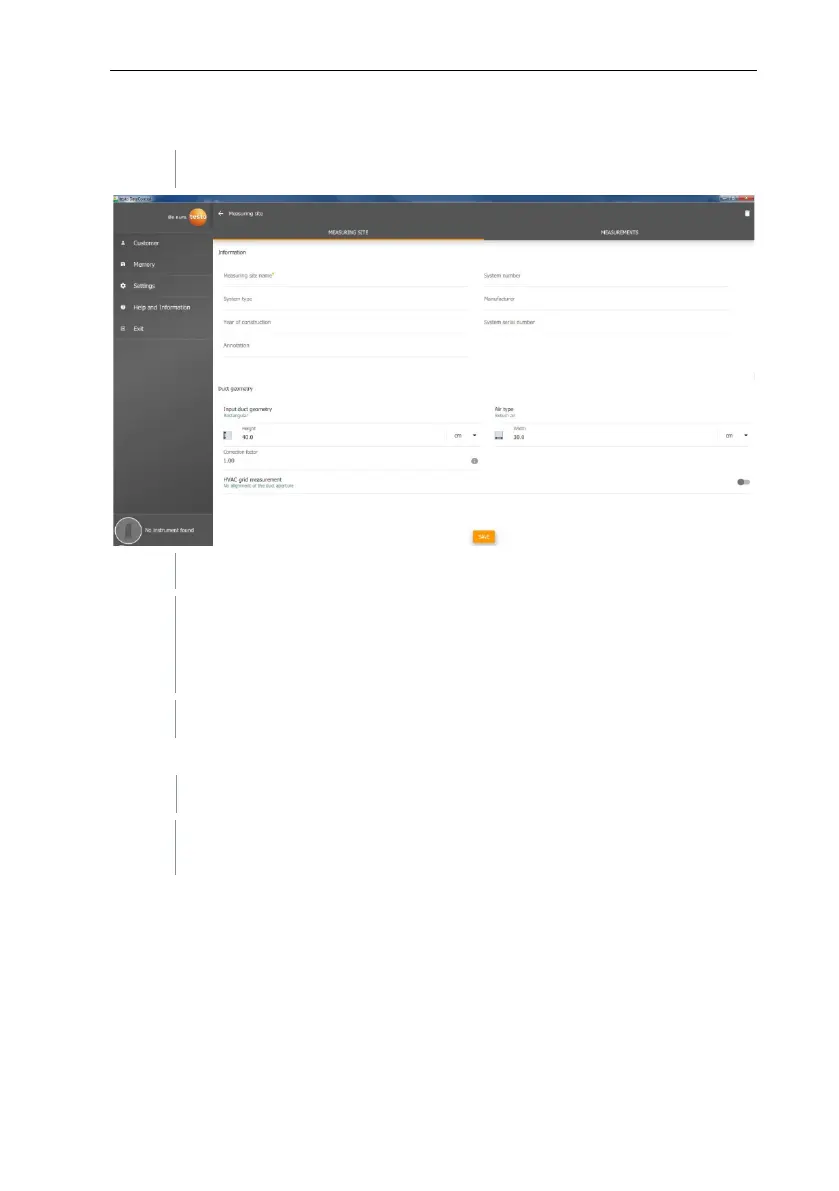
HVAC grid measurement (optional)
Activate HVAC grid measurement using the slider.
Additional fields expand.
The following data can be stored: Duct geometry, air type, duct
dimensions and the correction factor, number of inspection holes and
measuring points as well as the inspection hole position and the
reference volume flow for the respective measuring site.
Calling up stored measurements of a selected measuring site
Click on the Measurements tab.
Measurements assigned to the selected measuring sites are
displayed.



 To Next Page