13 testo DataControl PC software
118
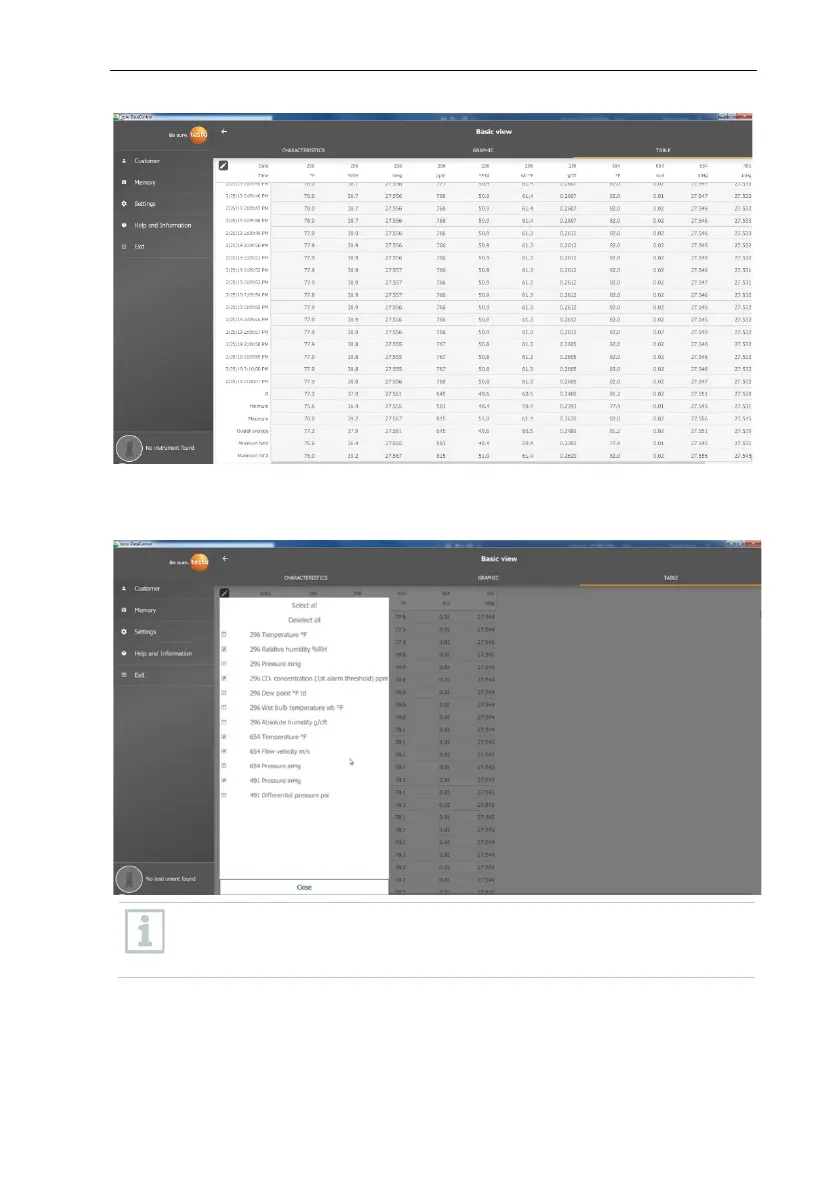
All measurement parameters can either be selected, deselected or selectively
selected using a check mark in the box, to obtain a clear view of the
measurement.
For future measurements, the required measurement parameters can
be selected in the testo 400 prior to the measurement.
(see Section 9.1 - point 8 Edit reading display).



 To Next Page