9 Operation
74
Select CSV file or JSON file and click on Start export. If necessary,
activate the Add Attach Images button.
Export options are displayed.
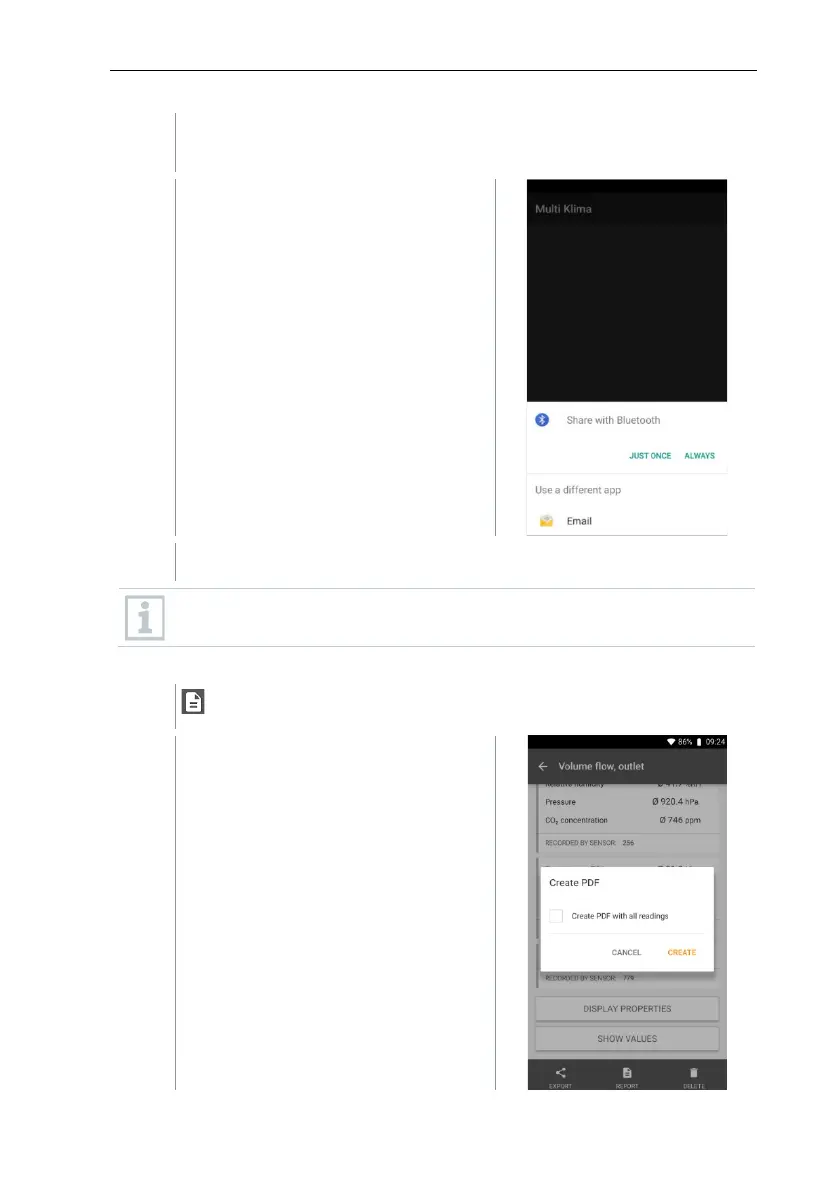
Click on Bluetooth or E-mail.
An e-mail account must be set up before this option can be used (see
Section 10.2).
Converting a report to a PDF file
Click on Report.
A selection window is displayed



 To Next Page