Operation
2-2
2.4 Zero
The indicator has a zeroing manual mechanism. When you press the Zero key the
indicator stores the current weight value as the zero of the system.
Operation:
0
2.5 Tare
2.5.1 Activate tare
Press the Tare key. The current value will be stored as tare. The NET led lights
Operation:
T
2.5.2 Clearing a Tare Value
To clear a tare register in normal operation, that is to say when the tare lock option is
on (see 3.3.3), press Exit and then the Tare key.
Operation:
EXIT
→
T
If the tare lock is off then the tare is automatically deactivated if the conditions
described on 3.3.3 are accomplished.
2.6 Ticket Printout
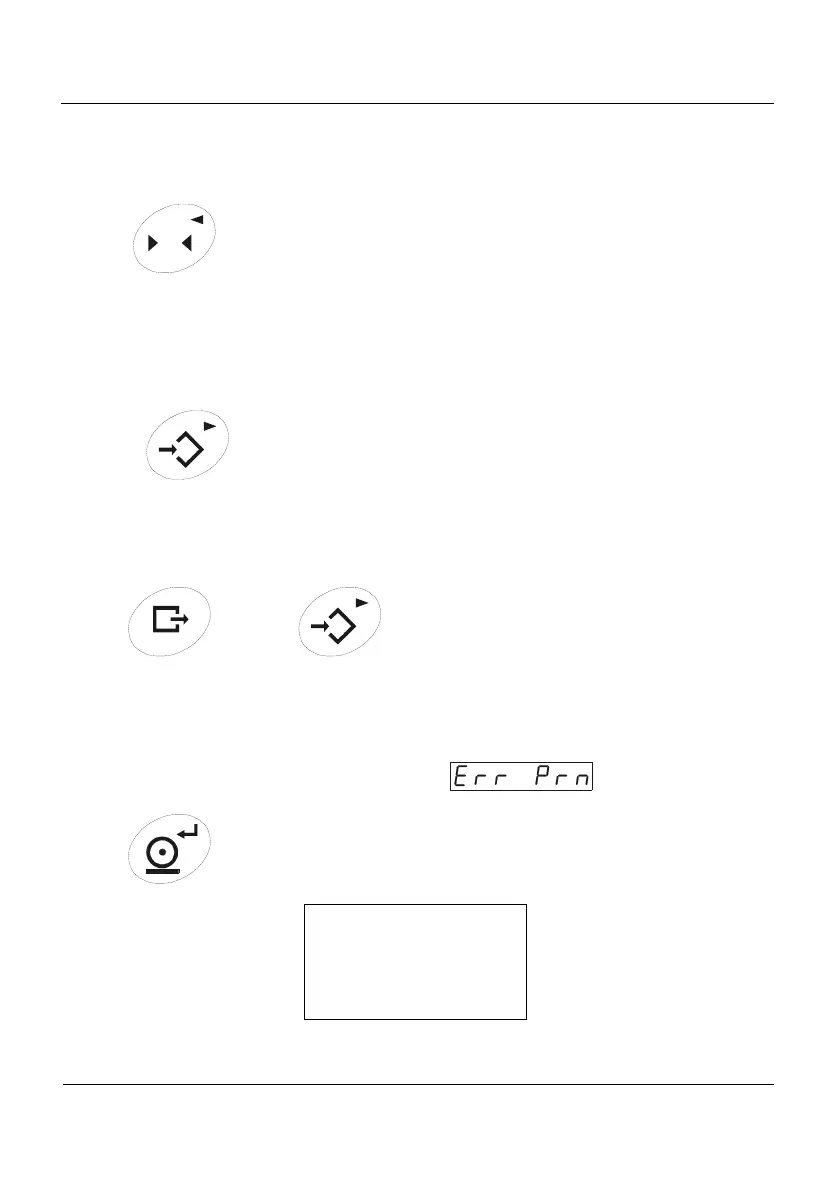
Press the Print key to print a ticket. If the weight is under the divisions introduced in PR
MIN function (see 3.3.6), the auxiliary display shows“
”.
Operation:
Ticket ID: 1
Gross 100.0 kg
Tare 0.0 kg
Net 100.0 kg
Figure 0.1 Ticket example



 To Next Page