Operation
2-3
2.7 Piece Counting
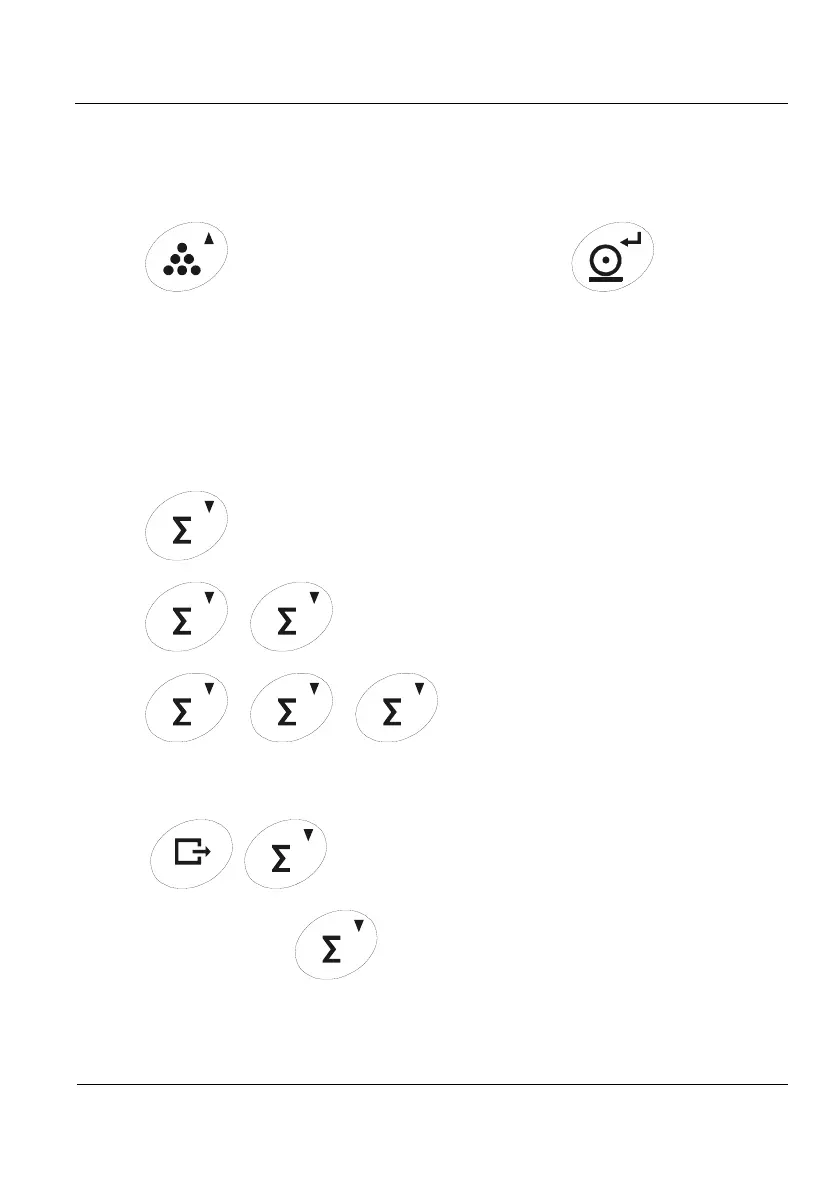
Place a certain number of pieces on the scale, press the Piece Counting key and enter
the number of pieces on the scale. The PCS led lights. From now on the indicator displays the
number of pieces.
Operation:
→No.pieces→
Press Exit and then the Piece Counting key to exit this function.
2.8 Accumulation
This function adds up various weights and gives the number of accumulated weights.
To add the weight that is on the scale into the sum press the Accumulation key.
In order to see the number of weighings, press again the Accumulation key before
losing the stability. If you press this key again, the accumulated total will be displayed. If the
piece counting function is activated, the sum of pieces is displayed.
Operation:
Record the current weight on the scale
Record the current weight on the scale and see the number of accumulated weighings
Record the current weight on the scale and see the total value accumulated
To leave this function press Exit, and then the accumulation key. The total
accumulated and the number of weights will be set to zero.
EXIT
Each time we press
a ticket is being printed where is showed, for every
keystroke, the number of weighing and its corresponding weight.
On leaving this function the total accumulated weight is printed.



 To Next Page