Operation
2-11
2.12 Remote display
To operate the indicator as a Remote display, it should be activated in the equipment
configuration (see 3.2.1). After activating the equipment, it will only operate as a remote display
of another indicator, which should be connected according to the specifications in 5.8.
Configure the following parameters to establish a communication between the two
equipments:
Parameters Indicator Remote display
FORMAT Fixed at F6 See 0
BAUD RATE Make values equal See 3.5.4
PARITY Fixed at 8n See 3.5.5
TERMIN Fixed at CR See 3.5.7
CONTROL Fixed at OFF See 3.5.8
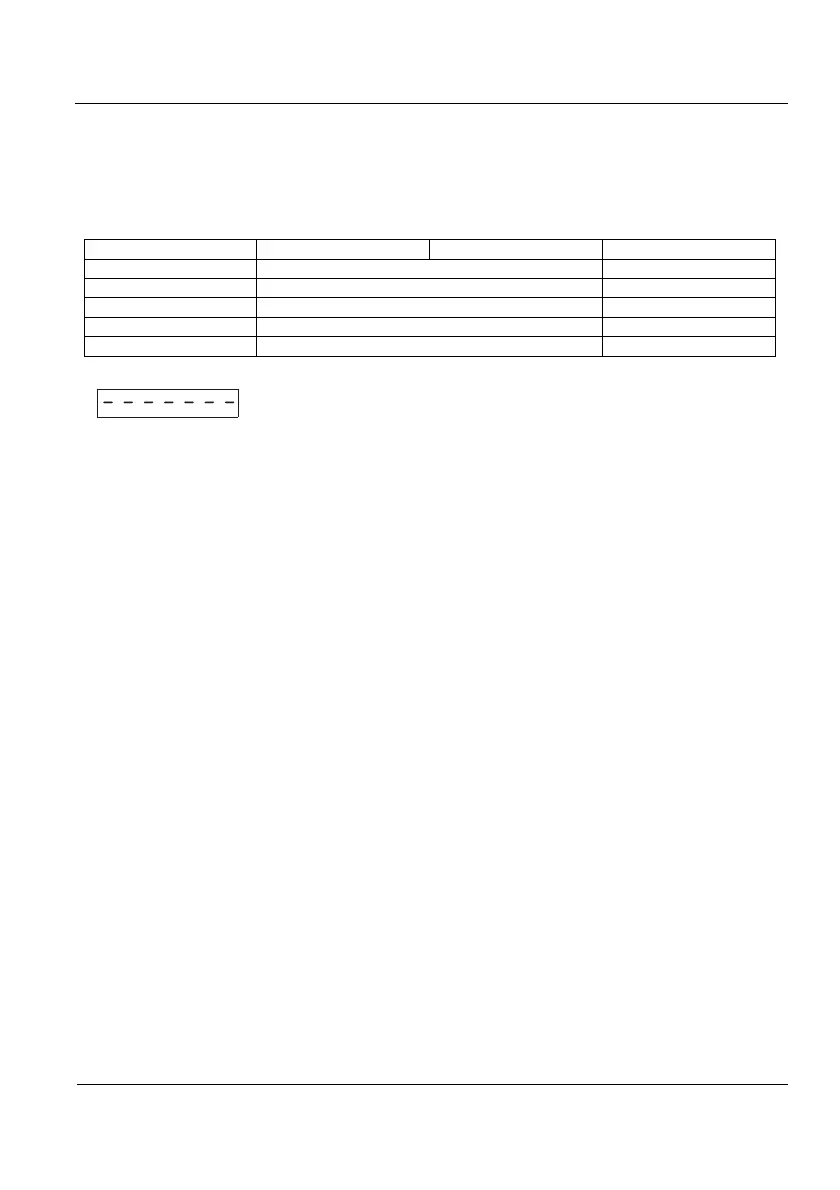
If the communication is not successful, a line of segments will be displayed
(
)



 To Next Page