User manual THERA-Trainer bemo EN
42
Article no. A007-661_Rev 2.0 - Last edited: 2020-06-02
Radius of movement display:
‒ Left number shows the selected radius of movement on the left side during the training session.
‒ Right number shows the selected radius of movement on the right side during the training session.
o
1 = Corresponds to radius of movement 1
o
2 = Corresponds to radius of movement 2
o
If training is one-sided, a minus sign is displayed for the corresponding side.
o
The movement radius is displayed after one turn of the crank.
It is possible to set different ranges of movement on the right and left side, e.g. for different leg lengths
or different mobility.
Select the radius of movement before any training session in consultation with the doctor and note any
change in joint forces.
Spasticity ON/OFF display:
‒ Spasm detection active: red spasm symbol lights up.
‒ Spasm detection inactive: no symbol is displayed.
Even when the spasm detection function is disabled, it will detect extreme changes of movement
(blockages, extreme power fluctuations). For safety reasons, if an extreme change is detected it will be
treated like a spasm.
Status bar display:
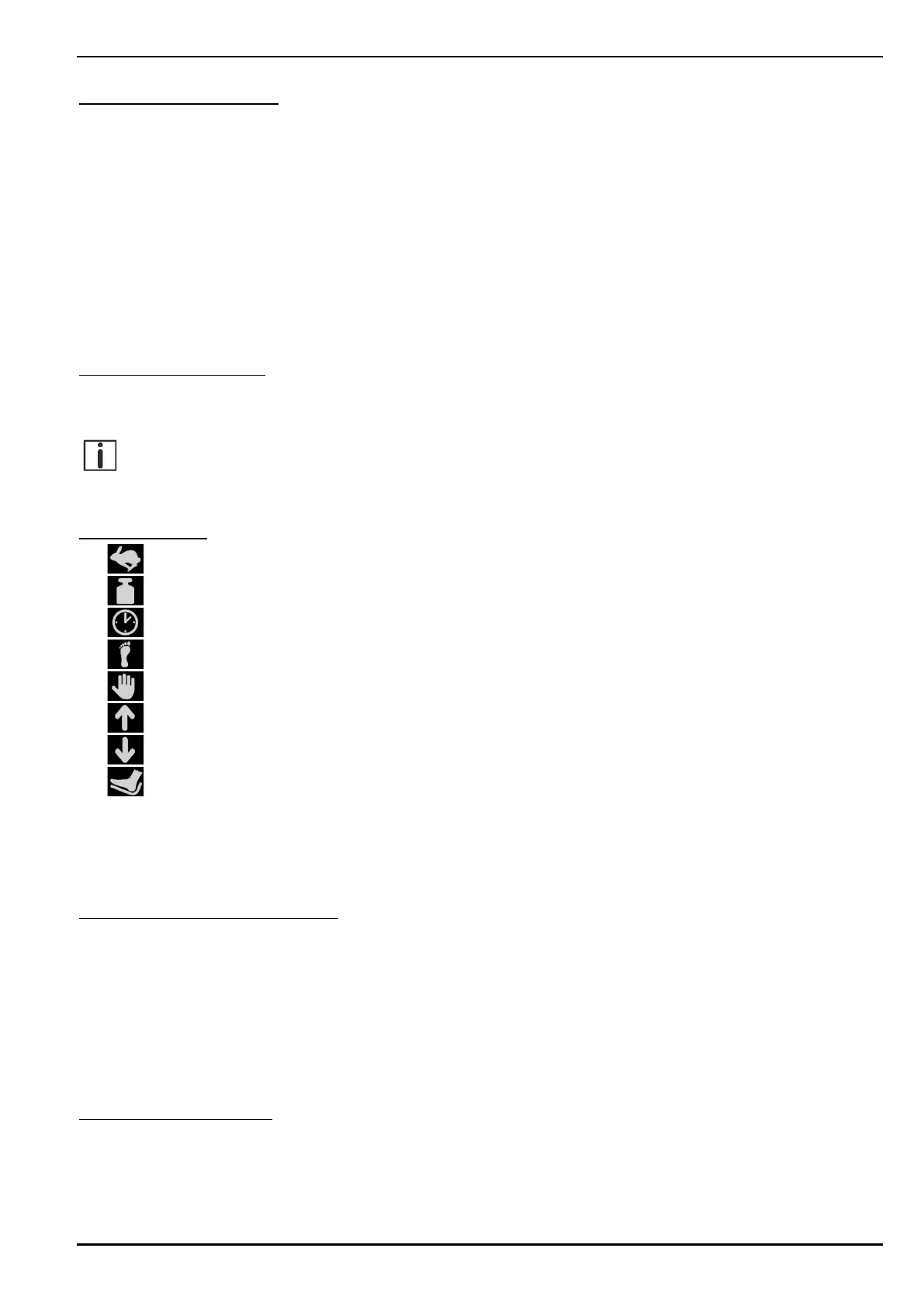
‒ Number of revolutions symbol
‒ Resistance symbol
‒ Training time symbol
‒ Leg exerciser active symbol (automatic detection after one turn of the crank)
‒ Upper body exerciser active symbol (automatic detection after one turn of the crank)
‒ Forward direction of rotation symbol
‒ Backward direction of rotation symbol
‒ Easy entry active symbol
The THERA-Trainer automatically detects whether a leg exerciser or upper body exerciser accessory
is plugged in. After approximately one turn of the crank, the relevant symbol is displayed in the status bar.
The maximum drive power is automatically limited to 8 Nm during an upper body training session.
Wireless connection ON/OFF display:
‒ Wireless connection ON: connection to the PC is active (symbol is visible).
‒ Wireless connection OFF: connection to the PC is inactive (symbol is not visible).
‒ Beep when disconnecting or establishing the connection.
Wireless connection is used to connect to a PC. The connection is established automatically as soon
as a corresponding receiver has been found. Further information can be found in the relevant user
manual.
Key sound ON/OFF display:
‒ Key sound ON: loudspeaker displayed.
‒ Key sound OFF: crossed-out loudspeaker displayed.


 To Next Page