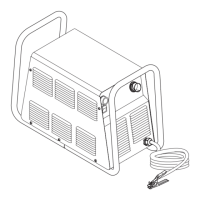
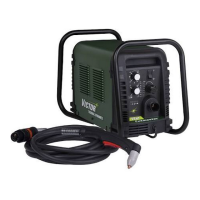
CUTMASTER 40mm
Manual 0-5085 7-9 PARTS REPLACEMENT
C. Main Contactor (W1) Replacement
Tools required: T20 Torx Driver
1. Remove the Cover per subsection 7.04-A.
2. Remove all wires from W1, noting the location
and orientation of each wire
3. Loosen the two (2) Torx head screws securing the
Main Contactor to the base.
4. Slide the contactor towards the rear of the unit
slightly to allow the contactor to clear the mount-
ing screws.
5. Lift Main Contactor up and out of the unit.
6. Install the replacement Contactor by reversing
the above steps.
7. Reinstall the power supply cover.
D. 40 AMP PCB (PCB 5) Replacement
Tools required: T20 Torx Driver
1. Remove the Cover per subsection 7.04-A.
2. Remove Capacitor PCB per subsection 7.08-A
3. Remove the two large gas hoses per subsection
7.05-C.
4. Disconnect the wires and connectors from the
PCB, noting the location and orientation of each
wire and connector.
5. Remove the four (4) mounting screws securing
the PCB to the center chassis.
6. Carefully guide the PCB assembly up and out of
the unit.
7. Install the replacement PCB by reversing the
above steps.
8. Reinstall the power supply cover


 To Next Page
 Loading...