Receiver Descrambler - User Manual (release 7.3.1)
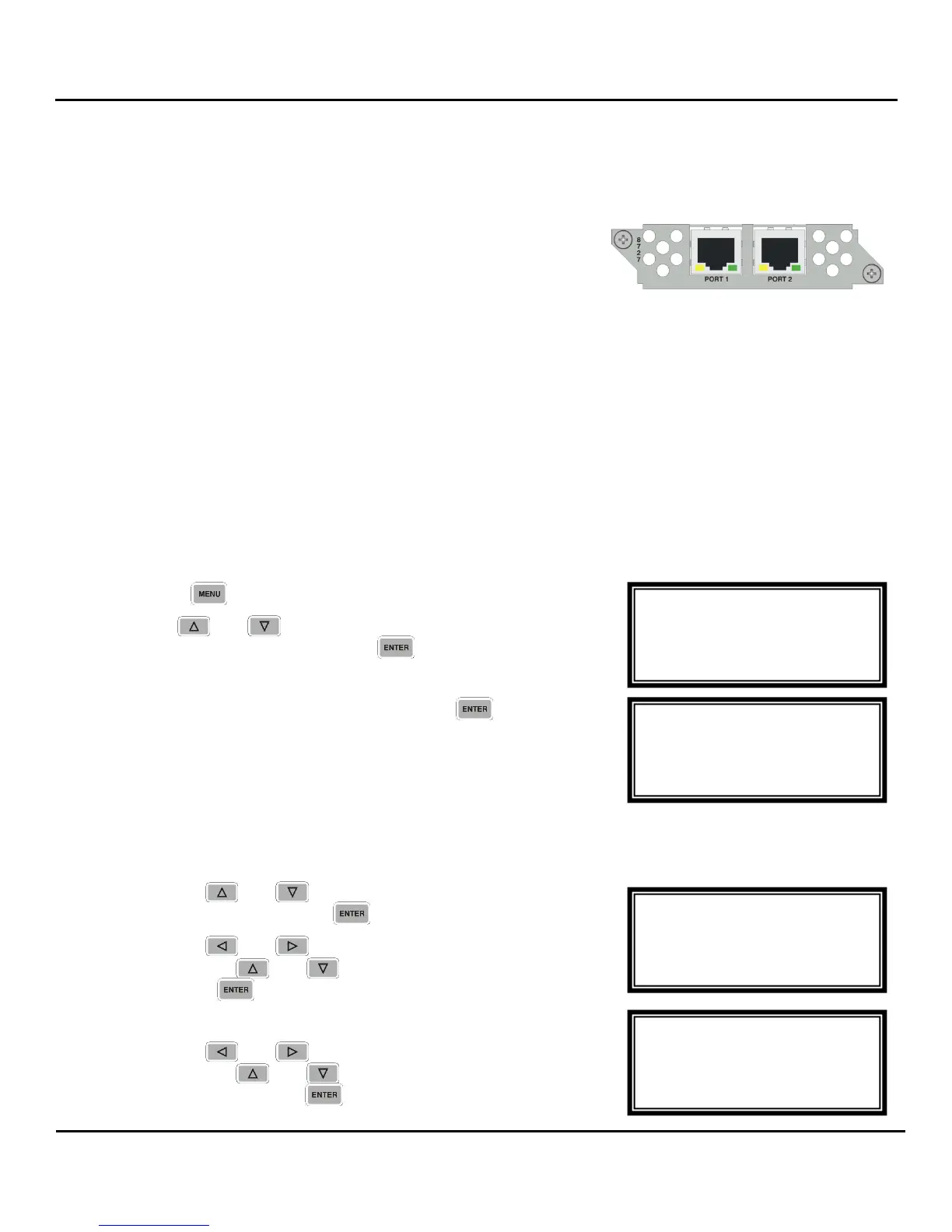
4.8 Dual MPEG over IP Input/ UDP Output – Option NRD00H05AA
General Information
Install Location: Installs in 1–2 through 1–4 and/or 2–2 through
2–4.
I/O: (2) 10/100/1000 Auto-negotiating Base-T RJ-45 Ethernet Port
Supported Formats: Receive UDP or RTP Multicasts and Unicasts. Transmit: UDP only
Description: This card encapsulates the TS from the bus and will transmit IP streams. It can also take in
IP streams and place them on the bus for an ASI/310M card. Up to two multicasts can be subscribed
to, allowing for a backup multicast to be chosen and two mirrored unicasts can be transmitted to allow
for redundancy. The two physical connectors can be configured independently.
Menu Control
This menu is used to setup the IP address, Subnet Mask, and Gateway for the MPEG/IP card. These
settings need to be set to proper values for the network that the unit is being used on. These values can
usually be obtained from the local network administrator.
1. Press the button.
2. Use the and buttons to move the cursor to
“MPEG/IP NetCfg”, then press the button.
3. Select “Port 1” or “Port 2” and then press the button.
IP Address/Subnet Mask/Gateway
1. Use the and buttons to move the cursor to “IP
Address”, then press the button.
2. Use the and buttons to select the column to edit
and use the and buttons to change the IP, then
press the button to save the selection.
3. The cursor will now be on, “Subnet Mask”.
4. Use the and buttons to select the column to edit
and use the and buttons to change the Subnet
Mask, then press the button to save the selection.
MPEG/IP 1-4 Net←→
10.0.0.51
Subnet Mask
► 255.000.000.000
MPEG/IP 1-4 Net←→
IP Address
► 010.000.000.051
Subnet Mask
MPEG/IP NetCfg
Select a Port
►Port 1
Port 2
Menu
►MPEG/IP NetCfg
Genlock Reference
System



 To Next Page