Receiver Descrambler - User Manual (release 7.3.1)
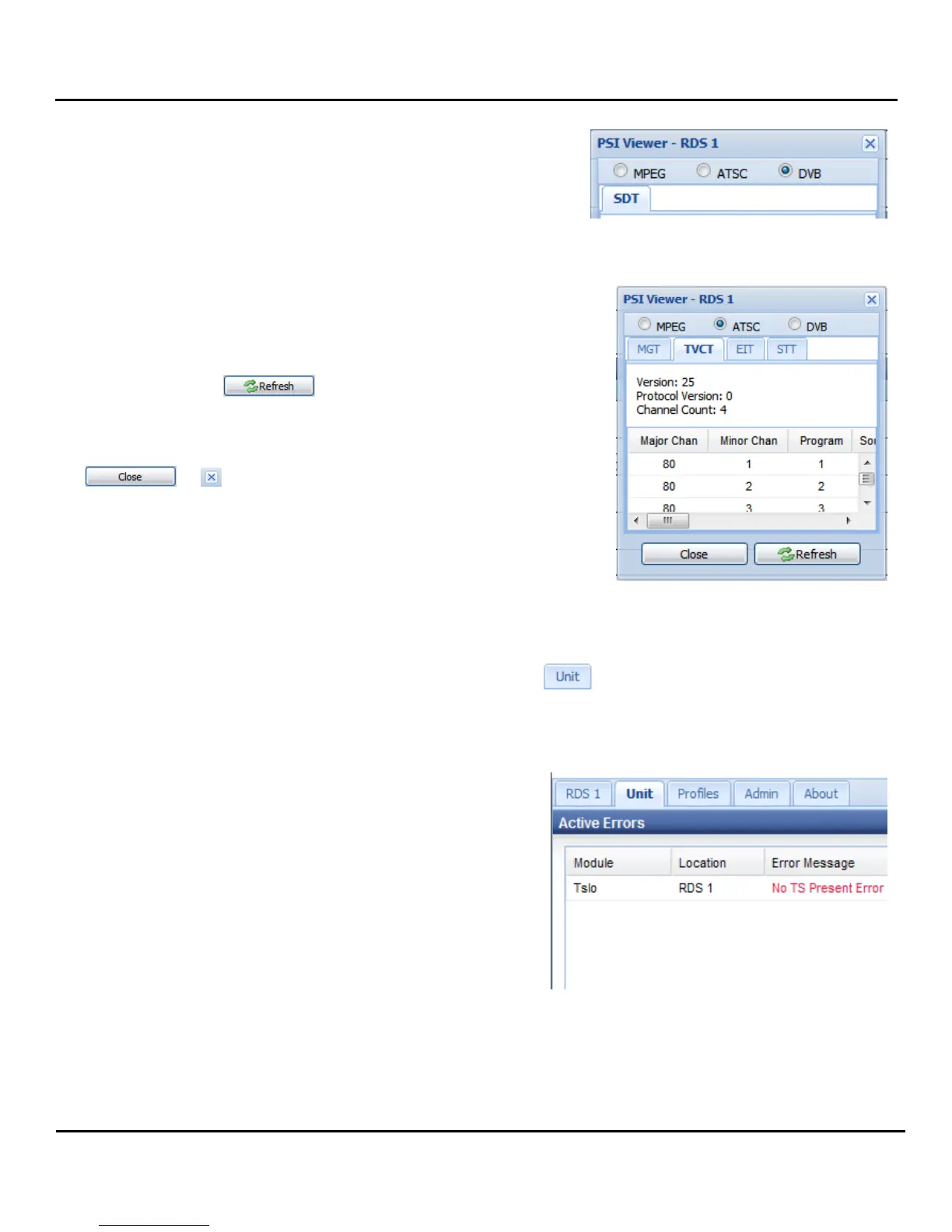
The DVB table grouping displays the SDT.
The PSIP Table display window can be resized to fit the table
being displayed. Scroll bars allow displaying the parts of the
table that do not fit in the window.
The displayed table is not automatically updated if the content
changes. Use the button to update the table
display. Changing tables will also display the current table
information.
In order to close the PSIP table display window, use the
or button.
5.4 Unit
This section will describe what information is included under the tab.
5.4.1 Active Errors
The first thing under this tab is the “Active Errors.” If any
of the status indicators across the top of the web client
are indicating an error (i.e. red circle) this section will give
a more detailed description of the specific error along
with the location of the item that is producing the error.



 To Next Page